The Best AI Meeting Note Taker
for Offline and Online Meetings
Without Bots
Record your meetings or upload any audio or video files, and let Audionotes generate your meeting notes, minutes, summaries, key points, emails, whatever you need.
Meeting in your browser? Record it with the Chrome extension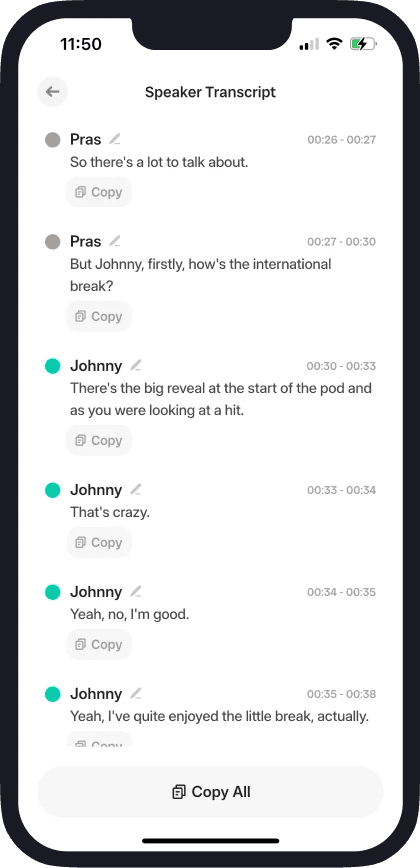
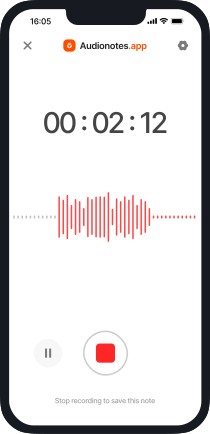
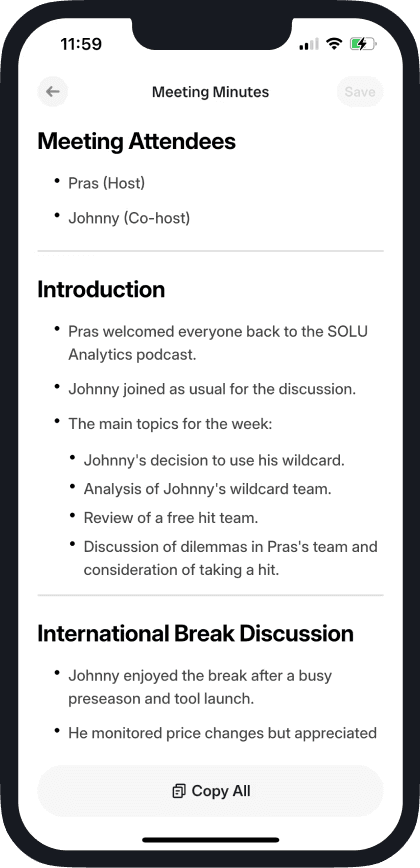

How Audionotes AI Meeting Note Taking App Works
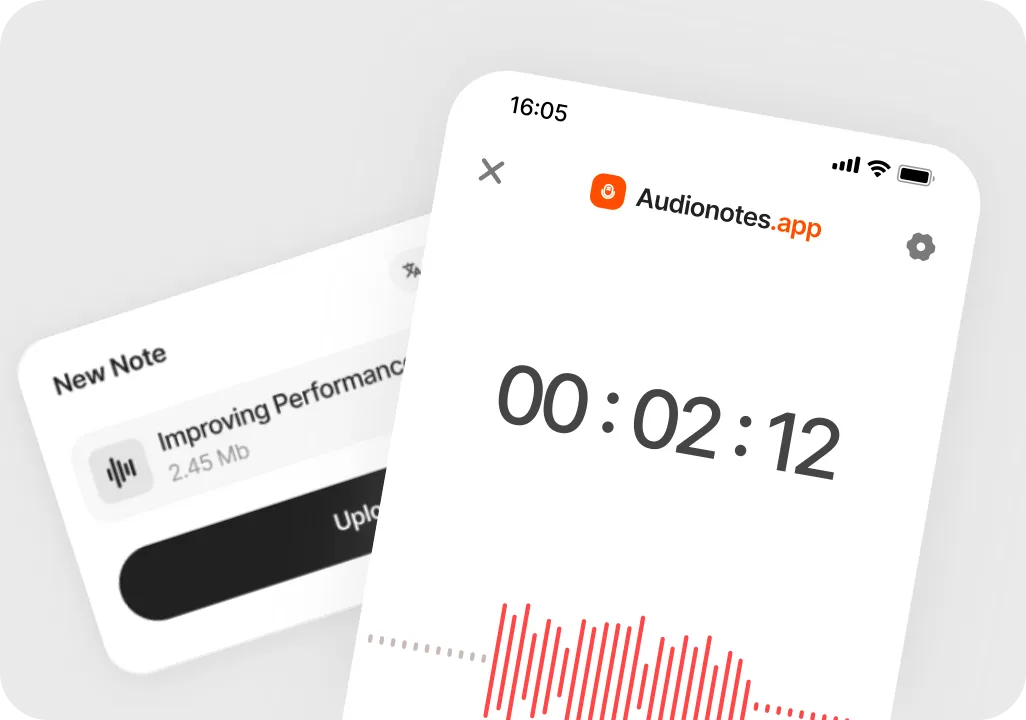
Record or upload your meeting
Record a live meeting in Audionotes on the web, on mobile, or in Chrome with the extension, or upload a meeting recording or call video later.
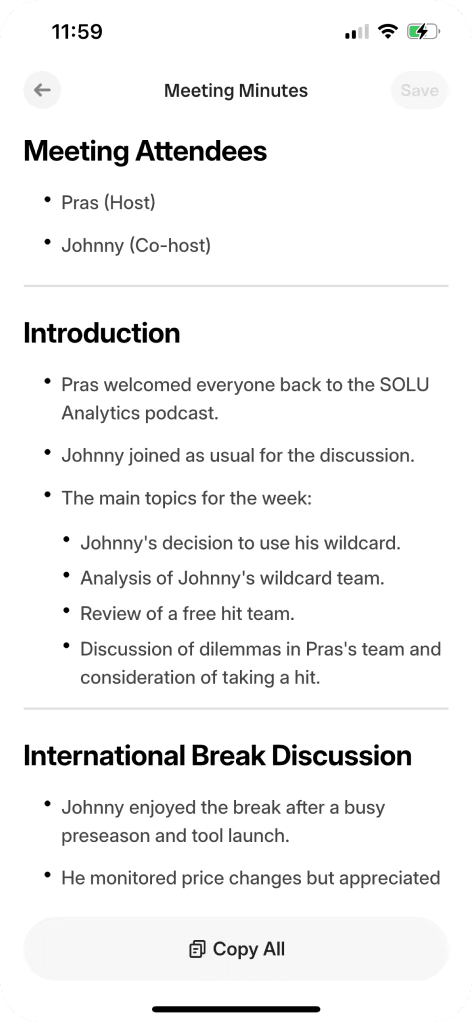
Get AI meeting notes and minutes
Audionotes transcribes the meeting and automatically turns it into structured meeting notes, AI meeting minutes, key decisions, and action items.
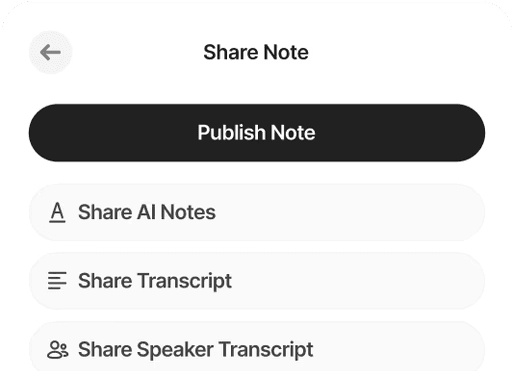
Review, refine, and put notes to work
Make quick edits, then turn your notes into short summaries, action lists, or follow-up emails, and share them with your team.
The real problems behind bad meeting notes
The issue is not that people are lazy. It is that meetings move faster than manual notes can keep up.

No one can listen and type properly at the same time
When people split attention between the keyboard and the conversation, they miss half of both. Important details never make it into the notes, so they vanish as soon as the call ends.
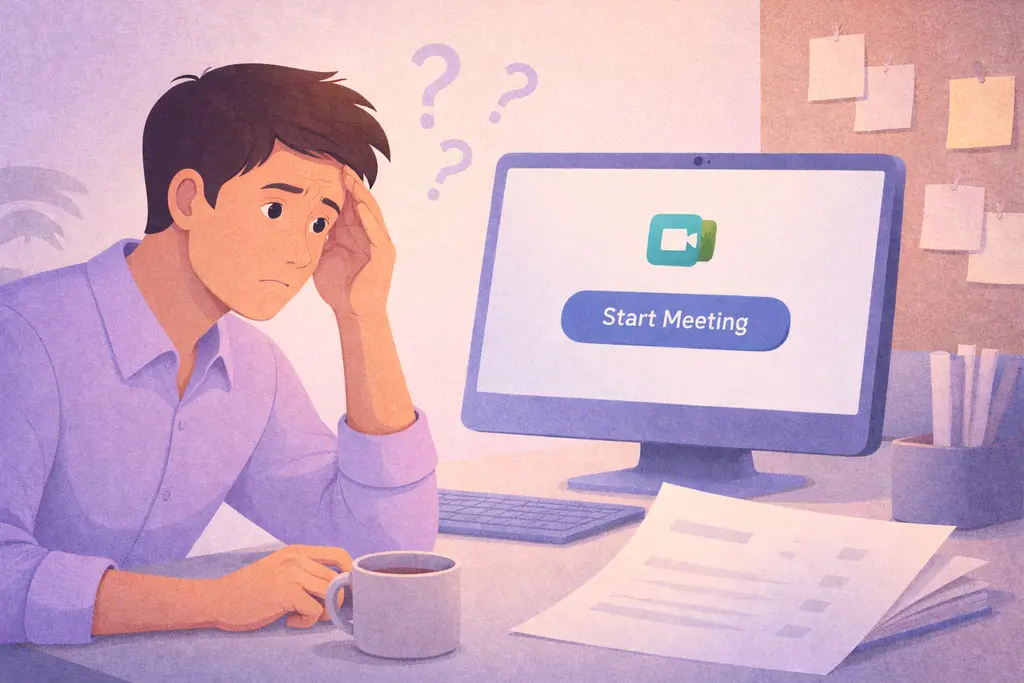
Decisions vanish once the call is over
Agreements feel clear in the moment, but without structured meeting notes, no one remembers the exact wording, the owner, or the deadline. The next meeting starts with "So where did we land on this."
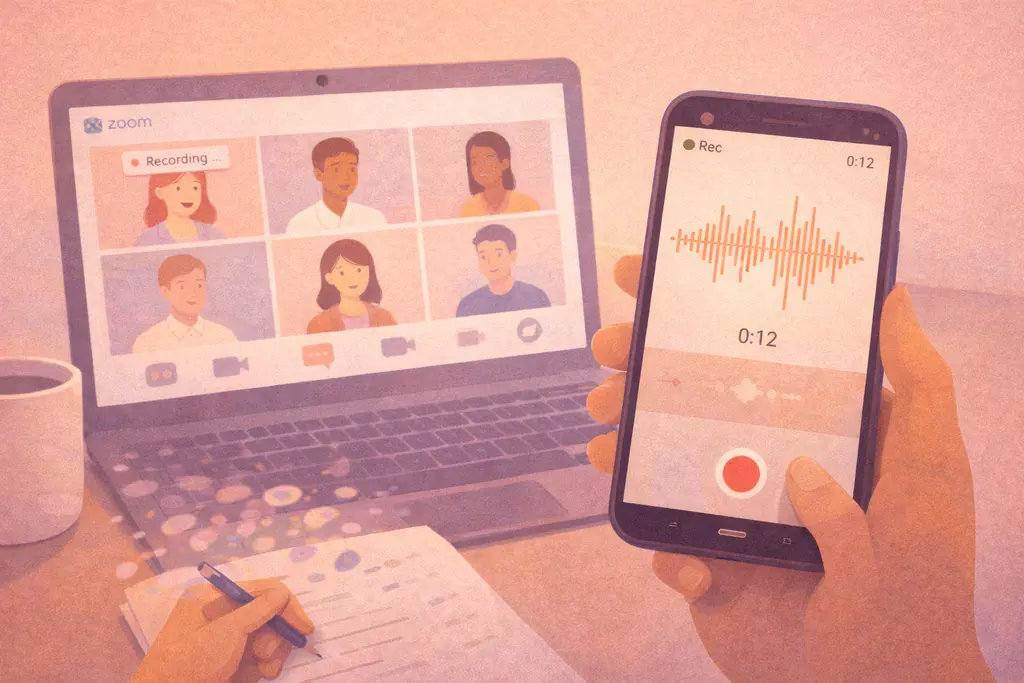
Recordings that never turn into real meeting notes
Calls are recorded "just in case" and then forgotten. Without an AI meeting note taker to create a short summary and key points, those files are as good as lost.
Audionotes: The ONLY Meeting Notes App You Need
Stay ready before you join, stay present while you are in the room, and leave with a clear plan for what happens next.

When people split attention between the keyboard and the conversation, they miss half of both. Important details never make it into the notes, so they vanish as soon as the call ends.

Record the discussion and let Audionotes handle the transcription, notes, and action items so you can listen, ask better questions, and contribute fully.

Turn the recording into a summary, minutes, and task list, then share follow-ups so everyone knows what was decided, who owns what, and what happens next.
Who is Audionotes Meeting Notes App For?
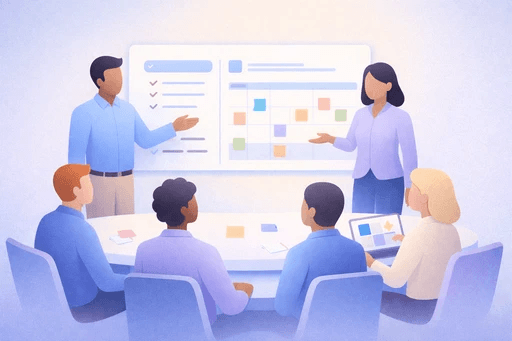
Managers & Team Leads
Audionotes helps managers stay organized across constant meetings. Every discussion becomes clear notes, decisions, and next steps, so nothing slips through the cracks. It keeps teams aligned, avoids confusion, and makes follow-ups effortless.

Founders & Executives
Busy founders and executives can rely on Audionotes to turn long strategy, investor, and partner conversations into concise summaries. It removes the need to rewatch recordings and helps you stay on top of commitments across all your teams.

Sales & Customer Success Teams
For sales and CS teams, Audionotes captures every client call, demo, question, and commitment. You get instant summaries, objections, and action items, making it easier to respond quickly, send stronger follow-ups, and keep deals moving.

HR & People Teams
Audionotes simplifies interviews, onboarding conversations, reviews, and one-to-ones. It creates clean, unbiased notes so HR teams can document conversations consistently and share accurate recaps with hiring managers or leadership.
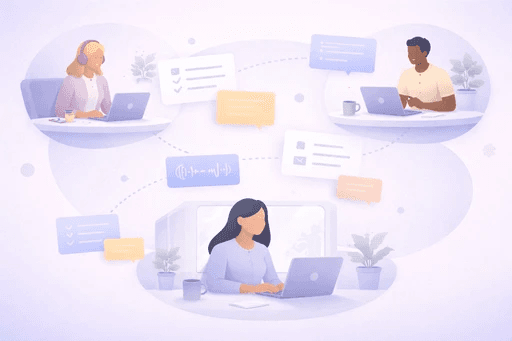
Remote & Hybrid Teams
Remote and hybrid teams use Audionotes to stay aligned without extra meetings. Notes and minutes can be shared instantly with anyone who missed the call, helping teams work asynchronously and avoid repeating the same discussions.
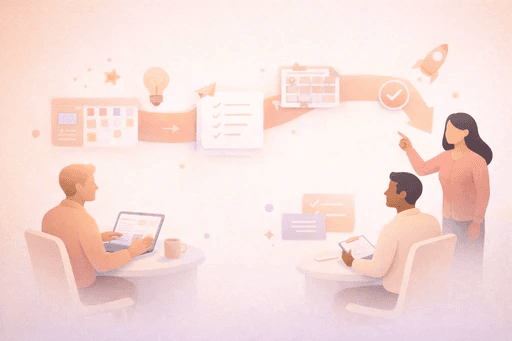
Project & Product Teams
Audionotes turns planning, sprint reviews, and brainstorming sessions into clear requirements and action items. It helps product and project teams keep context from meeting to meeting and maintain a reliable record of decisions.
Make every meeting count
Stop losing decisions and follow ups in long calls and meetings. Turn them into searchable meeting notes.
Start with Audionotes ›Create meeting notes from a recording
Audionotes helps you capture voice meeting notes without a bot, then turn the recording into minutes, summaries, and follow-ups.
Plans & Pricing
Your first note is completely free. No hidden fees.
What's Included
- Unlimited Voice Notes (1 min/note)
- Unlimited Text Notes
- Transcripts & Summaries
- 99+ Languages
- Search & Organize Notes
- iPhone, Android, Web, Chrome & Mac (beta)

Everything you need to capture, organize, and act on your ideas. Unlimited.
Get StartedWhat's Included
- Unlimited Voice Notes
- Unlimited File Uploads
- Notes from Images
- Notes from YouTube Videos
- Chat with Notes
- Unlimited Transcripts & Summaries
- Unlimited AI Generations
- Custom Prompts
- Notion, Zapier & Webhooks
For teams of 5+ who need dedicated support, custom integrations, and volume pricing.
Contact UsWhat's Included
- Everything in Pro
- Centralized Billing
- Priority Support
Recording size and file size limits may apply owing to device limitations and fair usage policy.
Comparing meeting note takers?
See how Audionotes compares with bot-based and meeting-first alternatives.
Learn How to Take Meeting Notes
Explore blogs, guides, tips, and real use cases on AI note-taking, productivity, and getting more value from every note with Audionotes.

Best Voice Recorders for Meetings in 2026
Whether you're a startup founder, a corporate professional, or a remote team member, the right voice recorder can transform how you capture and use meeting conversations.
![Legal Note-Taking: Best Practices & Tools [2026]](/_next/image?url=%2Fblog%2Fcovers%2Flegal-note-taking.png&w=3840&q=75&dpl=dpl_7A9ZodSZ16Xm5CwYB2Q2iHBcg4b2)
Legal Note-Taking: Best Practices & Tools [2026]
In this guide, we'll explore how to take legal notes effectively, the key components of professional documentation, and how apps like Audionotes can streamline your legal workflow.
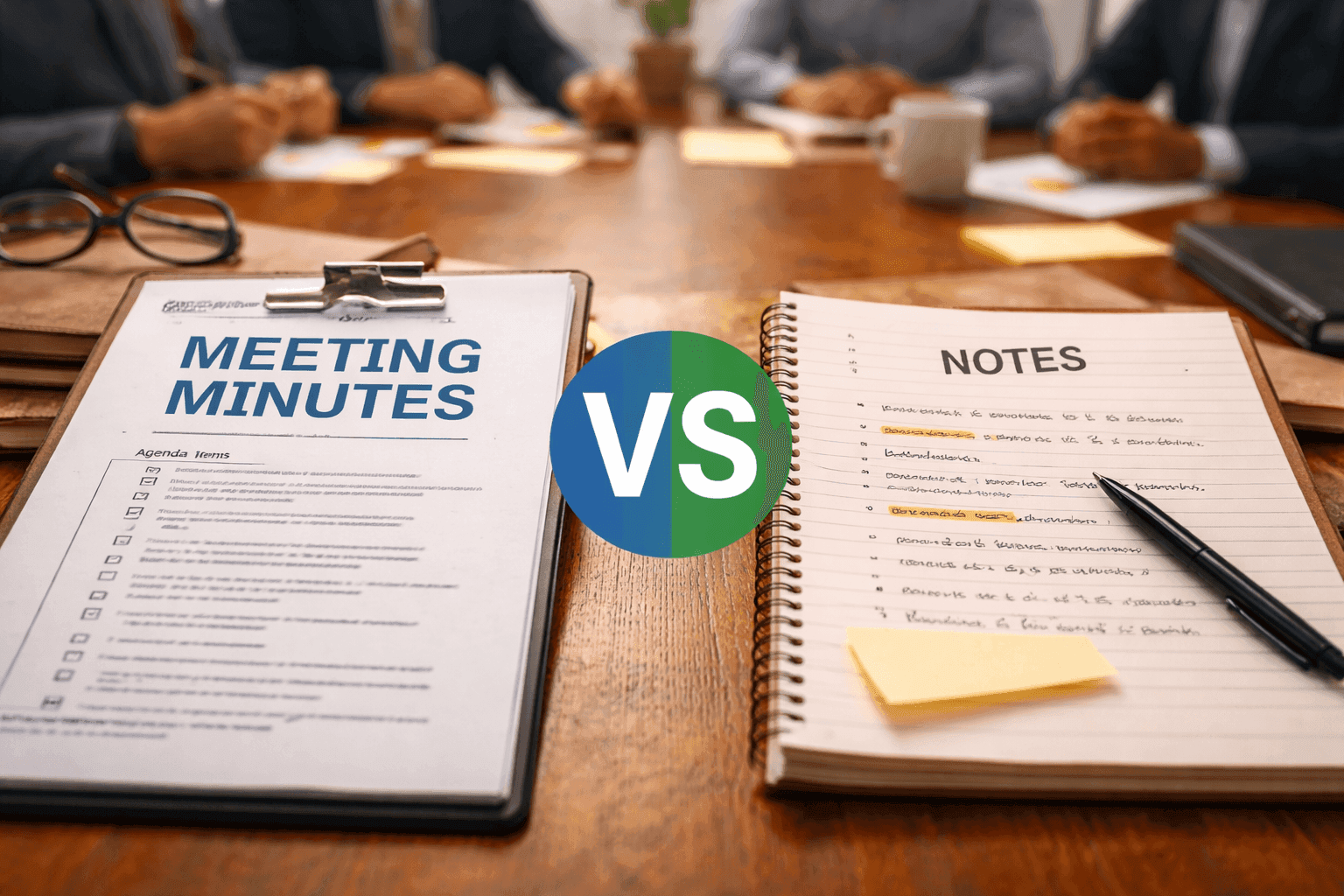
Meeting Minutes vs Notes: What's the Difference?
When it comes to documenting meetings, many people mix up meeting notes and meeting minutes. While both capture what happened during a discussion, they serve different purposes and are used in different ways.
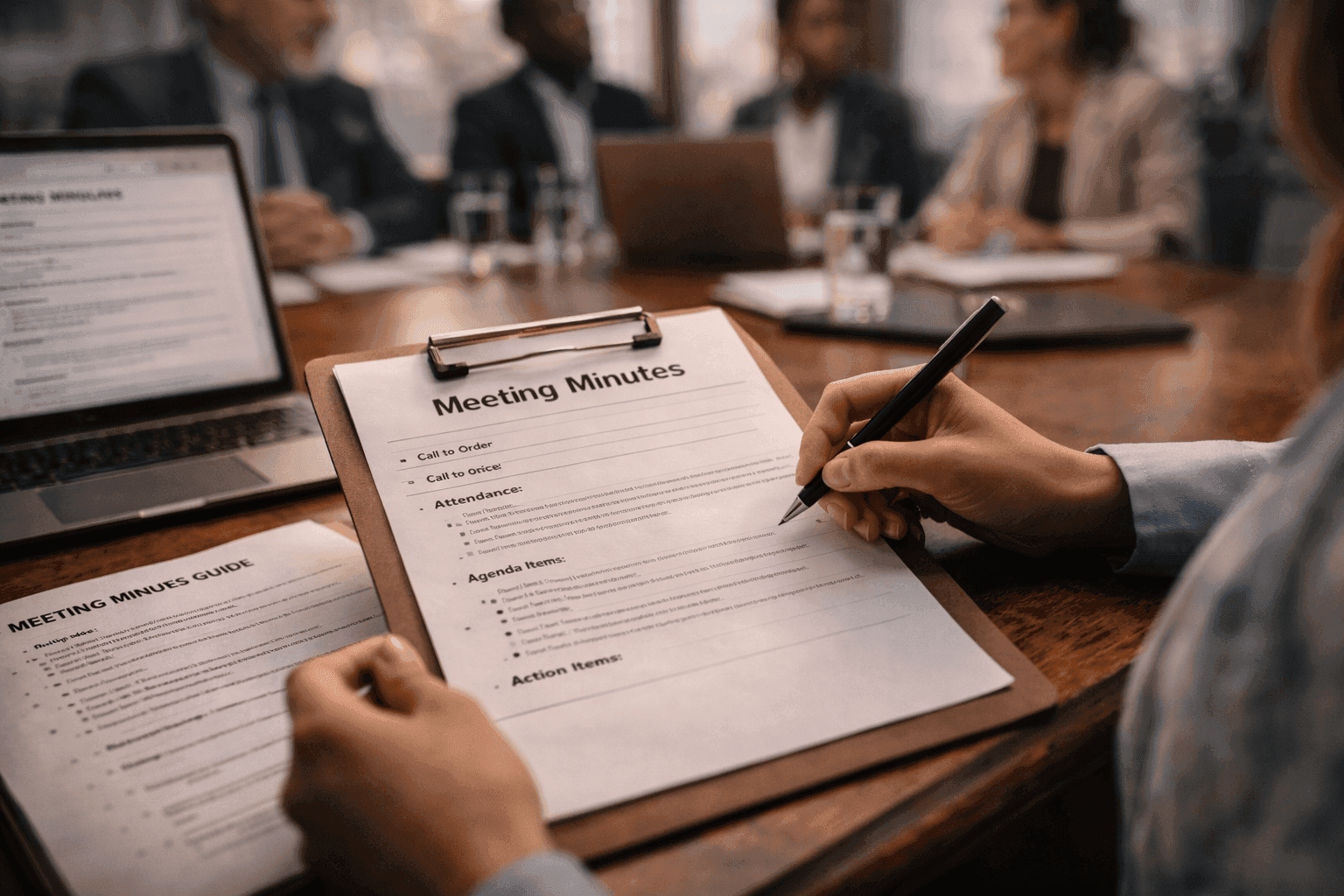
How to Write Meeting Minutes - Template & Guide
MOM in a meeting or minutes of a meeting serve as a written record of what occurred during a meeting. They help everyone remember what was discussed, what decisions were made, and who is responsible for the next steps.
![Meeting Notes Template: Free Download [2026 Guide]](/_next/image?url=%2Fblog%2Fcovers%2Fmeeting-notes-template.png&w=3840&q=75&dpl=dpl_7A9ZodSZ16Xm5CwYB2Q2iHBcg4b2)
Meeting Notes Template: Free Download [2026 Guide]
A meeting notes template is a structured layout that helps you capture the most important details from every meeting in a consistent, organized way.
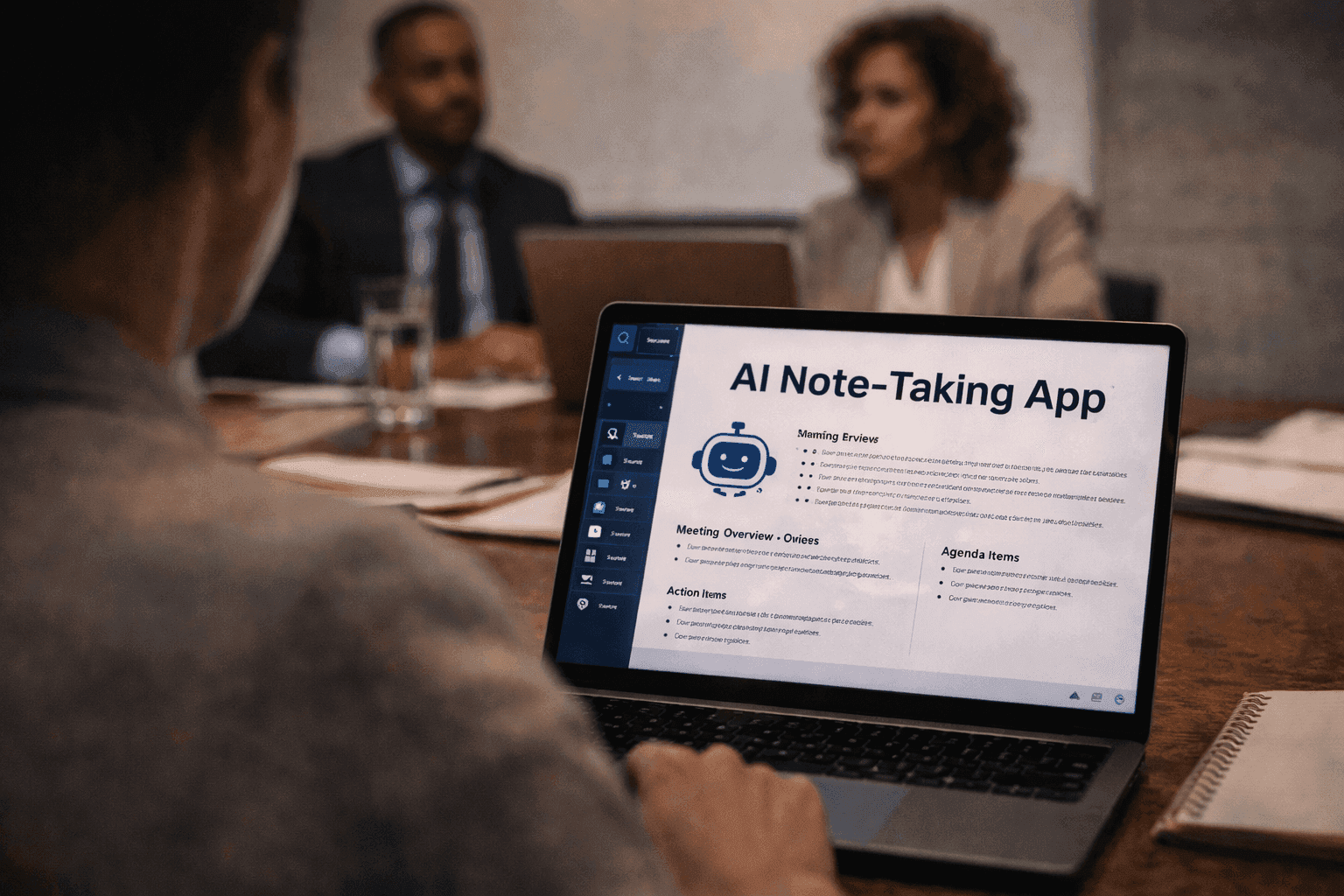
Best AI Note-Taking Tools for Meetings (2026)
Taking notes during meetings can be challenging, important details often get missed while trying to stay engaged in the conversation. That's where AI note-taking tools come in.
![Voice Notes vs Text Notes: Which Is Better? [2026]](/_next/image?url=%2Fblog%2Fcovers%2Fvoice-notes-vs-text-notes.png&w=3840&q=75&dpl=dpl_7A9ZodSZ16Xm5CwYB2Q2iHBcg4b2)
Voice Notes vs Text Notes: Which Is Better? [2026]
Choosing between voice notes and text notes can feel confusing, especially when you want speed, clarity, and a well-organized way to capture information.
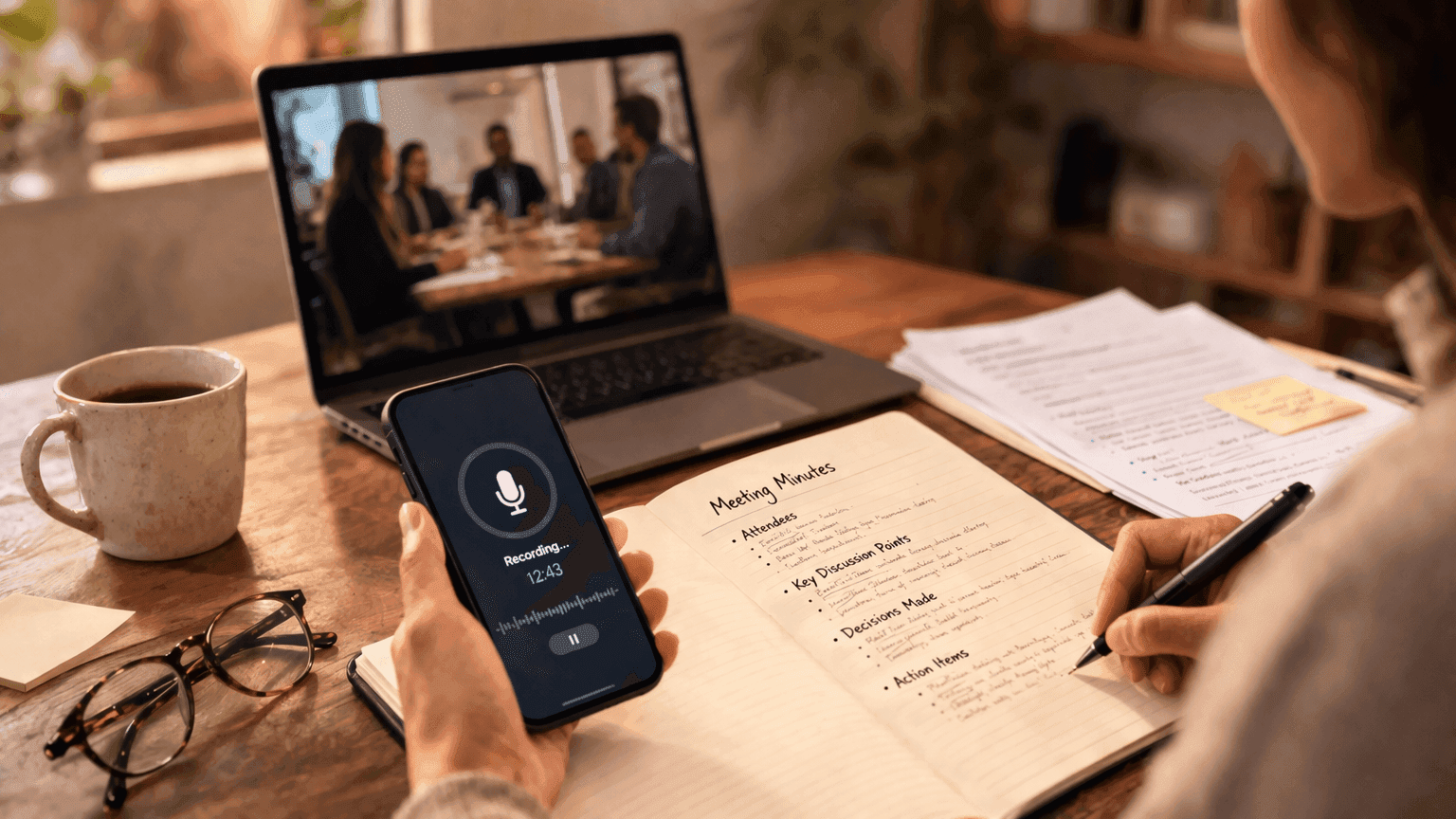
A Beginner's Guide to Recording and Transcribing Meeting Minutes
Meetings are where ideas are discussed, decisions are made, and plans move forward. But if those discussions are not properly recorded, important details can easily get lost. That is where meeting minutes come in.
![How to Take Better Meeting Notes [2026 Guide]](/_next/image?url=%2Fblog%2Fcovers%2Fhow-to-take-better-notes-in-meetings.png&w=3840&q=75&dpl=dpl_7A9ZodSZ16Xm5CwYB2Q2iHBcg4b2)
How to Take Better Meeting Notes [2026 Guide]
Taking better notes in meetings is not just about writing more, it is about capturing the right information in a clear, organized way. Learn how to take better meeting notes with proven techniques and AI tools.
![How to Prepare a Meeting Agenda [Template + Tips]](/_next/image?url=%2Fblog%2Fcovers%2Fhow-to-prepare-agenda-for-meeting.png&w=3840&q=75&dpl=dpl_7A9ZodSZ16Xm5CwYB2Q2iHBcg4b2)
How to Prepare a Meeting Agenda [Template + Tips]
Running a meeting without a clear agenda is like setting off on a road trip without a map. If you want your meetings to be focused, productive, and actually worth everyone's time, you need a proper meeting agenda.
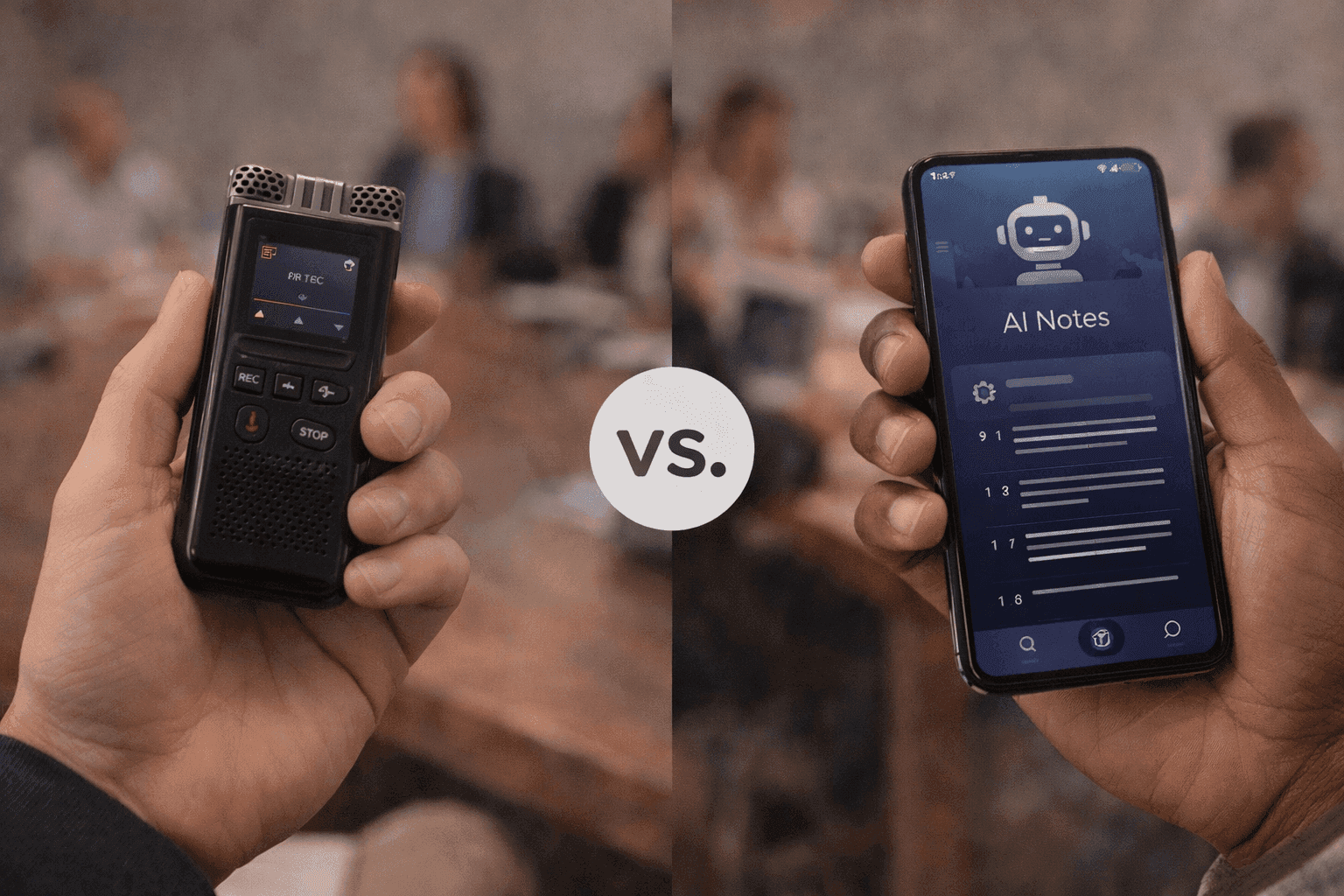
Voice Recorder vs AI Note Taker: Which Is Better?
Voice recorder vs AI note taker: which do you actually need? Compare features, use cases & results. AI note takers go beyond simple mobile voice recording. They can transcribe, summarize, and organize conversations automatically.

9 Benefits of Note-Taking (Backed by Science)
Note-taking is one of the most powerful habits you can build. Science shows it improves memory, focus, and decision-making. Discover the key benefits and how AI tools make it even more effective.
![How to Prepare for a Meeting - Checklist [2026]](/_next/image?url=%2Fblog%2Fcovers%2Fhow-to-prepare-for-a-meeting.png&w=3840&q=75&dpl=dpl_7A9ZodSZ16Xm5CwYB2Q2iHBcg4b2)
How to Prepare for a Meeting - Checklist [2026]
Whether you're leading the discussion or just attending, being ready helps you contribute better and stay focused. In this guide, we'll go over practical tips to help you get the most out of every meeting.
Best Voice Recorders for Meetings in 2026
Whether you're a startup founder, a corporate professional, or a remote team member, the right voice recorder can transform how you capture and use meeting conversations.
Legal Note-Taking: Best Practices & Tools [2026]
In this guide, we'll explore how to take legal notes effectively, the key components of professional documentation, and how apps like Audionotes can streamline your legal workflow.
Meeting Minutes vs Notes: What's the Difference?
When it comes to documenting meetings, many people mix up meeting notes and meeting minutes. While both capture what happened during a discussion, they serve different purposes and are used in different ways.
How to Write Meeting Minutes - Template & Guide
MOM in a meeting or minutes of a meeting serve as a written record of what occurred during a meeting. They help everyone remember what was discussed, what decisions were made, and who is responsible for the next steps.
Meeting Notes Template: Free Download [2026 Guide]
A meeting notes template is a structured layout that helps you capture the most important details from every meeting in a consistent, organized way.
Best AI Note-Taking Tools for Meetings (2026)
Taking notes during meetings can be challenging, important details often get missed while trying to stay engaged in the conversation. That's where AI note-taking tools come in.
Voice Notes vs Text Notes: Which Is Better? [2026]
Choosing between voice notes and text notes can feel confusing, especially when you want speed, clarity, and a well-organized way to capture information.
A Beginner's Guide to Recording and Transcribing Meeting Minutes
Meetings are where ideas are discussed, decisions are made, and plans move forward. But if those discussions are not properly recorded, important details can easily get lost. That is where meeting minutes come in.
How to Take Better Meeting Notes [2026 Guide]
Taking better notes in meetings is not just about writing more, it is about capturing the right information in a clear, organized way. Learn how to take better meeting notes with proven techniques and AI tools.
How to Prepare a Meeting Agenda [Template + Tips]
Running a meeting without a clear agenda is like setting off on a road trip without a map. If you want your meetings to be focused, productive, and actually worth everyone's time, you need a proper meeting agenda.
Voice Recorder vs AI Note Taker: Which Is Better?
Voice recorder vs AI note taker: which do you actually need? Compare features, use cases & results. AI note takers go beyond simple mobile voice recording. They can transcribe, summarize, and organize conversations automatically.
9 Benefits of Note-Taking (Backed by Science)
Note-taking is one of the most powerful habits you can build. Science shows it improves memory, focus, and decision-making. Discover the key benefits and how AI tools make it even more effective.
How to Prepare for a Meeting - Checklist [2026]
Whether you're leading the discussion or just attending, being ready helps you contribute better and stay focused. In this guide, we'll go over practical tips to help you get the most out of every meeting.
Frequently Asked Questions
Save time and stay organised with Audionotes
Without Audionotes


With Audionotes


Explore other ways to use Audionotes
Many users start with one workflow and discover others.
Browse a related use case below.
Get the Audionotes app today
For mobile
Scan the QR code below

Still not sure thatAudionotes.app isright for you?
Let ChatGPT, Claude, or Perplexity help you to choose.
Click a button and see what your favourite AI says about Audionotes.app.


