AI Voice to Notes App That Turns
Conversations Into Ready‑to‑Use Notes
Speak and record or upload voice notes and conversations, and let Audionotes transcribe, summarise, and transform your voice into clear notes, drafts, and to-do lists — synced across web, iOS, Android, and Mac (beta).


Record and transcribe audio

How to Convert Voice to Notes Using Audionotes
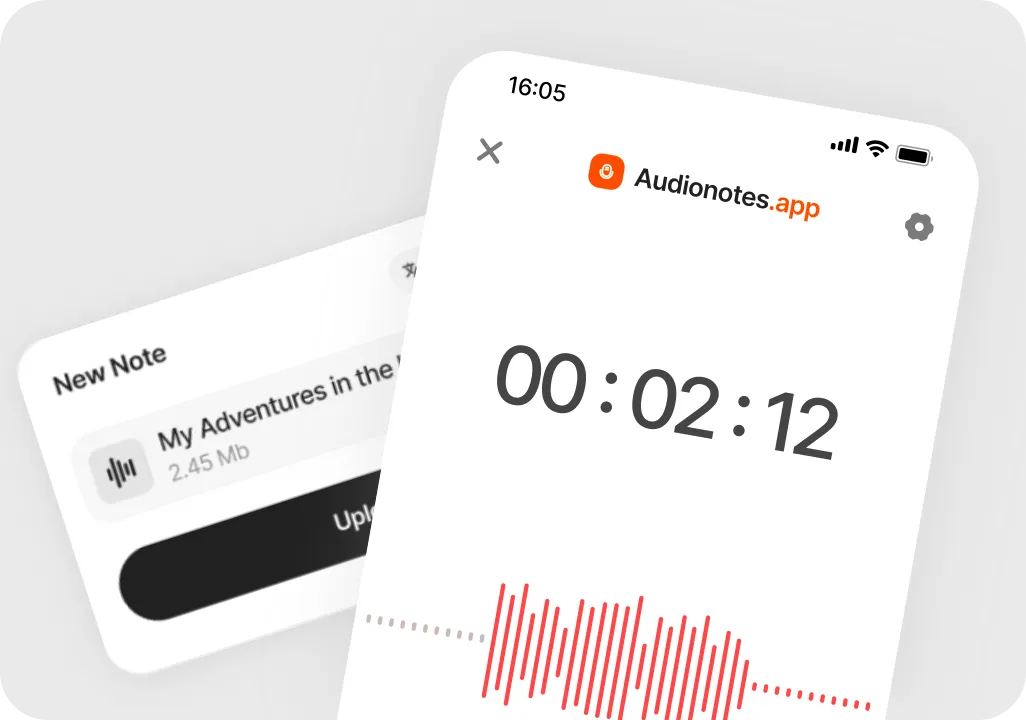
Record your voice
Open Audionotes on your phone or desktop, press record, and just speak. Capture conversations, ideas, reminders, and thoughts without typing.
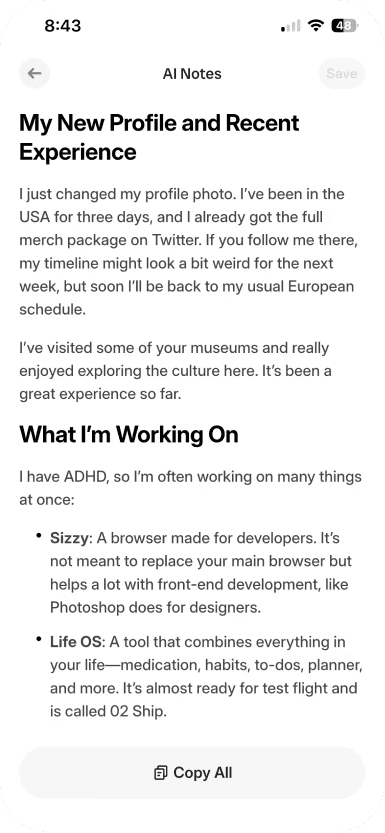
Turn your voice into text
Audionotes converts your speech or recorded audio into clear, editable text in moments, so you can use your notes the way you want, from summaries to to-do lists and more.
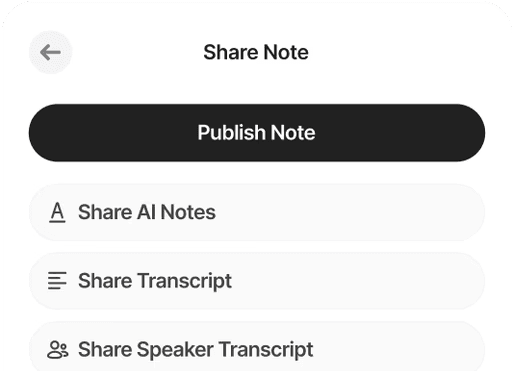
Save, organise, and share in a few clicks
Store your notes in one place, tidy them up if you like, and share them with others or across your devices whenever you need.
Turn Everyday Voice Notes Into Work You Can Use
Whether you are transcribing videos, webinars, interviews, meetings, or lectures, Audionotes delivers fast, accurate transcription so every recording becomes searchable, editable text.
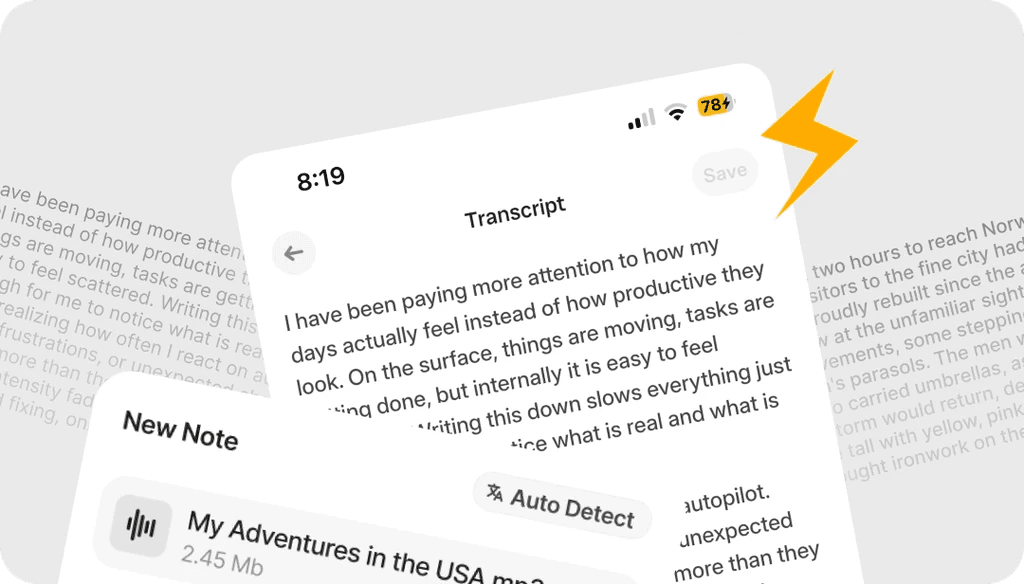
Accurate Voice Transcription
Turn your speech into clear text with highly accurate transcription. Audionotes captures what you say with 95% accuracy, so your voice notes are ready to use with minimal editing.
Customize & Edit
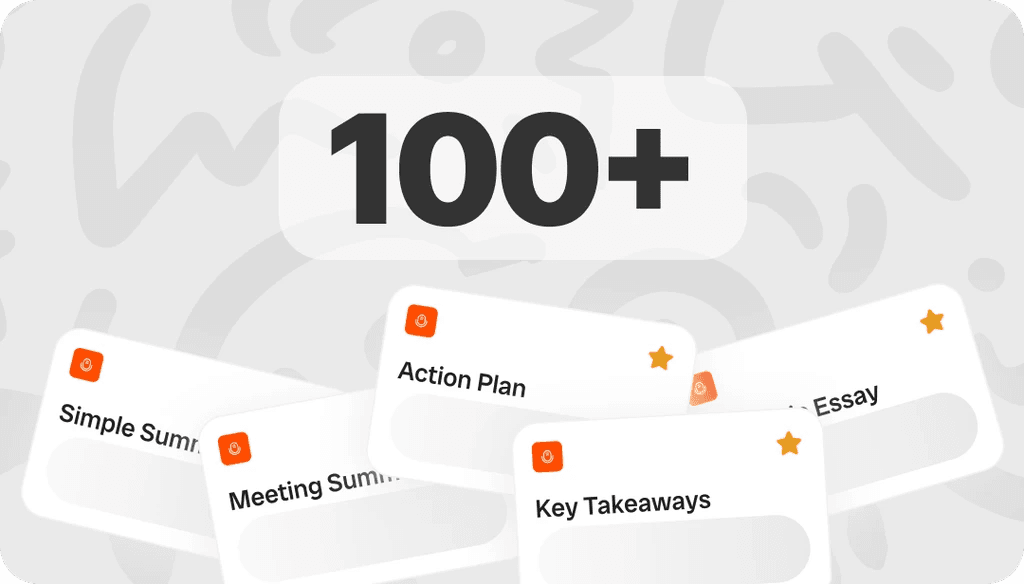
Shape your notes the way you like them. Choose from 100+ ready templates or create your own with custom prompts so every output matches your style and use case.
Multilingual Support
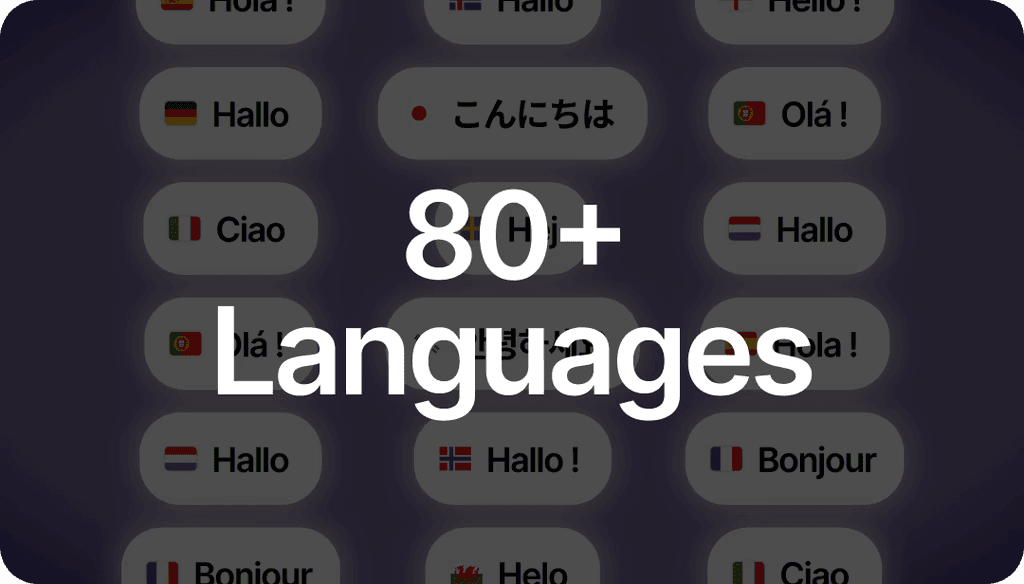
Record in your own language. Audionotes supports more than 99 languages with automatic language detection for smooth multilingual notes.
Record & Download
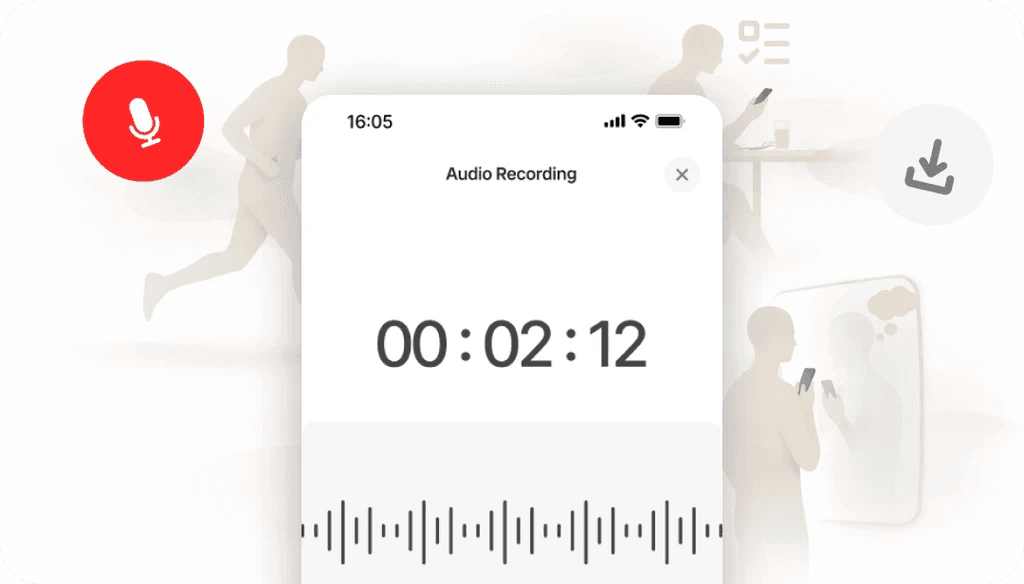
Capture quick ideas, reflections, daily to-dos, health notes, meeting highlights — anything — and download either clear summarised notes or the original audio. Save and reuse your voice notes whenever you need them.
Organize, Search & Chat
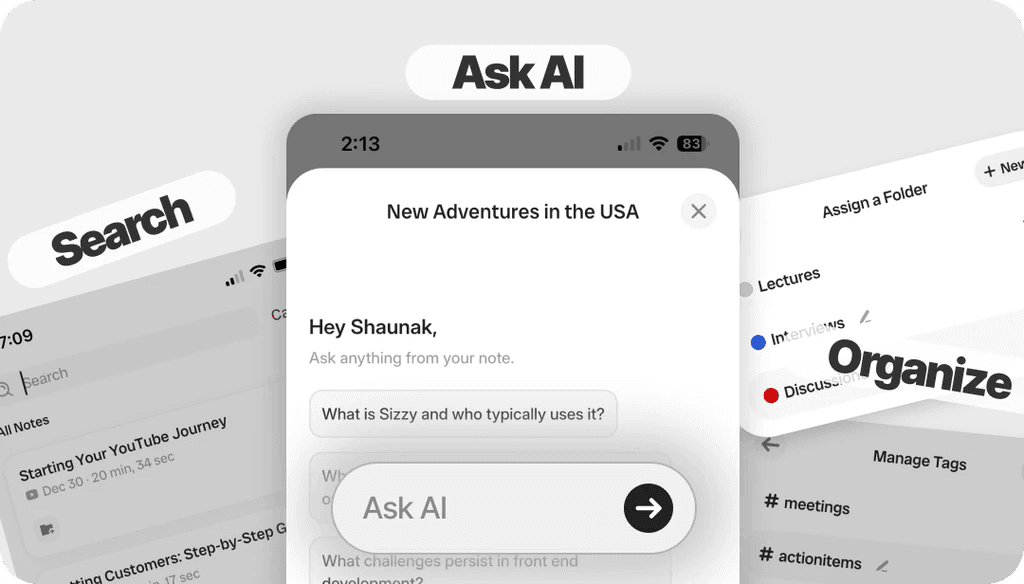
Keep all your notes in one place and find what you need in seconds. Search across your voice notes or chat with them to get quick answers using the Ask AI feature.
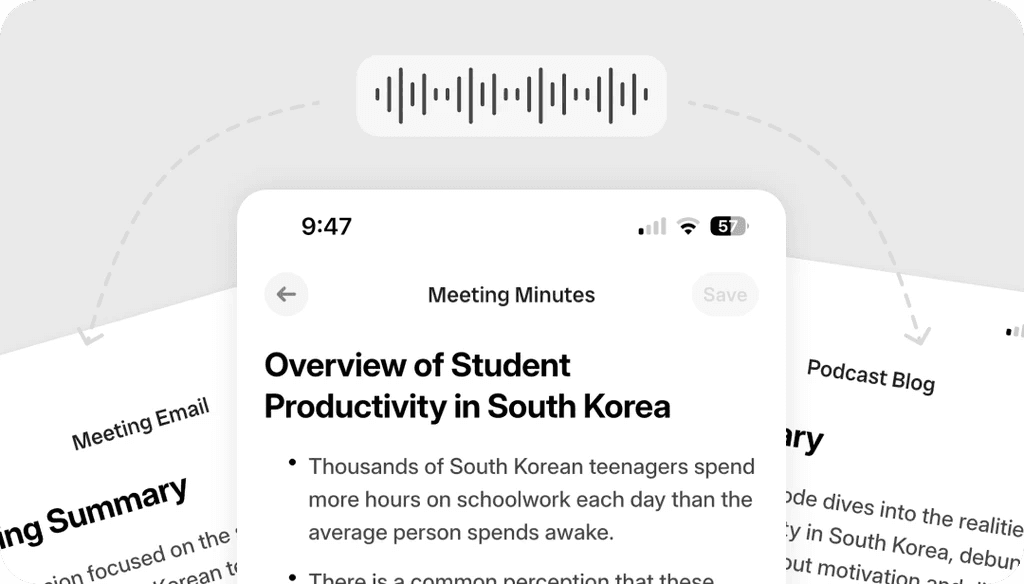
Draft Anything
Draft emails, briefs, meeting minutes, blogs, and more directly from your voice conversations or notes. Start by talking and finish with clear, ready-to-use drafts.
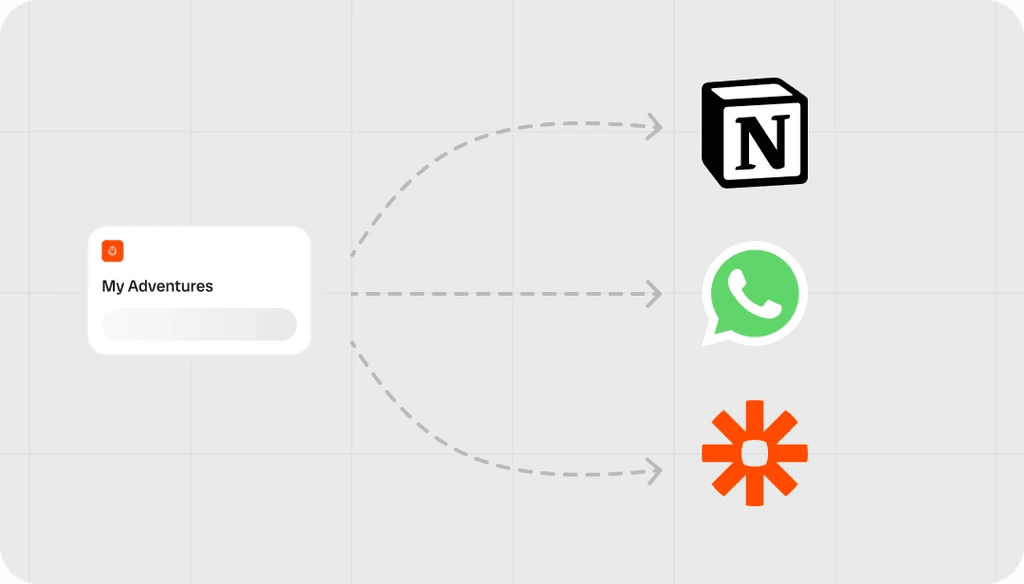
Integrate & Connect
Connect Audionotes to the tools you already use. Send transcriptions through WhatsApp, store structured notes in Notion, or use Zapier to automate your workflows.
Secure & Private
Your recordings and notes stay private, encrypted, and under your control — with no third-party sharing and no use of your content for external AI training.
Loved by 200K+ Happy Users

Makes life SO much easier. They've really improved the interface to make life easier and they listen to their users to make the product better. Recording my random thoughts and organizes them so I can be productive. Love this.
 Paul Colaianni
AudioNotes is truly a game-changer! As a marketing consultant, I often find myself brainstorming ideas alone, and this app has become my go-to companion. It effortlessly captures and organizes my thoughts, ensuring that not a single idea, whether good or bad, slips away!
 Alexandre
Really excited with AudioNotes! I can shower, miss a thought and would like how we can also transcribe the audios of some conferences that I have stored on my phone… Very satisfied with the support of AudioNotes that quickly resolved.
 Damian Larrañaga
The AudioNotes.app team is very responsive and customer service is top notch!! The ability to summarize voice notes so elegantly has made my workflow even more efficient than I could have ever hoped. This is an amazing tool for journaling as well.
 Cydney
AudioNotes has become an essential part of my creative process. It is just so quick and easy to ramble into my phone and then get a version of my ideas that is clear and usable immediately.
 Adam Davidson
Audio Notes revolutionizes note-taking and content creation, making it a game-changer for professionals, students, content creators, and anyone looking to boost their productivity. Keep up the work! I hope to see more exciting features.
 Andy Lim
Makes life SO much easier. They've really improved the interface to make life easier and they listen to their users to make the product better. Recording my random thoughts and organizes them so I can be productive. Love this.
Paul ColaianniAudioNotes is truly a game-changer! As a marketing consultant, I often find myself brainstorming ideas alone, and this app has become my go-to companion. It effortlessly captures and organizes my thoughts, ensuring that not a single idea, whether good or bad, slips away!
AlexandreReally excited with AudioNotes! I can shower, miss a thought and would like how we can also transcribe the audios of some conferences that I have stored on my phone… Very satisfied with the support of AudioNotes that quickly resolved.
Damian LarrañagaThe AudioNotes.app team is very responsive and customer service is top notch!! The ability to summarize voice notes so elegantly has made my workflow even more efficient than I could have ever hoped. This is an amazing tool for journaling as well.
CydneyAudioNotes has become an essential part of my creative process. It is just so quick and easy to ramble into my phone and then get a version of my ideas that is clear and usable immediately.
Adam DavidsonAudio Notes revolutionizes note-taking and content creation, making it a game-changer for professionals, students, content creators, and anyone looking to boost their productivity. Keep up the work! I hope to see more exciting features.
Andy LimWho Does Audionotes Voice to Note App Help?
Built for anyone who wants to capture ideas fast and turn voice notes into clear, usable text without typing or writing.

Students & Educators
Record classes and discussions, then revisit your recorded voice note summaries for easy review.

Professionals
Capture meetings, client calls, and action points so follow ups and next steps are always clear.

Podcasters & Content Creators
Speak out ideas, segments, or full episodes and turn them into drafts, scripts, and content outlines.

Journalists & Interviewers
Record interviews on the go and turn them into clean, searchable notes ready for quotes and stories.

Anyone With Ideas
Store every thought, plan, or reminder in one place so inspiration never gets lost.

Doctors
Dictate patient details and convert them into structured notes for quicker, more accurate documentation.
Captioners, Subtitlers & Translators
Turn audio into precise text that can be adapted into captions and subtitles for different languages.
Benefits of Using AI Voice Note Taker
Audionotes helps you capture thoughts by voice and turn them into structured notes, summaries, and drafts without manual effort.
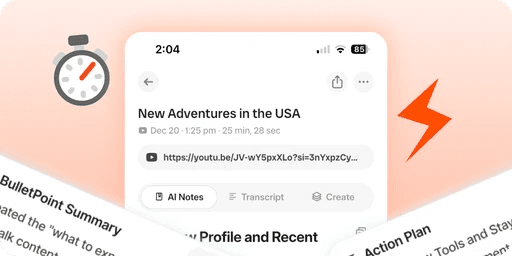
Save time and get more done
Capture ideas in seconds with a voice to notes app instead of typing. Audionotes handles voice to text transcription and turns voice notes into structured notes, meeting minutes, and action items so you can move faster with less effort.
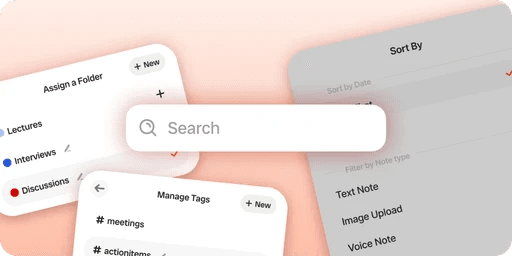
Stay organised and never lose details
Stop juggling scattered voice memos. Audionotes keeps your voice notes in one place, makes them searchable, and helps you transcribe voice notes into clean text so you can find any detail instantly.

Turn voice into usable outputs
This is more than a voice recorder with transcription. Audionotes can turn speech to notes, summaries, drafts, and to do lists so your voice note to text becomes something you can actually use and share.
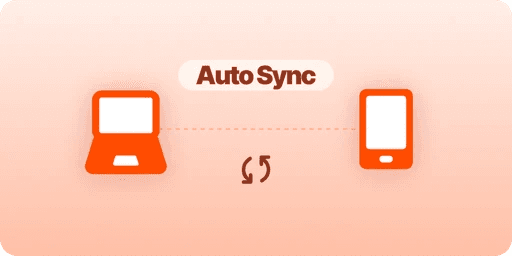
Work your way, anywhere
Record on mobile or desktop, upload files when needed, and keep everything synced across devices. Whether you are saving quick voice notes or converting longer recordings, Audionotes fits into your day without friction.
Manual Notes vs Voice Recorder vs Audionotes
See for yourself why an AI voice to notes app is an upgrade you must switch to.
| Feature | Manual Notes | Voice Recorder | Audionotes Voice Notes App |
|---|---|---|---|
| Voice to Notes | Listen and type notes manually | Only records audio, no text notes | Turns voice into clear text notes automatically with AI |
| AI Summaries | Listen and make the summaries yourself. | Listen back and write your own summary | Creates short, structured summaries after every recording, instantly. |
| Searchable Notes | Hard to find anything unless you remember the file/folder. | Must replay audio to find what was said | Search all notes by keyword or phrase in seconds, filter them with tags, and even chat with your notes to quickly find something specific. |
| Multilingual Support | Write only in the languages you know | Often limited language options | Record and transcribe in 99+ languages with smart voice detection |
| Organize | Create and manage notes into folders by yourself | Audio files sit in one long unordered list | Use folders, tags, and titles so every note has a clear place. Easily organize with folders and tags. |
Don't Type It, or Write it, or Worry about Transcribing It.
Just Talk and Audionotes AI Voice to Notes App will do the work for you.
Download App ›Turn voice notes into searchable notes
Use Audionotes as your AI voice notes app, then explore practical guides for voice memos, text notes, and turning spoken thoughts into organized notes.
Plans & Pricing
Start free, upgrade when you need more. One Pro plan, everything included — no hidden fees.
What's Included
- Unlimited Voice Notes (1 min/note)
- Unlimited Text Notes
- Transcripts & Summaries
- 99+ Languages
- Search & Organize Notes
- iPhone, Android, Web & Mac (beta)

Everything you need to capture, organize, and act on your ideas — unlimited.
Get StartedWhat's Included
- Unlimited Voice Notes
- Unlimited File Uploads
- Notes from Images
- Notes from YouTube Videos
- Chat with Notes
- Unlimited Transcripts & Summaries
- Unlimited AI Generations
- Custom Prompts
- Notion, Zapier & Webhooks
For teams of 5+ who need dedicated support, custom integrations, and volume pricing.
Contact UsWhat's Included
- Everything in Pro
- Centralized Billing
- Priority Support
Recording size and file size limits may apply owing to device limitations and fair usage policy.
Comparing voice note apps?
See how Audionotes compares with recorder-first and writing-first alternatives.
Learn How to Take Smarter Voice Notes
Explore blogs, guides, tips, and real use cases on AI note-taking, productivity, and getting more value from every note with Audionotes.
![Best Dictation Apps in 2026 [Tested & Ranked]](/_next/image?url=%2Fblog%2Fcovers%2Fbest-dictation-apps-for-iphone.png&w=3840&q=75&dpl=dpl_G7TtNEzYJY1wADRLFHtw9nyD4qiK)
Best Dictation Apps in 2026 [Tested & Ranked]
Typing on your iPhone isn't always convenient, especially when your hands are full or you're in the middle of something. That's where dictation apps come in.

8 Best Voice Recording Apps for Android (2026)
Choosing the right voice recording app for Android in 2026 can make a big difference, whether you're capturing lectures, recording meetings, or taking quick personal notes.
![Voice to Text on iPhone: Complete Guide [2026]](/_next/image?url=%2Fblog%2Fcovers%2Fvoice-to-text-on-iphone.png&w=3840&q=75&dpl=dpl_G7TtNEzYJY1wADRLFHtw9nyD4qiK)
Voice to Text on iPhone: Complete Guide [2026]
In this guide, we'll walk through how voice-to-text works on iPhone, how to enable and use it, how to send voice texts, and what to do if dictation stops working.
![How to Transcribe Voice Memos to Text [2026 Guide]](/_next/image?url=%2Fblog%2Fcovers%2Fhow-to-transcribe-voice-memos-to-text.png&w=3840&q=75&dpl=dpl_G7TtNEzYJY1wADRLFHtw9nyD4qiK)
How to Transcribe Voice Memos to Text [2026 Guide]
Voice memos are a great way to capture thoughts, ideas, and important information on the go. But when it comes time to turn those recordings into text, things can get a little tricky.
![Best Note-Taking Apps for Students in 2026 [Top 10]](/_next/image?url=%2Fblog%2Fcovers%2Fbest-note-taking-apps-for-students.png&w=3840&q=75&dpl=dpl_G7TtNEzYJY1wADRLFHtw9nyD4qiK)
Best Note-Taking Apps for Students in 2026 [Top 10]
In this blog, you'll discover the best note-taking apps that actually work for students and make studying a little less stressful.
![Transcribe iPhone Voice Memos to Text [2026 Guide]](/_next/image?url=%2Fblog%2Fcovers%2Ftranscribe-iphone-voice-memo-to-text.png&w=3840&q=75&dpl=dpl_G7TtNEzYJY1wADRLFHtw9nyD4qiK)
Transcribe iPhone Voice Memos to Text [2026 Guide]
For long meetings, dull lectures, or days when focusing feels impossible, voice recording has become a lifesaver. However, even with recordings in hand, converting them into written text can be a tedious task.

Best Apps to Summarize Voice Recordings (2026)
Voice notes are no longer just quick reminders. People now use them for meetings, interviews, lectures, content ideas, and even personal journaling.
![Best Note-Taking Apps for Mac in 2026 [Top 10]](/_next/image?url=%2Fblog%2Fcovers%2Fbest-note-taking-apps-mac.png&w=3840&q=75&dpl=dpl_G7TtNEzYJY1wADRLFHtw9nyD4qiK)
Best Note-Taking Apps for Mac in 2026 [Top 10]
Keeping track of ideas is not always easy, especially when they come and go quickly. The right note-taking app helps you capture thoughts, organize projects, and stay productive.
Best Dictation Apps in 2026 [Tested & Ranked]
Typing on your iPhone isn't always convenient, especially when your hands are full or you're in the middle of something. That's where dictation apps come in.
8 Best Voice Recording Apps for Android (2026)
Choosing the right voice recording app for Android in 2026 can make a big difference, whether you're capturing lectures, recording meetings, or taking quick personal notes.
Voice to Text on iPhone: Complete Guide [2026]
In this guide, we'll walk through how voice-to-text works on iPhone, how to enable and use it, how to send voice texts, and what to do if dictation stops working.
How to Transcribe Voice Memos to Text [2026 Guide]
Voice memos are a great way to capture thoughts, ideas, and important information on the go. But when it comes time to turn those recordings into text, things can get a little tricky.
Best Note-Taking Apps for Students in 2026 [Top 10]
In this blog, you'll discover the best note-taking apps that actually work for students and make studying a little less stressful.
Transcribe iPhone Voice Memos to Text [2026 Guide]
For long meetings, dull lectures, or days when focusing feels impossible, voice recording has become a lifesaver. However, even with recordings in hand, converting them into written text can be a tedious task.
Best Apps to Summarize Voice Recordings (2026)
Voice notes are no longer just quick reminders. People now use them for meetings, interviews, lectures, content ideas, and even personal journaling.
Best Note-Taking Apps for Mac in 2026 [Top 10]
Keeping track of ideas is not always easy, especially when they come and go quickly. The right note-taking app helps you capture thoughts, organize projects, and stay productive.
Frequently Asked Questions
Explore other ways to use Audionotes
Many users start with one workflow and discover others.
Browse a related use case below.
Get the Audionotes app today
For mobile
Scan the QR code below

Still not sure thatAudionotes.app isright for you?
Let ChatGPT, Claude, or Perplexity help you to choose.
Click a button and see what your favourite AI says about Audionotes.app.


