Transcribe Video to Text
with AI
Convert videos into accurate transcripts, subtitles, summaries, and reusable content in seconds with Audionotes AI-powered video to text generator


Transcribe any video in seconds

How to Convert Video to Notes Using Audionotes
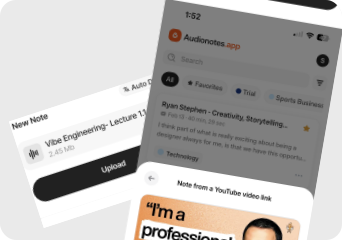
Upload Video File
Upload any video file from your device or paste a YouTube link directly into Audionotes. Supports MP4, MOV, AVI, MKV, and more.
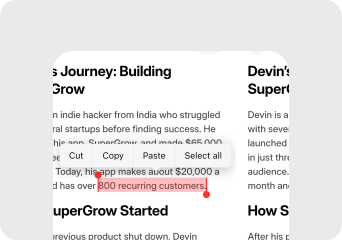
Transcribe Video with AI
Audionotes AI processes your video and converts the speech into accurate, editable text within seconds. No manual effort required.
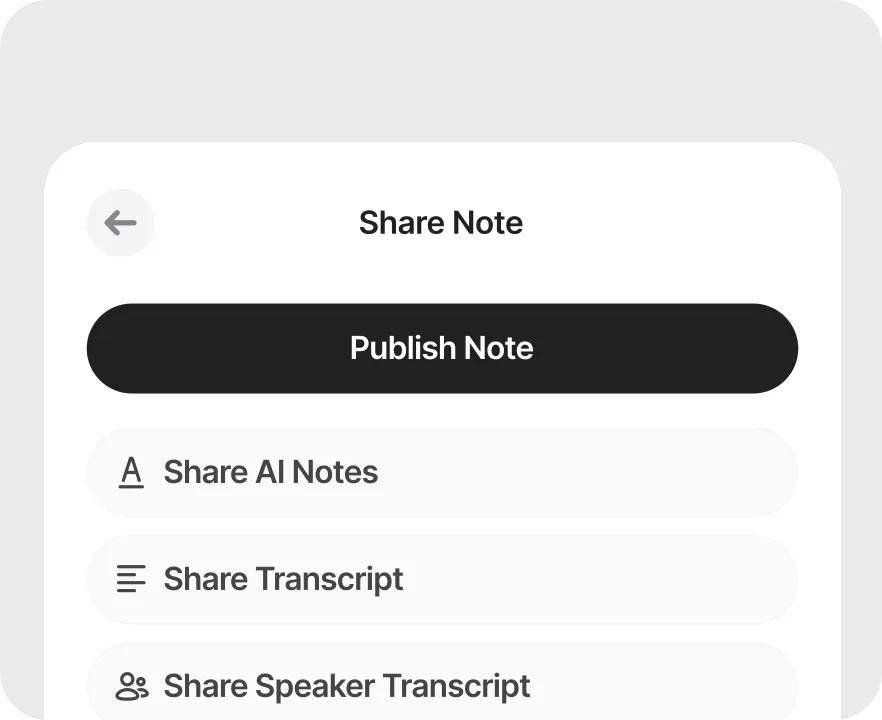
Edit & Export the Transcript
Review and edit your transcript, then export it as a text file, subtitle file, or structured summary to use wherever you need it.
Why Use Audionotes Video to Text Converter
From raw video to searchable, shareable text. Audionotes gives you everything you need to get more out of every recording.
Instant transcripts in 99+ languages with 95% accuracy
Upload MP4, MOV, AVI, screen recordings, or recorded clips, and get a fast, high-accuracy transcript with auto language detection and multi-speaker separation.
Search-ready text that boosts discovery
Turn speech into crawlable, indexed text that helps your content show up across search and video platforms.
Search and edit in seconds
Find key moments instantly, then edit, copy, and reuse the transcript without rewatching the full video.
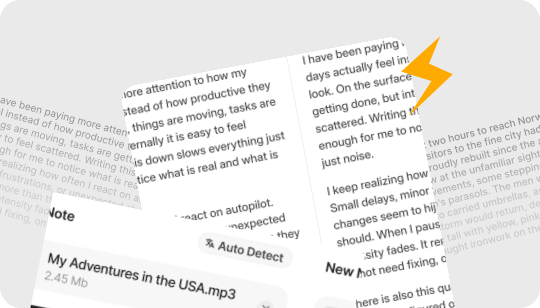
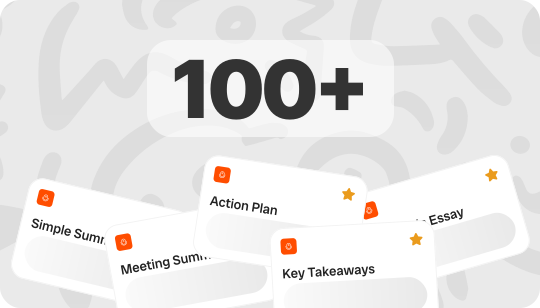
Subtitles that reach every viewer
Create time-synced captions automatically, so your videos work with sound off and stay accessible for more people.
Repurpose one video into many assets
Convert a single video into blog content, social captions, clip scripts, and podcast notes using the transcript as your base.
Summaries, key points, and mind maps
Generate a quick overview, action points, and a visual mind map you can export and share with your team.
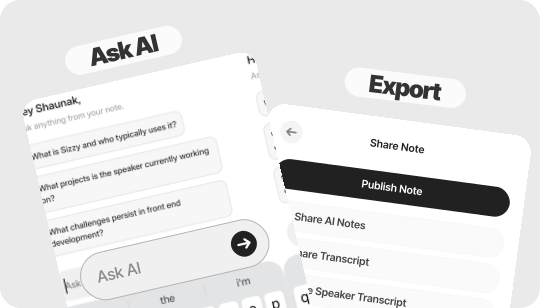
Ask questions with AI Chat
Chat with your transcript to pull highlights, answers, and section summaries in a few seconds.
Export in the formats you need
Download in TXT, DOCX, PDF, or SRT for easy sharing, editing, and subtitle workflows.
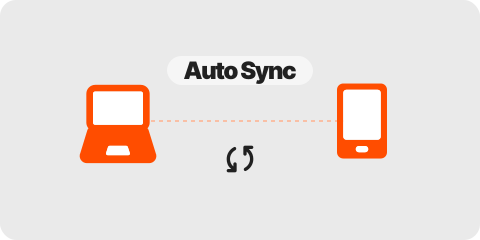
Works Across All Devices
Transcribe on mobile, desktop, or web, then review and edit your video transcript seamlessly across devices.
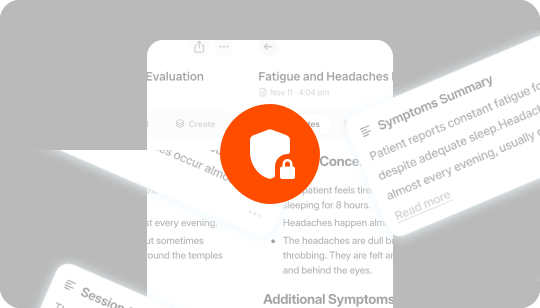
Secure & Private Video Transcription
Your videos and transcripts remain private and encrypted. Audionotes never shares your content or uses it for external AI training.
Loved by 200K+ Happy Users

Makes life SO much easier. They've really improved the interface to make life easier and they listen to their users to make the product better. Recording my random thoughts and organizes them so I can be productive. Love this.
 Paul Colaianni
AudioNotes is truly a game-changer! As a marketing consultant, I often find myself brainstorming ideas alone, and this app has become my go-to companion. It effortlessly captures and organizes my thoughts, ensuring that not a single idea, whether good or bad, slips away!
 Alexandre
Really excited with AudioNotes! I can shower, miss a thought and would like how we can also transcribe the audios of some conferences that I have stored on my phone… Very satisfied with the support of AudioNotes that quickly resolved.
 Damian Larrañaga
The AudioNotes.app team is very responsive and customer service is top notch!! The ability to summarize voice notes so elegantly has made my workflow even more efficient than I could have ever hoped. This is an amazing tool for journaling as well.
 Cydney
AudioNotes has become an essential part of my creative process. It is just so quick and easy to ramble into my phone and then get a version of my ideas that is clear and usable immediately.
 Adam Davidson
Audio Notes revolutionizes note-taking and content creation, making it a game-changer for professionals, students, content creators, and anyone looking to boost their productivity. Keep up the work! I hope to see more exciting features.
 Andy Lim
Makes life SO much easier. They've really improved the interface to make life easier and they listen to their users to make the product better. Recording my random thoughts and organizes them so I can be productive. Love this.
Paul ColaianniAudioNotes is truly a game-changer! As a marketing consultant, I often find myself brainstorming ideas alone, and this app has become my go-to companion. It effortlessly captures and organizes my thoughts, ensuring that not a single idea, whether good or bad, slips away!
AlexandreReally excited with AudioNotes! I can shower, miss a thought and would like how we can also transcribe the audios of some conferences that I have stored on my phone… Very satisfied with the support of AudioNotes that quickly resolved.
Damian LarrañagaThe AudioNotes.app team is very responsive and customer service is top notch!! The ability to summarize voice notes so elegantly has made my workflow even more efficient than I could have ever hoped. This is an amazing tool for journaling as well.
CydneyAudioNotes has become an essential part of my creative process. It is just so quick and easy to ramble into my phone and then get a version of my ideas that is clear and usable immediately.
Adam DavidsonAudio Notes revolutionizes note-taking and content creation, making it a game-changer for professionals, students, content creators, and anyone looking to boost their productivity. Keep up the work! I hope to see more exciting features.
Andy LimWho Does Audionotes Video to Note App Help?
Built for anyone who records video and needs the content in a usable, searchable, shareable text format without hours of manual work.
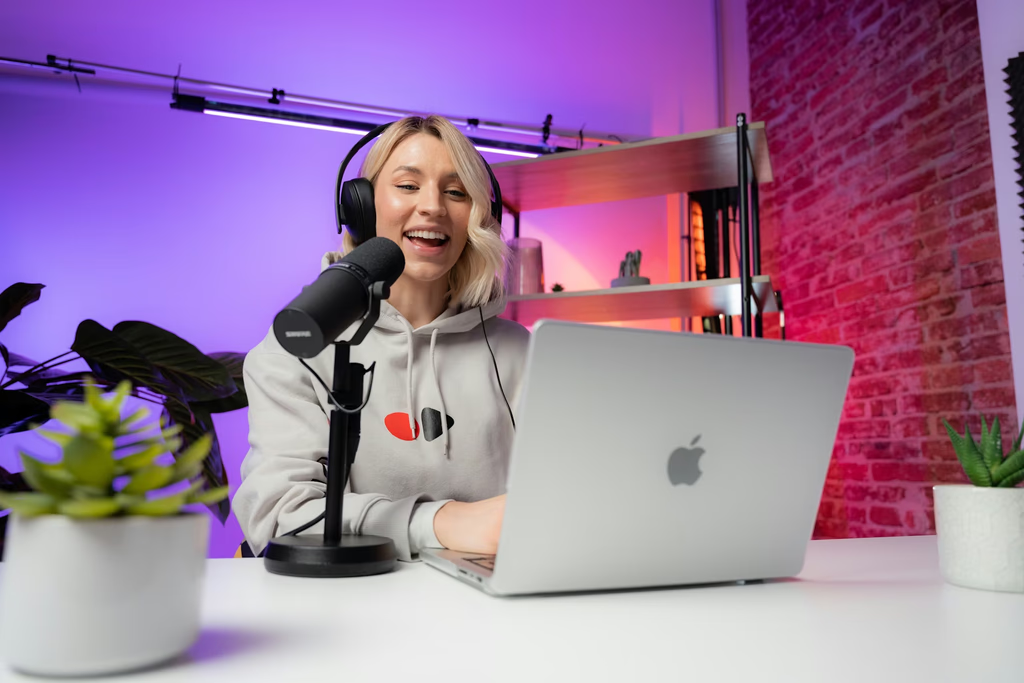
YouTube and Creator Videos
Record interviews on the go and turn them into clean, searchable notes ready for quotes and stories.

Webinars and Online Workshops
Store every thought, plan, or reminder in one place so inspiration never gets lost.

Courses and Video Lectures
Transcribe lessons into study friendly text, revision notes, and quick recaps for learners.

Meetings with Video Recordings
Transform Zoom, Meet, and Teams recordings into structured transcripts, action points, and decisions.

Interviews and Video Research
Create clean, searchable transcripts with speaker separation for quotes, analysis, and documentation.

Podcasts and Video Shows
Generate transcripts for show notes, clips, highlights, and SEO ready pages.

Medical and Patient Videos
Transcribe clinical lectures, case discussions, patient education and testimonial videos into clear text, summaries for easy review.

Legal and Compliance Recordings
Create accurate text records from hearings, statements, and depositions for review and archiving.
From video to content, instantly.
Create transcripts, captions, and repurposed drafts from a single upload.
Convert Video to Text ›Working with YouTube videos?
Use Audionotes as your video to notes converter, then use these guides for transcript downloads, AI summaries, and tool comparisons.
Plans & Pricing
Start free, upgrade when you need more. One Pro plan, everything included. No hidden fees.
What's Included
- Unlimited Voice Notes (1 min/note)
- Unlimited Text Notes
- Transcripts & Summaries
- 99+ Languages
- Search & Organize Notes
- iPhone, Android, Web & Mac (beta)

Everything you need to capture, organize, and act on your ideas. Unlimited.
Get StartedWhat's Included
- Unlimited Voice Notes
- Unlimited File Uploads
- Notes from Images
- Notes from YouTube Videos
- Chat with Notes
- Unlimited Transcripts & Summaries
- Unlimited AI Generations
- Custom Prompts
- Notion, Zapier & Webhooks
For teams of 5+ who need dedicated support, custom integrations, and volume pricing.
Contact UsWhat's Included
- Everything in Pro
- Centralized Billing
- Priority Support
Recording size and file size limits may apply owing to device limitations and fair usage policy.
Comparing video tools?
See how Audionotes compares with transcription, desktop, and summary-first alternatives.
Learn How to Take Smarter Notes
Explore blogs, guides, tips, and real use cases on AI transcription and note-taking.
![How to Take Notes From Video - Fast & Easy [2026]](/_next/image?url=%2Fblog%2Fcovers%2Fhow-to-take-notes-from-video.avif&w=3840&q=75&dpl=dpl_DnkubTYAPGWzLLmrVVUGhbLbWZgr)
How to Take Notes From Video - Fast & Easy [2026]
Taking notes while watching a video can feel a bit tricky. The speaker might talk too fast, important points can slip by, and before you know it, you're hitting pause every few seconds.
![Best AI Tools to Summarize YouTube Videos [2026]](/_next/image?url=%2Fblog%2Fcovers%2Fai-tool-to-summarize-youtube-video.avif&w=3840&q=75&dpl=dpl_DnkubTYAPGWzLLmrVVUGhbLbWZgr)
Best AI Tools to Summarize YouTube Videos [2026]
Watching long YouTube videos to extract just a few important points can be frustrating and time-consuming. That's where AI-powered YouTube summarizers come in.
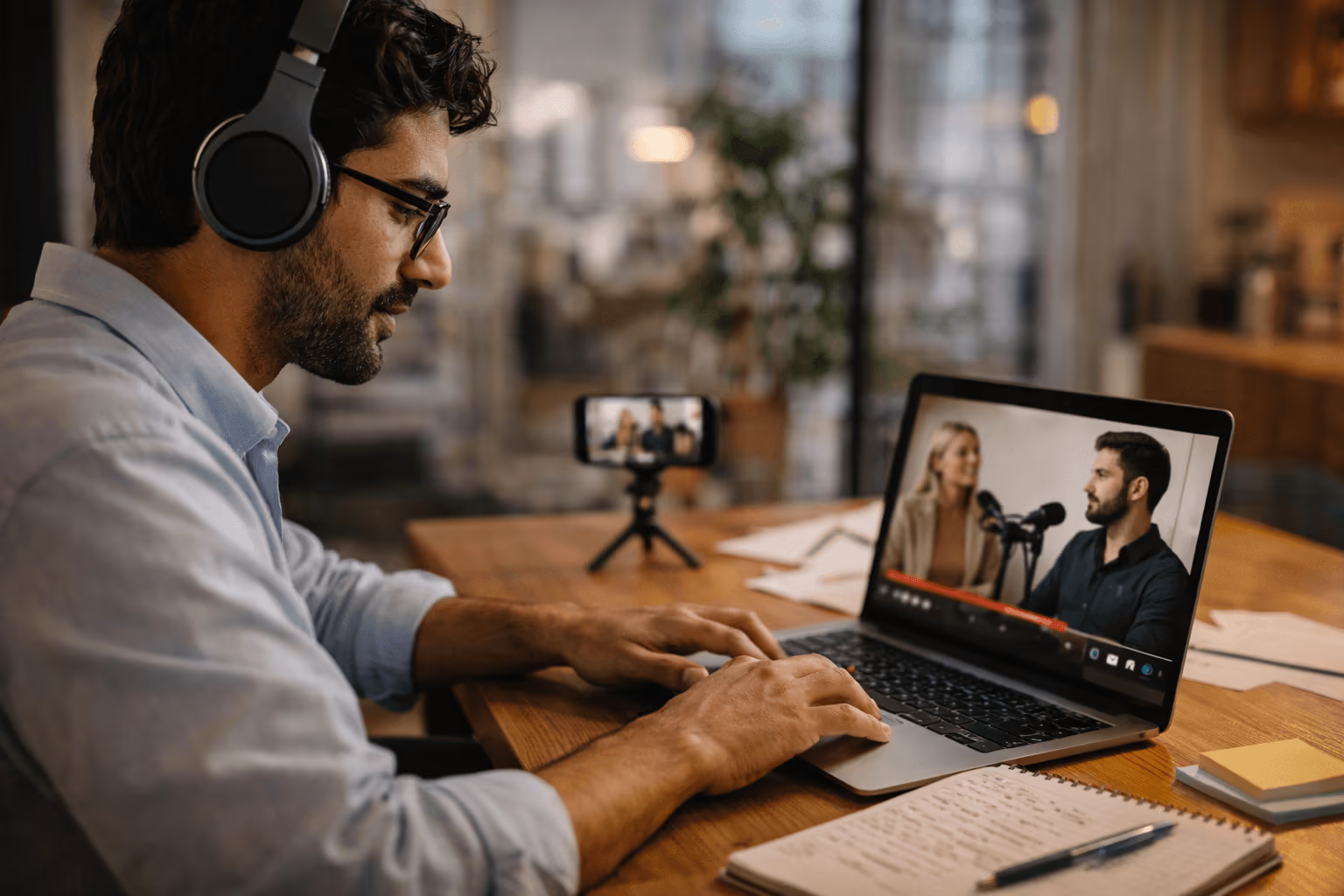
How to Transcribe an Interview - Fast & Accurate
If you've ever recorded an interview and then had to turn it into written text, you already know it's not as easy as it sounds. Transcribing interviews takes time, patience, and a good ear. But don't worry.
![How to Get a Podcast Transcript - Easy Guide [2026]](/_next/image?url=%2Fblog%2Fcovers%2Fhow-to-get-a-transcript-of-a-podcast.avif&w=3840&q=75&dpl=dpl_DnkubTYAPGWzLLmrVVUGhbLbWZgr)
How to Get a Podcast Transcript - Easy Guide [2026]
Podcasts are full of insights, stories, and ideas, but listening isn't always the fastest way to capture information. That's where transcription comes in.

How to Summarize a YouTube Video - Quick Guide
Watching a full YouTube video can take 10, 20, or even 60 minutes. But sometimes you only need the key points, highlights, or main ideas, not every second of footage.
![How to Download a YouTube Transcript [2026 Guide]](/_next/image?url=%2Fblog%2Fcovers%2Fhow-to-download-transcript-of-a-youtube-video.avif&w=3840&q=75&dpl=dpl_DnkubTYAPGWzLLmrVVUGhbLbWZgr)
How to Download a YouTube Transcript [2026 Guide]
Taking notes from a long YouTube video is a tedious task that can overwhelm even the best of us. You often have to pause, rewind, and replay, and you may still miss important details.
![Travel Blogging Made Easy With Audionotes [2026]](/_next/image?url=%2Fblog%2Fcovers%2Ftravel-blogging-made-easy-with-audionotes.avif&w=3840&q=75&dpl=dpl_DnkubTYAPGWzLLmrVVUGhbLbWZgr)
Travel Blogging Made Easy With Audionotes [2026]
As a travel blogger shooting all the videos simultaneously and then compiling everything into a neat blog is no easy task. However, this is where Audionotes can help you.
How to Take Notes From Video - Fast & Easy [2026]
Taking notes while watching a video can feel a bit tricky. The speaker might talk too fast, important points can slip by, and before you know it, you're hitting pause every few seconds.
Best AI Tools to Summarize YouTube Videos [2026]
Watching long YouTube videos to extract just a few important points can be frustrating and time-consuming. That's where AI-powered YouTube summarizers come in.
How to Transcribe an Interview - Fast & Accurate
If you've ever recorded an interview and then had to turn it into written text, you already know it's not as easy as it sounds. Transcribing interviews takes time, patience, and a good ear. But don't worry.
How to Get a Podcast Transcript - Easy Guide [2026]
Podcasts are full of insights, stories, and ideas, but listening isn't always the fastest way to capture information. That's where transcription comes in.
How to Summarize a YouTube Video - Quick Guide
Watching a full YouTube video can take 10, 20, or even 60 minutes. But sometimes you only need the key points, highlights, or main ideas, not every second of footage.
How to Download a YouTube Transcript [2026 Guide]
Taking notes from a long YouTube video is a tedious task that can overwhelm even the best of us. You often have to pause, rewind, and replay, and you may still miss important details.
Travel Blogging Made Easy With Audionotes [2026]
As a travel blogger shooting all the videos simultaneously and then compiling everything into a neat blog is no easy task. However, this is where Audionotes can help you.
Frequently Asked Questions

Explore other ways to use Audionotes
Many users start with one workflow and discover others.
Browse a related use case below.
Get the Audionotes app today
For mobile
Scan the QR code below

Still not sure thatAudionotes.app isright for you?
Let ChatGPT, Claude, or Perplexity help you to choose.
Click a button and see what your favourite AI says about Audionotes.app.


