Free WebM to Text
Converter, No Install
WebM is what most browser recorders save. Upload the file as it is and get the spoken words back as text, with a summary of the main points.
Drop your video here or click to browse
MP4, MOV, AVI or WebM video, or MP3, M4A, WAV or OGG audio. Up to 15 minutes and 100 MB.
Choose fileOnly the audio track is processed. Your file, transcript and summary are private and deleted with the result after 24 hours.
- Private processing
- Up to 15 minutes
- Deleted after 24 hours
By continuing you agree to our Terms of Service and Privacy Policy.

How to transcribe a WebM file
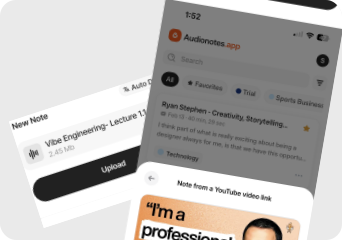
Find the file your recorder saved
Browser recorders usually drop a .webm in your Downloads folder. There is no need to convert it first.
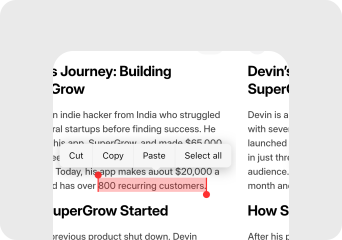
Upload it here
WebM is compact, so a 15-minute recording with little motion often fits in 100 MB. The audio inside, usually Opus, transcribes cleanly.
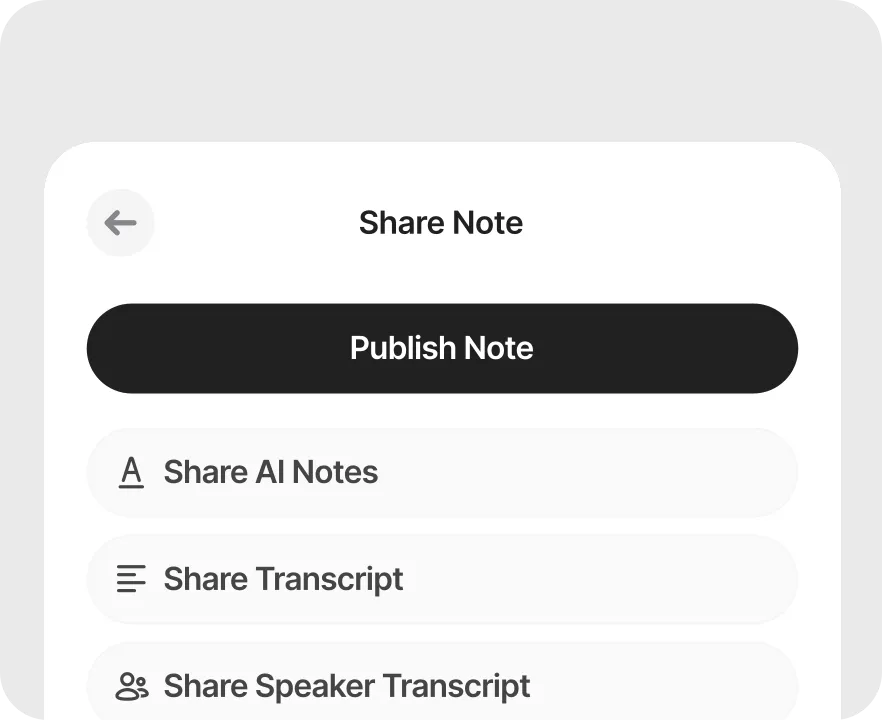
Use the text
Copy the transcript into your doc or ticket, or save it to Audionotes to search it later.
WebM files are small, which suits the free limit
WebM is the open video format built into Chrome, Firefox and Edge, so it is what you get from most recorders that run in a browser tab and from many web downloads. The picture is usually VP8 or VP9 and the sound is Opus or Vorbis, all of them efficient. A talking-head or slide recording at 720p often stays under 100 MB for the full 15 minutes, which is rare for video. Many desktop players and editors still cannot open WebM, which is a common reason people look for a converter. Here you skip that step: upload the WebM and only its audio track is read.
Getting clean text from a WebM
Upload the original, not a conversion
Converting WebM to MP4 first adds a step and often makes the file larger. The tool takes WebM directly.
Check the recorder captured sound
Some browser recorders only capture the microphone, or only the tab. Play a few seconds before uploading to make sure the speech is there.
Large WebM? Pull out the audio
VLC can save just the audio track (Media > Convert / Save, audio profile). Upload the audio file instead.
Recording calls in Chrome?
The Audionotes Chrome extension records tab audio and your mic together and transcribes it without a separate file.
Why Use Audionotes Video to Text Converter
From raw video to searchable, shareable text. Audionotes gives you everything you need to get more out of every recording.
Transcripts in 99+ languages, 95% accurate in the most popular
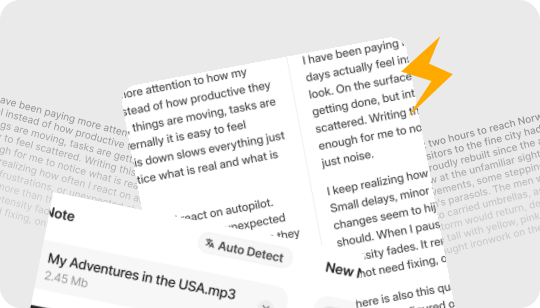
Upload MP4, MOV, AVI, screen recordings, or recorded clips, and get a fast, high-accuracy transcript with auto language detection, plus multi-speaker separation in the Audionotes app.
Search-ready text that boosts discovery
Turn speech into crawlable, indexed text that helps your content show up across search and video platforms.
Search and edit in seconds
Find key moments instantly, then edit, copy, and reuse the transcript without rewatching the full video.
Subtitles that reach every viewer
Create time-synced captions automatically, so your videos work with sound off and stay accessible for more people.
Repurpose one video into many assets
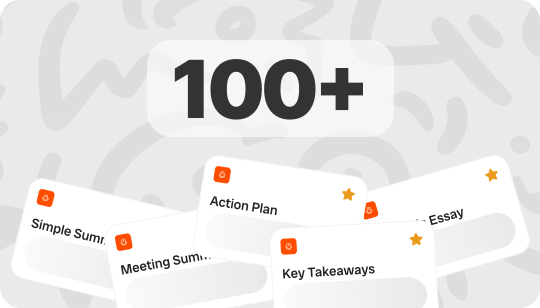
Convert a single video into blog content, social captions, clip scripts, and podcast notes using the transcript as your base.
Summaries, key points, and mind maps
Generate a quick overview, action points, and a visual mind map you can export and share with your team.
Ask questions with AI Chat
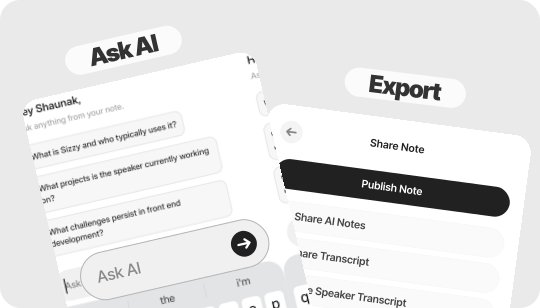
Chat with your transcript to pull highlights, answers, and section summaries in a few seconds.
Export in the formats you need
Save to the Audionotes app and download in TXT, DOCX, PDF, or SRT for easy sharing, editing, and subtitle workflows.
Works Across All Devices
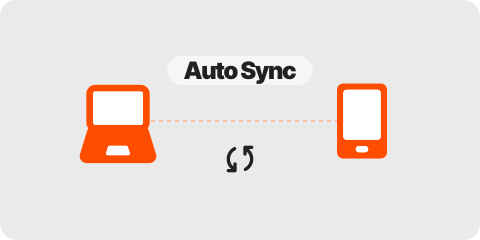
Transcribe on mobile, desktop, or web, then review and edit your video transcript seamlessly across devices.
Secure & Private Video Transcription
Your notes stay private to your account. Audionotes uses providers to process content, and apps you authorize can receive note content. Review each connected app’s data settings.
Loved by 200K+ Happy Users

Makes life SO much easier. They've really improved the interface to make life easier and they listen to their users to make the product better. Recording my random thoughts and organizes them so I can be productive. Love this.
 Paul Colaianni
AudioNotes is truly a game-changer! As a marketing consultant, I often find myself brainstorming ideas alone, and this app has become my go-to companion. It effortlessly captures and organizes my thoughts, ensuring that not a single idea, whether good or bad, slips away!
 Alexandre
Really excited with AudioNotes! I can shower, miss a thought and would like how we can also transcribe the audios of some conferences that I have stored on my phone… Very satisfied with the support of AudioNotes that quickly resolved.
 Damian Larrañaga
The AudioNotes.app team is very responsive and customer service is top notch!! The ability to summarize voice notes so elegantly has made my workflow even more efficient than I could have ever hoped. This is an amazing tool for journaling as well.
 Cydney
AudioNotes has become an essential part of my creative process. It is just so quick and easy to ramble into my phone and then get a version of my ideas that is clear and usable immediately.
 Adam Davidson
Audio Notes revolutionizes note-taking and content creation, making it a game-changer for professionals, students, content creators, and anyone looking to boost their productivity. Keep up the work! I hope to see more exciting features.
 Andy Lim
I am a big fan of Audionotes. I am really your ambassador, at least in my space here in Poland. Big hug for the whole team!
Makes life SO much easier. They've really improved the interface to make life easier and they listen to their users to make the product better. Recording my random thoughts and organizes them so I can be productive. Love this.
Paul ColaianniAudioNotes is truly a game-changer! As a marketing consultant, I often find myself brainstorming ideas alone, and this app has become my go-to companion. It effortlessly captures and organizes my thoughts, ensuring that not a single idea, whether good or bad, slips away!
AlexandreReally excited with AudioNotes! I can shower, miss a thought and would like how we can also transcribe the audios of some conferences that I have stored on my phone… Very satisfied with the support of AudioNotes that quickly resolved.
Damian LarrañagaThe AudioNotes.app team is very responsive and customer service is top notch!! The ability to summarize voice notes so elegantly has made my workflow even more efficient than I could have ever hoped. This is an amazing tool for journaling as well.
CydneyAudioNotes has become an essential part of my creative process. It is just so quick and easy to ramble into my phone and then get a version of my ideas that is clear and usable immediately.
Adam DavidsonAudio Notes revolutionizes note-taking and content creation, making it a game-changer for professionals, students, content creators, and anyone looking to boost their productivity. Keep up the work! I hope to see more exciting features.
Andy LimI am a big fan of Audionotes. I am really your ambassador, at least in my space here in Poland. Big hug for the whole team!
Plans & Pricing
Your first note is completely free. No hidden fees.
What's Included
- Unlimited Voice Notes (1 min/note)
- Unlimited Text Notes
- Transcripts & Summaries
- 99+ Languages
- Search & Organize Notes
- iPhone, Android, Web, Chrome & Mac (beta)

Everything you need to capture, organize, and act on your ideas. Unlimited.
Get StartedWhat's Included
- Unlimited Voice Notes
- Unlimited File Uploads
- Notes from Images
- Notes from YouTube Videos
- Chat with Notes
- Unlimited Transcripts & Summaries
- Unlimited AI Generations
- Custom Prompts
- Notion, Zapier & Webhooks
For teams of 5+ who need dedicated support, custom integrations, and volume pricing.
Contact UsWhat's Included
- Everything in Pro
- Centralized Billing
- Priority Support
Recording size and file size limits may apply owing to device limitations and fair usage policy.
Frequently Asked Questions

Related free pages
Free pages for the same kind of recording, or for the people who make it.
Explore other ways to use Audionotes
Many users start with one workflow and discover others.
Browse a related use case below.
Get the Audionotes app today
For mobile
Scan the QR code below

Still not sure thatAudionotes.app isright for you?
Let ChatGPT, Claude, or Perplexity help you to choose.
Click a button and see what your favourite AI says about Audionotes.app.


