Audionotes for Mac

Version 2.2.4

Download the Mac app

Record any meeting without a bot and turn it into notes, transcripts, and action items.
Choose your Mac installer

Not on your Mac? The chip-specific links are available below.

Verified release

Current Mac release

Audionotes 2.2.4 was released on July 27, 2026, with installers for Apple Silicon and Intel.

Read the 2.2.4 release notes
Version
2.2.4
Released
Minimum system
macOS 14.2+
Installer verification
Developer ID signed and Apple-notarized

System requirements

Choose the installer for your Mac

Audionotes 2.2.4 requires macOS 14.2 or later and is available for Apple Silicon and Intel.

To check, open the Apple menu and choose About This Mac. Look for Chip or Processor.

Installation

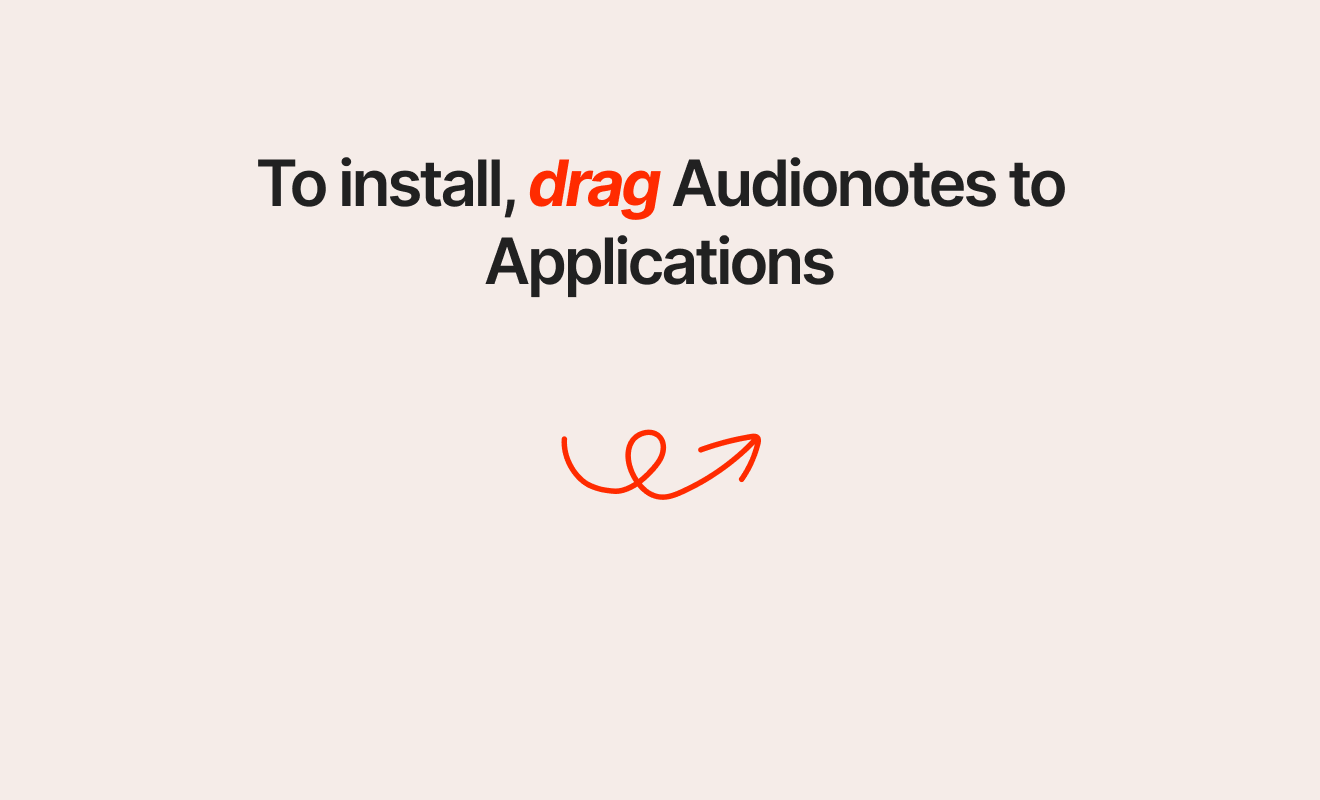
Install Audionotes in three steps

  1. Open the downloaded .dmg file.
  2. Drag Audionotes into Applications.
  3. Launch Audionotes and sign in.

The 2.2.4 installers linked on this page are Developer ID signed and Apple-notarized.

Troubleshooting

If the download or app will not open

The browser blocked the download
Use the chip-specific link above and allow the download if your browser asks for confirmation.
macOS shows a developer warning
The 2.2.4 installers on this page are signed and notarized. Confirm that you used a link above, then review the notice in System Settings under Privacy & Security if it remains.
You downloaded the wrong architecture
Check About This Mac, then download the Apple Silicon or Intel installer that matches its Chip or Processor entry.
Audionotes does not launch
Confirm that the Mac is running macOS 14.2 or later, then download a fresh copy of the matching installer.

Other devices

Use Audionotes without a Mac

Open Audionotes in your browser, or get the mobile app for iPhone, iPad, or Android.