
Best Apps to Summarize Voice Recordings (2026)
Find the best apps to summarize voice recordings in 2026. AI-powered summaries from any audio file in seconds. Try Audionotes free →
Voice notes are no longer just quick reminders. People now use them for meetings, interviews, lectures, content ideas, and even personal journaling. The problem starts when these recordings pile up and there is no easy way to turn voice recordings into organized notes. That is where voice-summarising apps come in. These mobile apps listen to your recordings, convert them into text, and give you short summaries you can actually use. In this blog, we will look at the best mobile apps for summarising voice recordings in 2026 and help you choose the right one based on how you work and what you need.
What Is an AI Audio Summarizer?
An AI audio summarizer is a tool that listens to audio recordings and converts them into short, clear text summaries. It helps you understand the main points of meetings, lectures, interviews, or podcasts without listening to the full recording.
Why You Need an Audio Summarizer
Here is why an audio summarizer can be useful in daily work and learning environments.
Massive Time Savings
Listening to long recordings takes time, especially when the discussion includes pauses, repetitions, or off-topic conversations. An audio summarizer cuts through all of that and delivers only the important points. A one-hour meeting can be reduced to a few minutes of reading, helping you move faster without missing anything important.
-
Boosted Productivity and Efficiency
Professionals often deal with back-to-back meetings, interviews, and discussions. Going through every recording again is not practical. Summarizers help you quickly understand outcomes, decisions, and next steps. This makes follow-ups easier and keeps work moving without delays.
-
Enhanced Learning and Retention
Students and researchers can revisit lectures without replaying the entire session. Many tools generate structured notes, bullet summaries, or even mind maps. This makes revision easier and helps in retaining information better since the content is already organised.
-
Overcoming Information Overload
Podcasts, webinars, online sessions, and recorded meetings create a huge volume of audio content. It becomes difficult to keep up. Audio summarizers filter the noise and extract only what matters. This helps you stay informed without feeling overwhelmed.
-
Improved Searchability
Once audio is converted into text, it becomes searchable. You can find specific topics, keywords, or discussions within seconds. This is especially helpful for long meetings, legal recordings, or research interviews where you may need to revisit one exact point.
-
Accessibility
AI summarizers make audio content easier to consume for everyone. They support multiple languages and convert spoken content into written formats. This helps non-native speakers, hearing-impaired users, or anyone who prefers reading over listening.
What to Look for in the Best AI Summarizer
When choosing an AI audio summarizer, here are the features you should pay attention to.
-
Accuracy and AI Model
The summary should reflect the real conversation, not just random sentences stitched together. Tools powered by advanced speech recognition models such as Whisper usually produce better transcription and context understanding.
-
Actionable Insights
Good summarizers do more than shorten audio. They highlight action items, meeting minutes, and decisions. This is useful for teams that rely on recordings for task tracking and accountability.
-
Speaker Diarization
In meetings or interviews, multiple people speak. The tool should correctly identify who said what. Proper speaker tagging makes summaries clearer and avoids confusion.
-
Speed and Efficiency
Time savings only work if the tool processes audio quickly. The best tools generate transcripts and summaries within minutes, even for longer recordings.
-
Customization Options
Different users need different summary styles. Some prefer bullet points, others want detailed paragraphs or mind maps. A good tool allows you to adjust summary length, format, and depth.
-
Supported Formats and Languages
Audio comes in many file types such as MP3, MP4, WAV, and M4A. The tool should support multiple formats and offer multilingual transcription for global usability.
-
Security and Privacy
Many recordings contain sensitive business or personal information. Always check if the platform follows strong data protection and encryption practices before uploading files.
-
Integration Capability
Integration with tools like Google Calendar, Outlook, Zoom, Notion, or Slack makes workflows smoother. Recordings can be auto-imported, summarized, and shared without manual effort.
Best Mobile Apps for Summarizing Voice Recordings in 2026
App
Supported Platforms
Key Features
Best for
Audionotes
iOS, Android, Web
AI transcription, instant summaries, templates, mind maps, AI chat with notes
Individuals, students, creators, busy pros
iOS, Android, Web, Browser
Live meeting transcription, AI summaries, speaker ID, AI chat, CRM integrations
Teams, sales, remote workers, educators
iOS, Android, Web
Multi-language transcription, meeting summaries, Notta Brain insights, exports
Consultants, managers, cross-functional teams
Wave AI Note Taker
iOS, Android, Web
One-tap recording, background capture, AI summaries, Q&A on recordings
On-the-go pros, students, journalists
macOS, Windows, iOS
Bot-free meeting capture, AI notes, action items, CRM + docs integrations
Executives, consultants, confidential meetings
iOS, Android, Web
Whisper-based transcription, multi-format summaries (notes, blogs, threads)
Creators, podcasters, learners
Web
AI + human transcription, subtitles, translation, AI notetaker for meetings
Media teams, agencies, global organizations
Here are some of the best mobile apps that can help you summarize voice recordings in 2026:
-
Audionotes
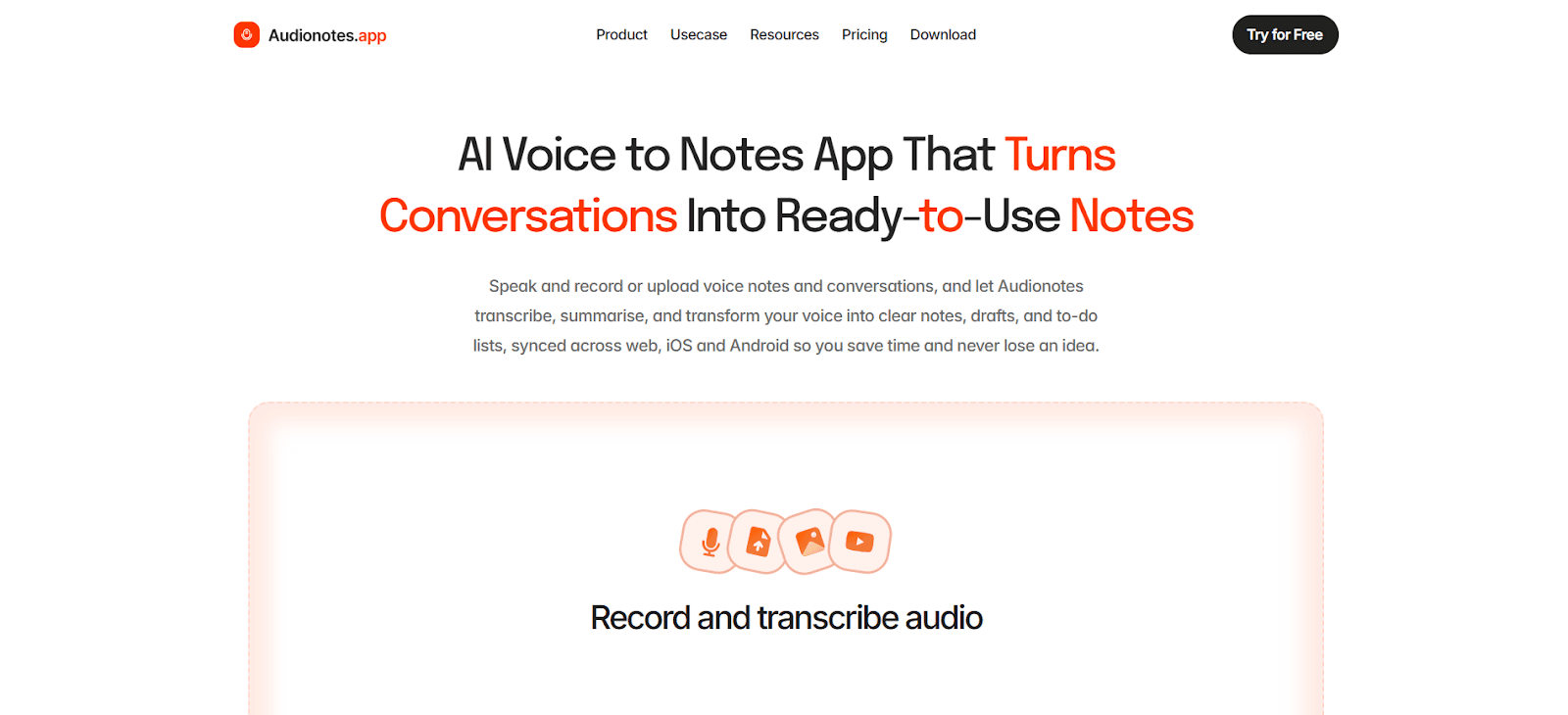
Audionotes is built for people who prefer speaking over typing. Instead of writing long notes, you simply record your voice or upload an audio file and the app handles the rest. It transcribes recordings in 80+ languages and turns them into structured summaries with action points, highlights, and takeaways. What makes it stand out is how flexible it is. You can convert recordings into blogs, emails, lecture notes, or even meeting notes using built-in AI prompts. The mind map feature also helps if you like visual organization.
Key Features
-
AI transcription in 80+ languages with 95 percent accuracy
-
Smart summaries with 100+ output prompts
-
Speaker recognition for multi-speaker recordings
-
AI chat to interact with your notes
-
AI writing assistant for blogs, emails, and reports
-
Mind maps for visual organization
-
YouTube, file, and image-to-notes support
-
Notion, Zapier, and WhatsApp integrations
-
Encrypted and private data handling
Supported Platforms: iOS, Android, Web App, Chrome Extension coming soon
Best For: Professionals, students, creators, journalists, and medical users
Pricing:
-
Free plan with core features
-
Pro: $29.99 per month or $129.99 per year
-
-
Otter.ai
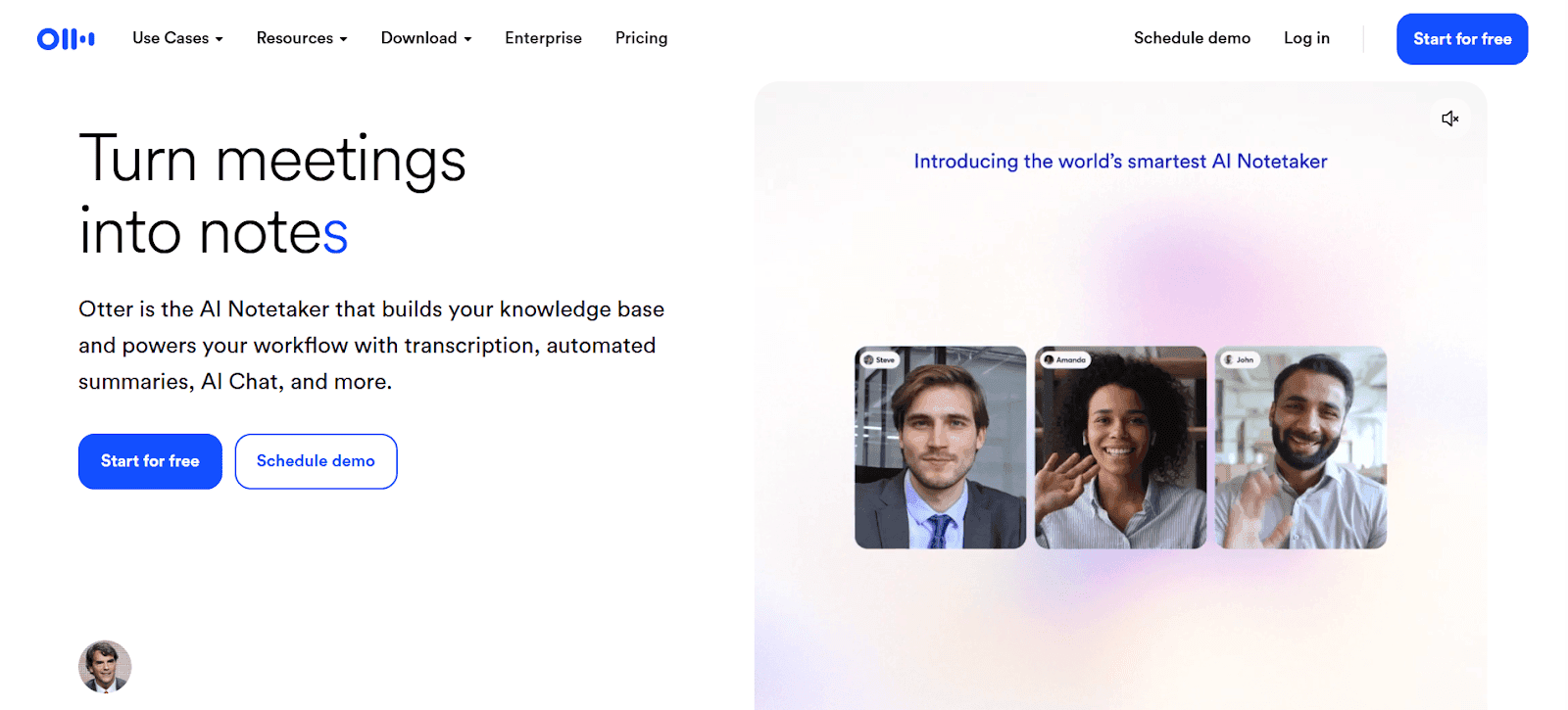
Otter.ai works like a personal meeting assistant. It can join your Zoom, Google Meet, or Teams calls, record conversations, transcribe them live, and generate structured summaries. It also identifies speakers and captures action items automatically. One useful feature is AI Chat, which lets you search across past meetings and pull insights instantly. For people who attend frequent calls, this saves hours of manual note-taking.
Key Features
-
AI meeting bot with live transcription
-
Speaker identification
-
Automatic summaries and action items
-
AI Chat across past meetings
-
CRM integrations
-
Collaborative workspaces
-
File uploads for transcription
-
Zoom, Meet, Teams, Slack integrations
Supported Platforms: iOS, Android, Web App, Chrome Extension
Best For: Business professionals, sales teams, educators, frequent meeting users
Pricing:
-
Free: 300 minutes per month
-
Pro: $16.99 per month or $8.33 per month billed annually
-
Business: $30 per month or $20 billed annually
-
Enterprise: Custom pricing
-
Student and teacher discount available
Also Read: Best Otter AI Alternatives
-
-
Notta
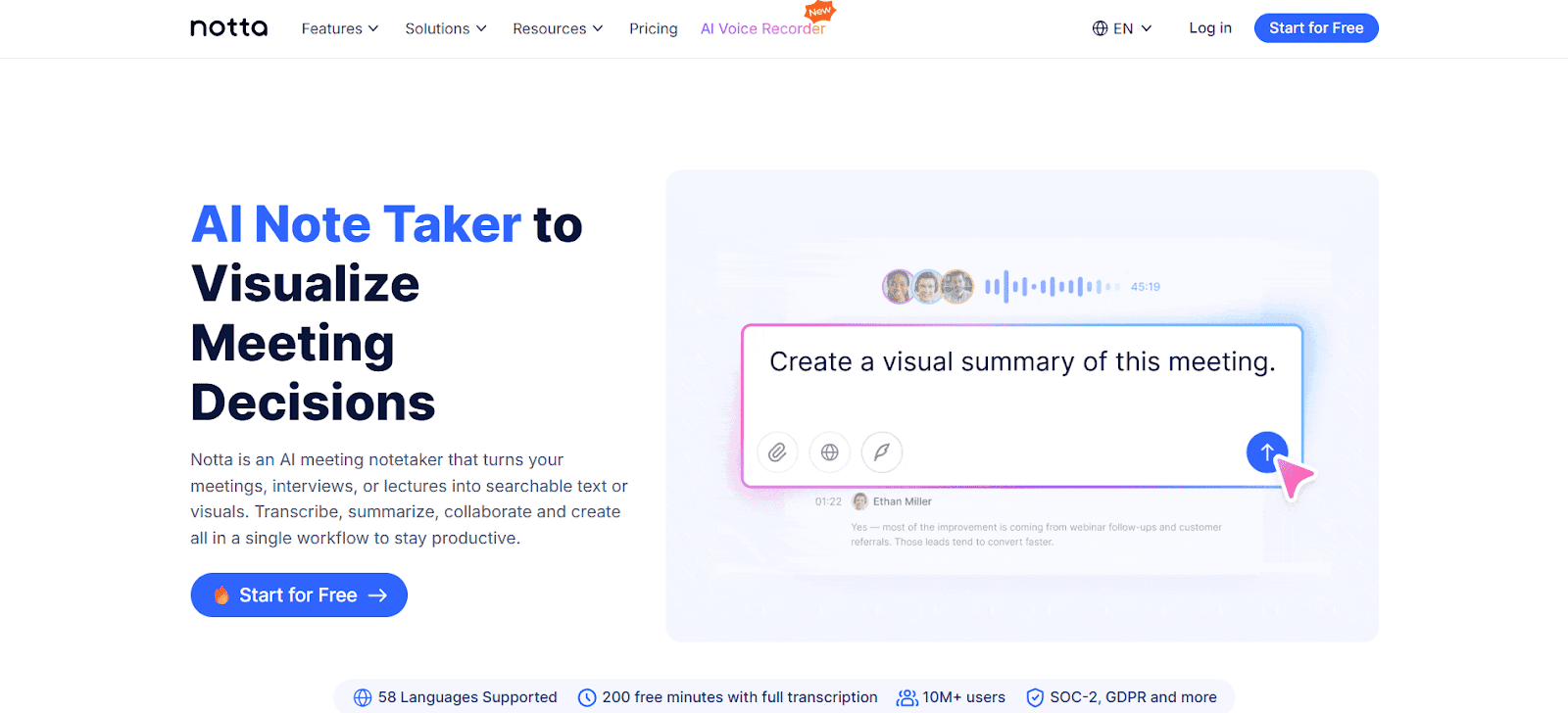
Notta goes beyond transcription and focuses on turning conversations into usable outputs. It records meetings, lectures, or interviews and converts them into searchable text. Its standout feature, Notta Brain, lets users extract insights and auto-generate deliverables like presentations or infographics. With strong accuracy and security certifications, it works well for teams that handle high-volume discussions.
Key Features
-
AI transcription in 58 languages
-
Automatic summaries and action points
-
Notta Brain for auto-generated deliverables
-
Works for virtual and in-person meetings
-
File import and bilingual transcription
-
Collaboration tools
-
Drive, Slack, Notion integrations
Supported Platforms: iOS, Android, Web App
Best For: Consultants, researchers, sales teams, executives
Pricing:
-
Free: 120 minutes per month
-
Pro: $13.99 per month or $8.25 billed annually
-
Business: $44 per month for 2 seats
-
Enterprise: Custom pricing
-
-
Wave AI Note Taker
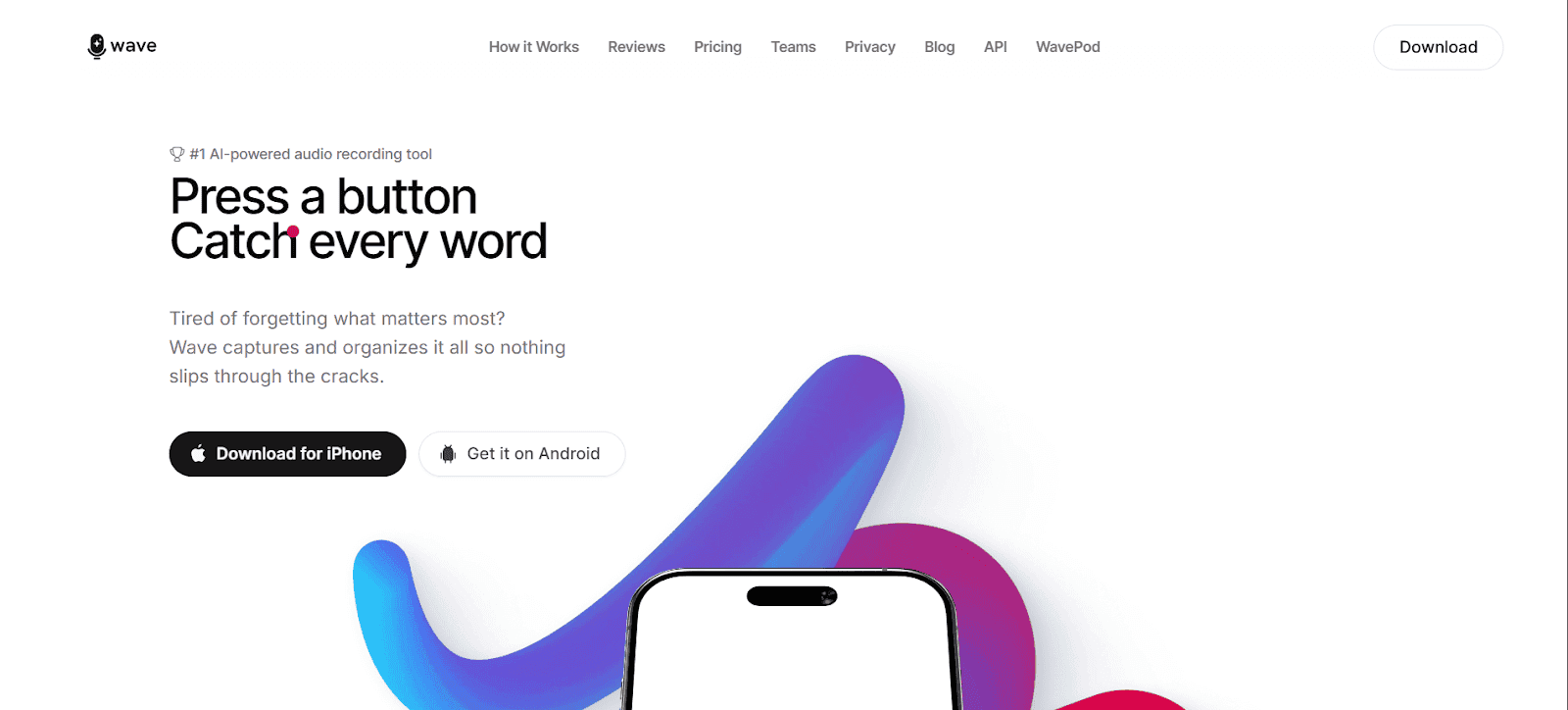
Wave is designed with a mobile-first approach. You can start recording with one tap and get instant transcripts plus structured summaries. It works well for meetings, lectures, doctor visits, or even phone calls. The background recording feature on iOS lets it capture audio even when the screen is locked. You can also chat with your recordings to pull specific details later.
Key Features
-
One-tap recording
-
AI summaries with action items
-
Chat with recordings
-
Background recording on iOS
-
VoIP call recording
-
Multi-language support
-
Meeting integrations
-
Secure SOC2 compliance
Supported Platforms: iOS, Android, Web App
Best For: Students, professionals, journalists, researchers
Pricing:
-
Free: 30 minutes per month
-
Weekly: $8.99
-
Monthly: $21.99
-
Annual: $139.99
-
-
Jamie
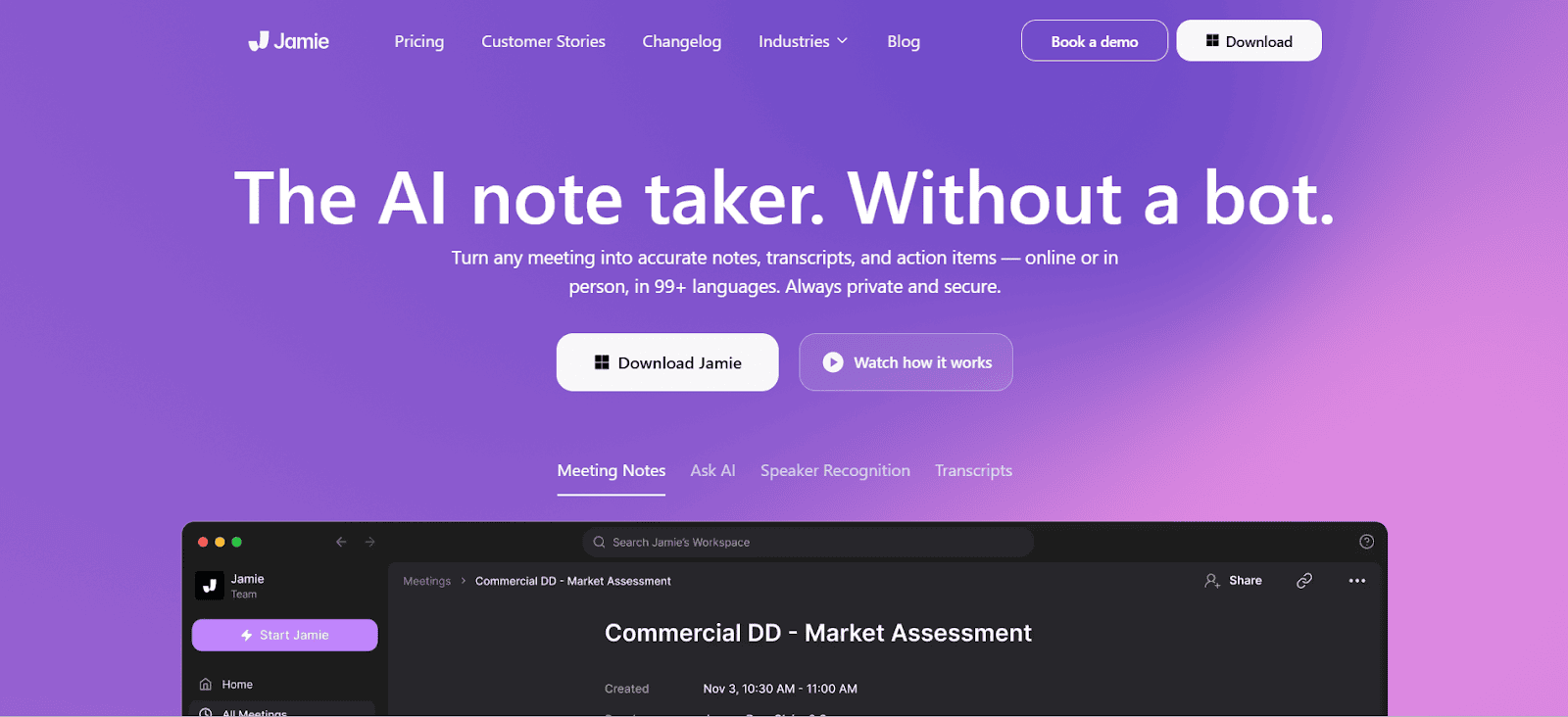
Jamie focuses heavily on privacy. Unlike other meeting assistants, it does not send a visible bot into calls. Instead, it records audio directly from your device. This makes it suitable for confidential conversations. It works across all meeting platforms and even captures in-person discussions. With GDPR compliance and encrypted storage, it is built for sensitive environments.
Key Features
-
Bot-free recording
-
Works on all meeting platforms
-
AI summaries and transcripts
-
Speaker identification
-
AI chat with past meetings
-
CRM integrations
-
Strong privacy compliance
Supported Platforms: macOS, Windows, iOS
Best For: Executives, consultants, legal professionals
Pricing:
-
Free: 10 meetings per month
-
Plus: €25 per month
-
Pro: €47 per month
-
Executive: €99 per month
-
Team: €39 per seat per month
-
Enterprise: Custom pricing
-
-
SpeakNotes
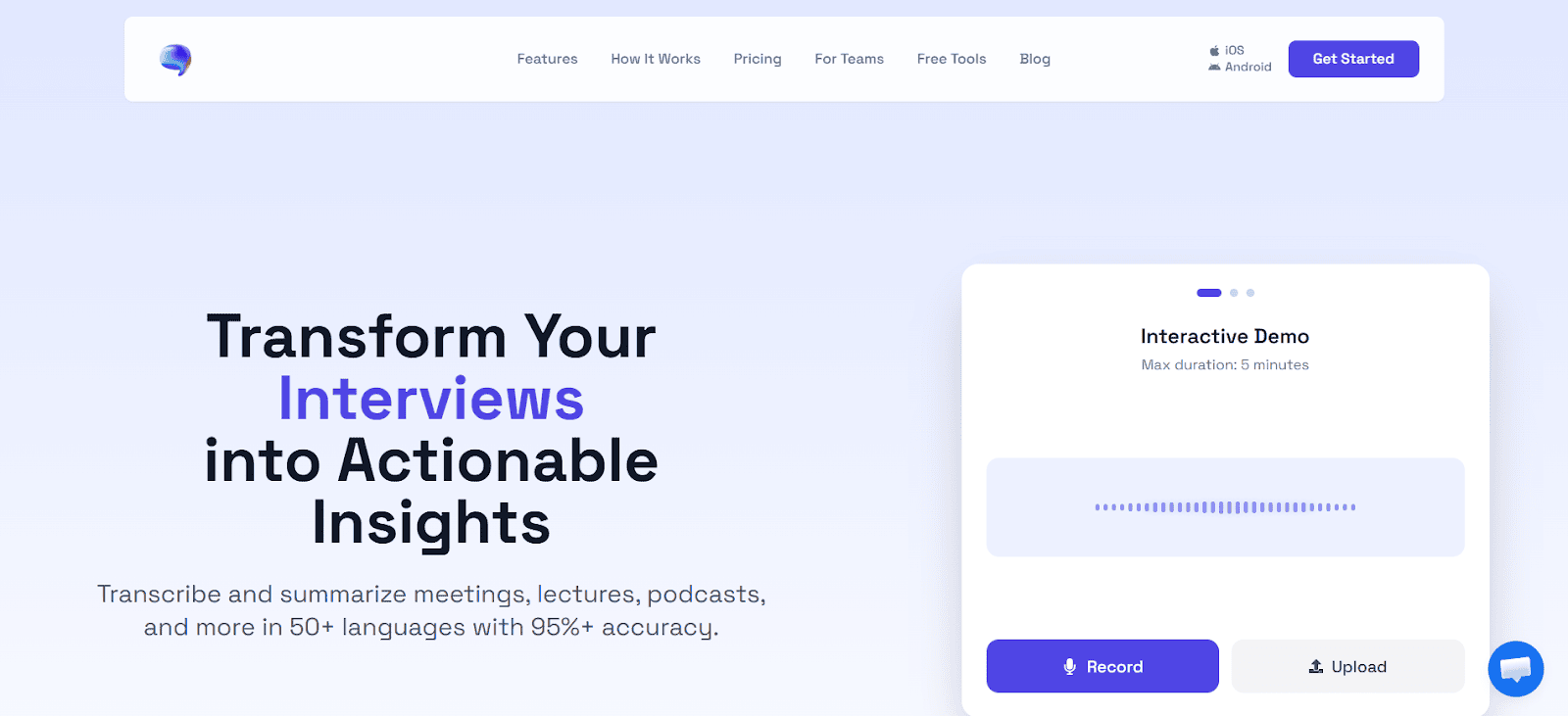
SpeakNotes is built on OpenAI Whisper for transcription and GPT for summaries. It delivers strong accuracy across 50+ languages. You can record audio, upload files, or even paste YouTube links for summarization. One of its biggest advantages is multi-format output. A single recording can be turned into blog posts, flashcards, email drafts, or presentation content.
Key Features
-
Whisper-powered transcription
-
10+ output formats
-
YouTube and multi-format support
-
Live meeting bot
-
Fast GPU processing
-
Editing and revision history
-
Team collaboration
Supported Platforms: iOS, Android, Web App
Best For: Students, podcasters, content creators
Pricing:
-
Free: 5 minutes per note
-
Pro: $14.99 per month
-
Teams: $20 per seat per month annually
-
-
HappyScribe
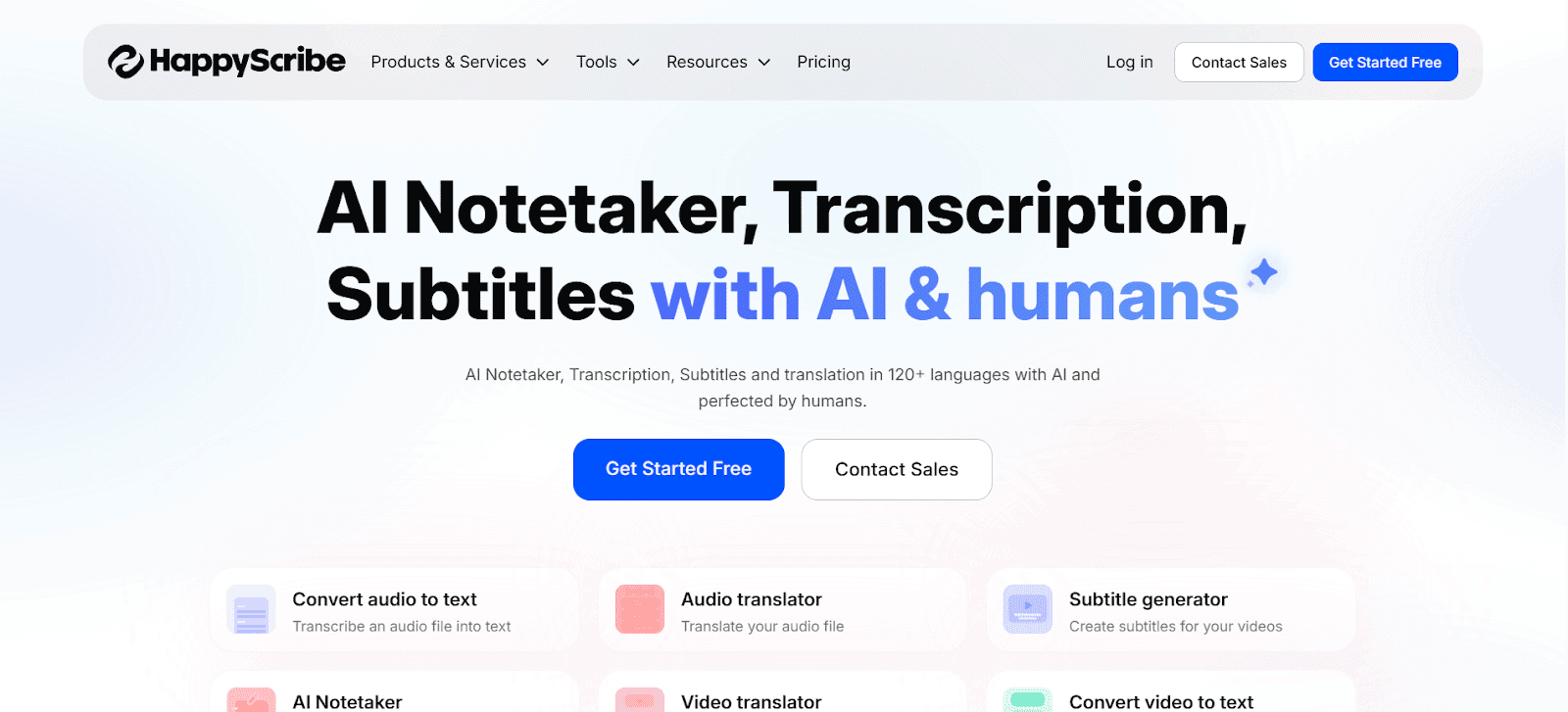
HappyScribe combines AI transcription with human transcription services. It supports 120+ languages and also offers subtitle and translation tools. The platform integrates with meeting tools and calendars to automate note capture. Teams can collaborate using shared workspaces, style guides, and glossaries. This makes it useful for media production and global teams.
Key Features
-
AI transcription in 120+ languages
-
Optional human transcription
-
AI meeting summaries
-
Subtitle and translation tools
-
Calendar integration
-
Team workspace management
-
Cloud storage integrations
Supported Platforms: Web-based
Best For: Media teams, podcasters, global organizations
Pricing:
-
Free trial available
-
Basic: $17 per month
-
Pro: $29 per month
-
Business: $89 per month
-
Enterprise: Custom pricing
-
Human transcription from $2 per minute
Also Read:Best AI YouTube Video Summarizers
-


Turn Your Voice Recordings into Instant, Searchable Summaries with Audionotes
Audionotes makes voice note-taking feel effortless. You just hit record and speak the way you normally would. No pressure to structure thoughts or worry about missing points. The tool converts your recordings into neat, easy-to-read summaries you can search anytime. So instead of going back to long audio files, you get quick notes, action items, and highlights within seconds. It works great for meetings, lectures, brainstorming sessions, client calls, or even random idea dumps when something clicks in your head. If your voice memos usually pile up and never get revisited, Audionotes helps you turn them into notes you can refer to daily. Some of the best features include:
-
Turn messy voice recordings into clean summaries without extra effort.
-
Capture meetings, lectures, or random ideas without typing anything.
-
Search old recordings fast to find decisions, tasks, or important points.
-
Convert spoken thoughts into emails, briefs, blogs, or reports.
-
Keep all recordings and summaries stored in one place.
-
Great for professionals, creators, and students who think faster than they type.
-
Start free and upgrade later if you need more recording space or features.
Ready to turn your voice notes into something you can actually use? Try Audionotes for free and see how simple your workflow can feel.
Closing Thoughts
Voice recordings hold a lot of value, but only when you can actually use what is inside them. That is where summarising apps make a real difference. They turn long, scattered audio into clear notes you can search, share, and act on. As recordings continue to grow in daily work and learning, having the right summariser on your phone can save time, reduce overload, and help you stay organised without extra effort.
Frequently Asked Questions
-
Is there an AI that summarizes audio?
Yes, tools like Audionotes use AI to convert voice recordings into structured summaries, highlights, and action points so you do not have to replay long audio files.
-
What audio formats do voice summarizing apps support?
Most voice summarizing apps support common formats like MP3, WAV, M4A, and AAC. Some also allow direct recording inside the app without uploading files.
-
Can these apps summarize long meetings or lectures?
Yes, many AI summarizers are built to handle long recordings such as meetings, webinars, or lectures. They break them down into concise summaries and key takeaways.
-
Can these apps identify multiple speakers?
Some advanced apps offer speaker detection. They can separate and label speakers, making it easier to track conversations and decisions.
-
Can AI summarize WhatsApp voice messages?
Yes, if you download or forward the audio file, many AI tools can transcribe and summarize WhatsApp voice notes into readable text.
-
What is the best app to summarize voice recordings on an iPhone?
Apps like Audionotes work well on iPhone since they combine recording, transcription, and summarization in one place.
-
What is the best audio summarizer apps for Android?
Android users can also use tools like Audionotes and similar AI note-taking apps that convert recordings into searchable summaries and notes.
![Voice Notes vs Text Notes: Which Is Better? [2026]](/blog/covers/voice-notes-vs-text-notes.png)
![Note-Taking vs Note-Making: Key Differences [2025]](/blog/covers/difference-between-note-taking-and-note-making.png)
![Best Note-Taking App for Medical School [2025]](/blog/covers/best-note-taking-app-for-medical-school-students.png)