Connect Audionotes with
Whatsapp
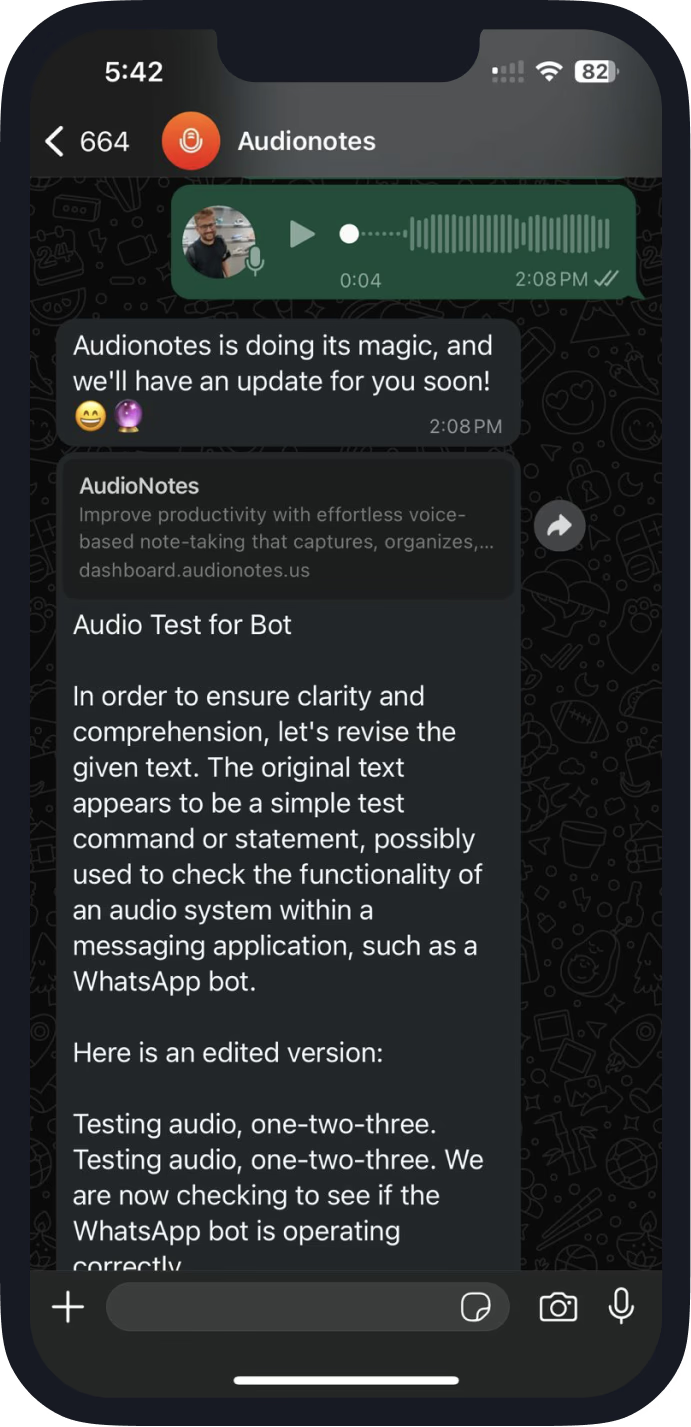
Record your voice and send it to the Audionotes WhatsApp Bot. We send you summary and transcripts generated from your voice directly on WhatsApp.
Turn Voice, Image, or Video Link into Organized Notes
Notes in Minutes
Record or upload a file or YouTube link, and your notes will be ready in minutes.
99+ Languages
Supports 99+ languages with auto-language detection (or select your preferred one for transcription).
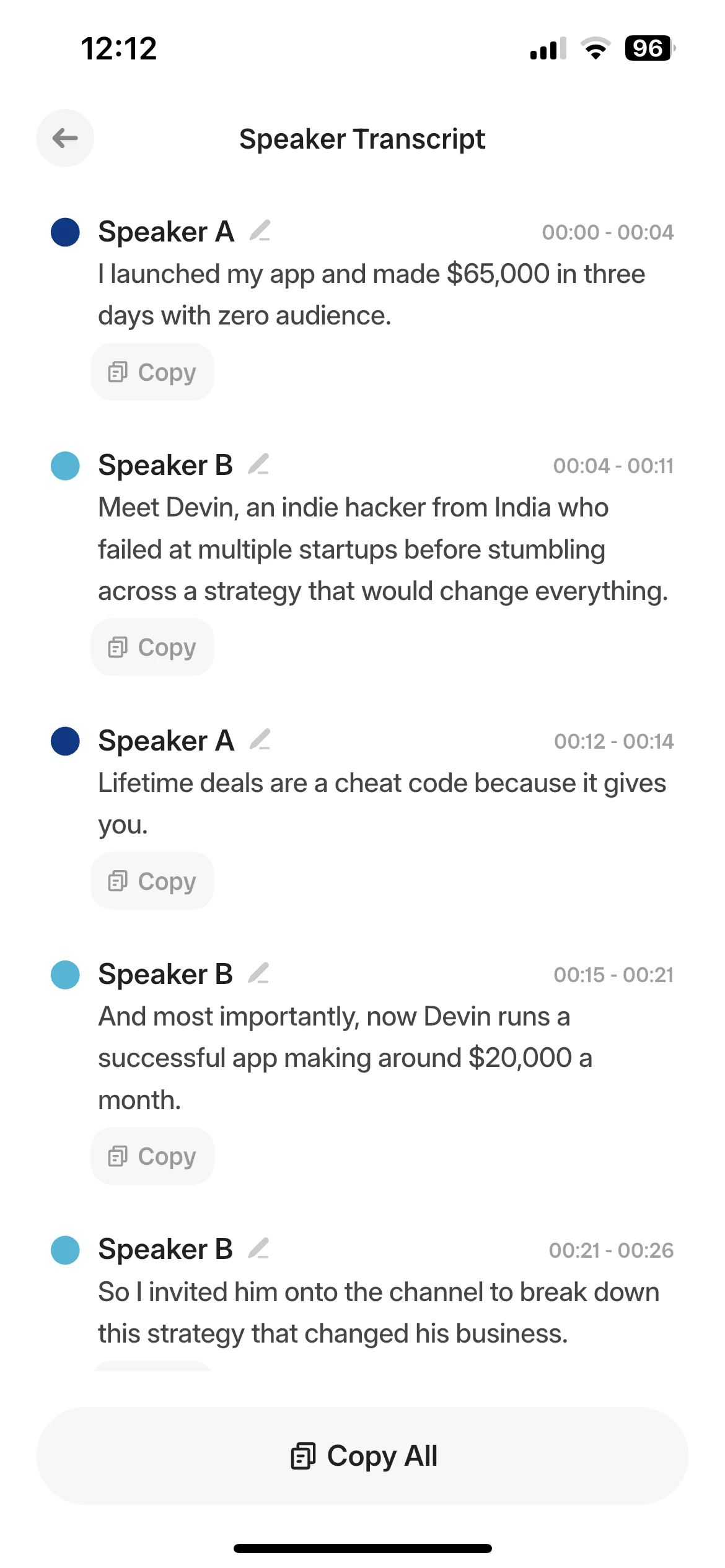
Speaker Recognition
Speaker recognition identifies notes by different speakers.
Accurate Transcriptions
95% accuracy for highly precise audio transcriptions.
Download Recordings
Option to download your recordings if required.
Generate Instant Transcripts and Summaries in Multiple Formats
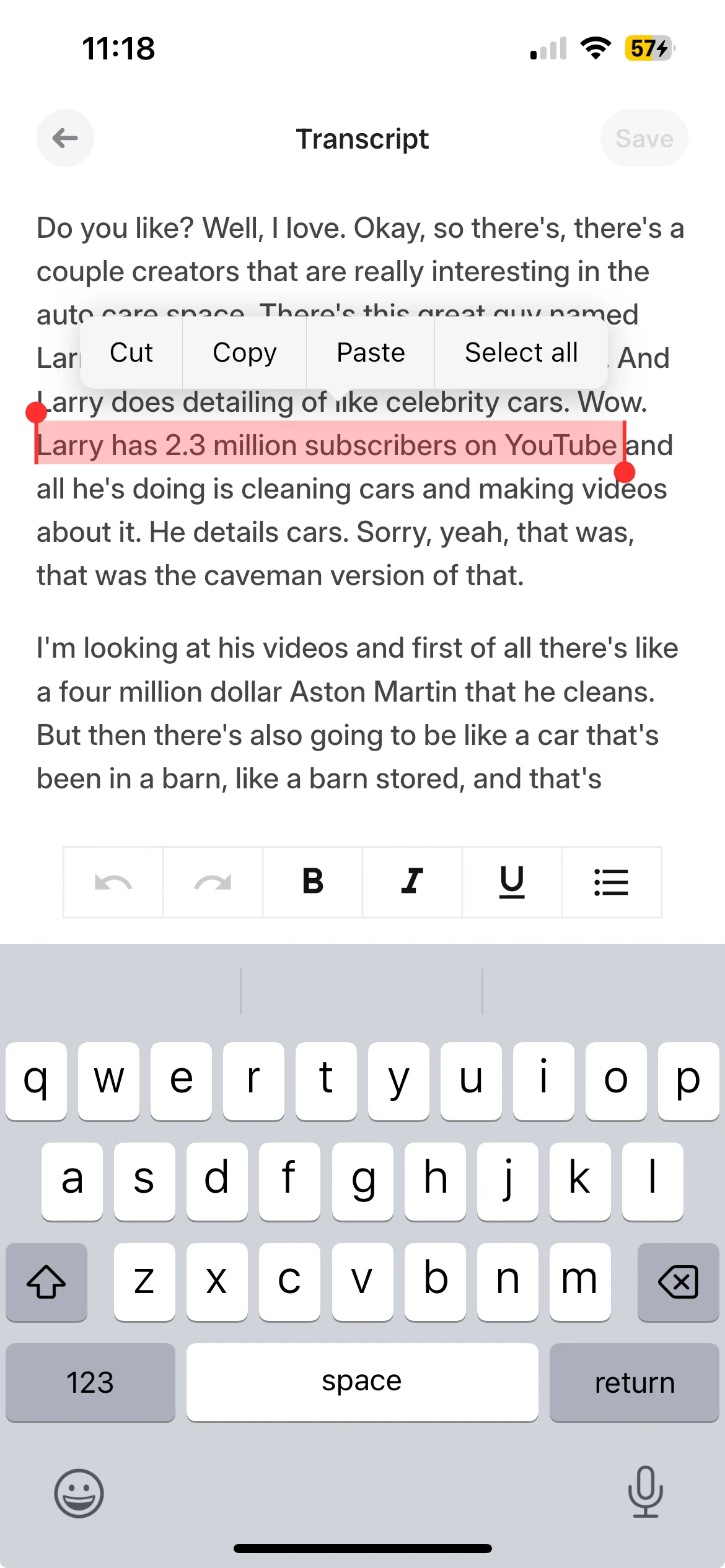
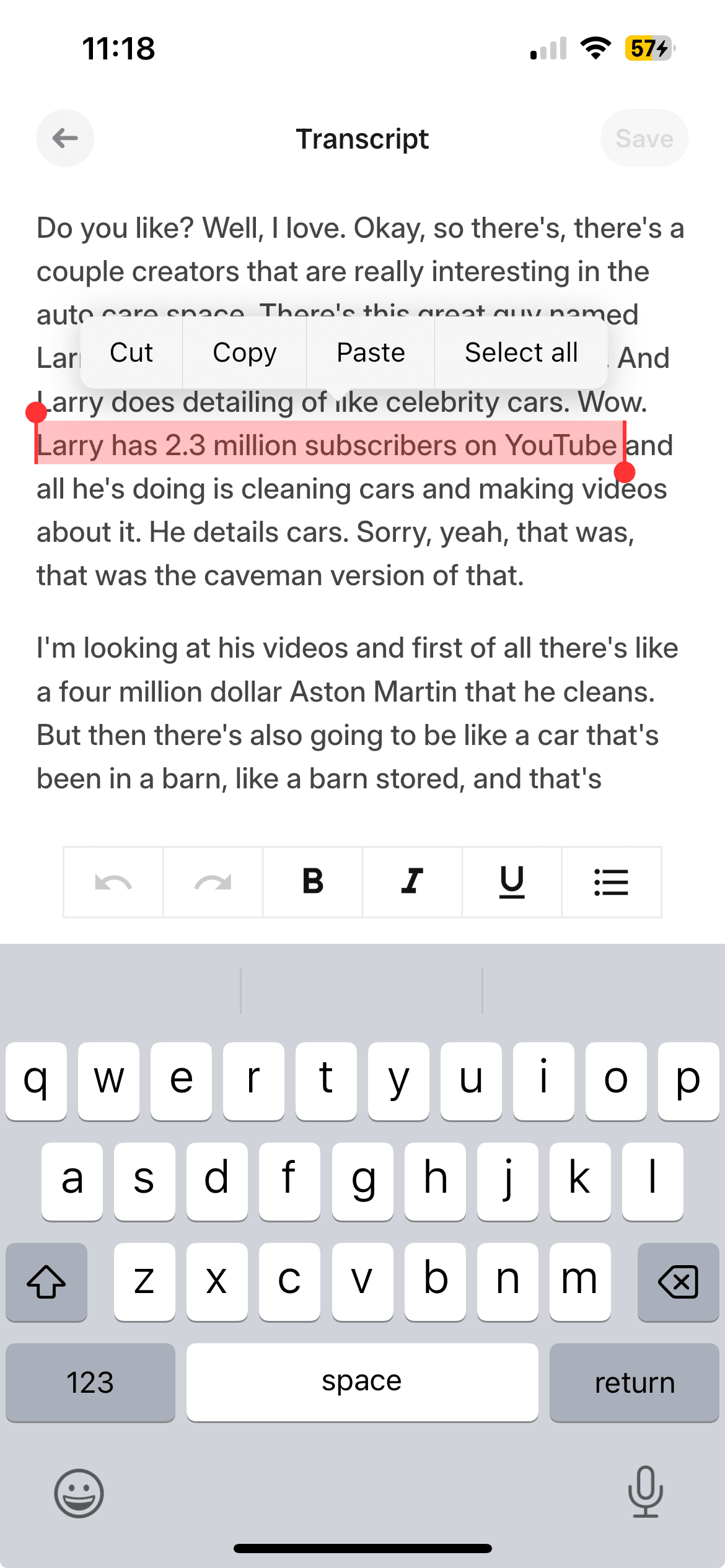
Instant Transcripts
Get instant transcripts. No complicated setup, no waiting. Upload your file, paste a link, or record directly.

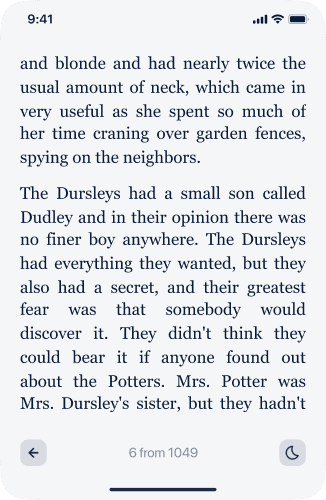
It took almost two hours to reach Norwich. The sign welcoming visitors to the fine city had a note proclaiming that it had been proudly rebuilt since the anarchy. Harry stared out of the window at the unfamiliar sights. Pedestrians bustled along the pavements, some stepping out into the road to avoid women's parasols. The men wore homburgs or fedoras, but a few also carried umbrellas, as though they were afraid last night's storm would return, despite the clear sky.
Smart Summaries
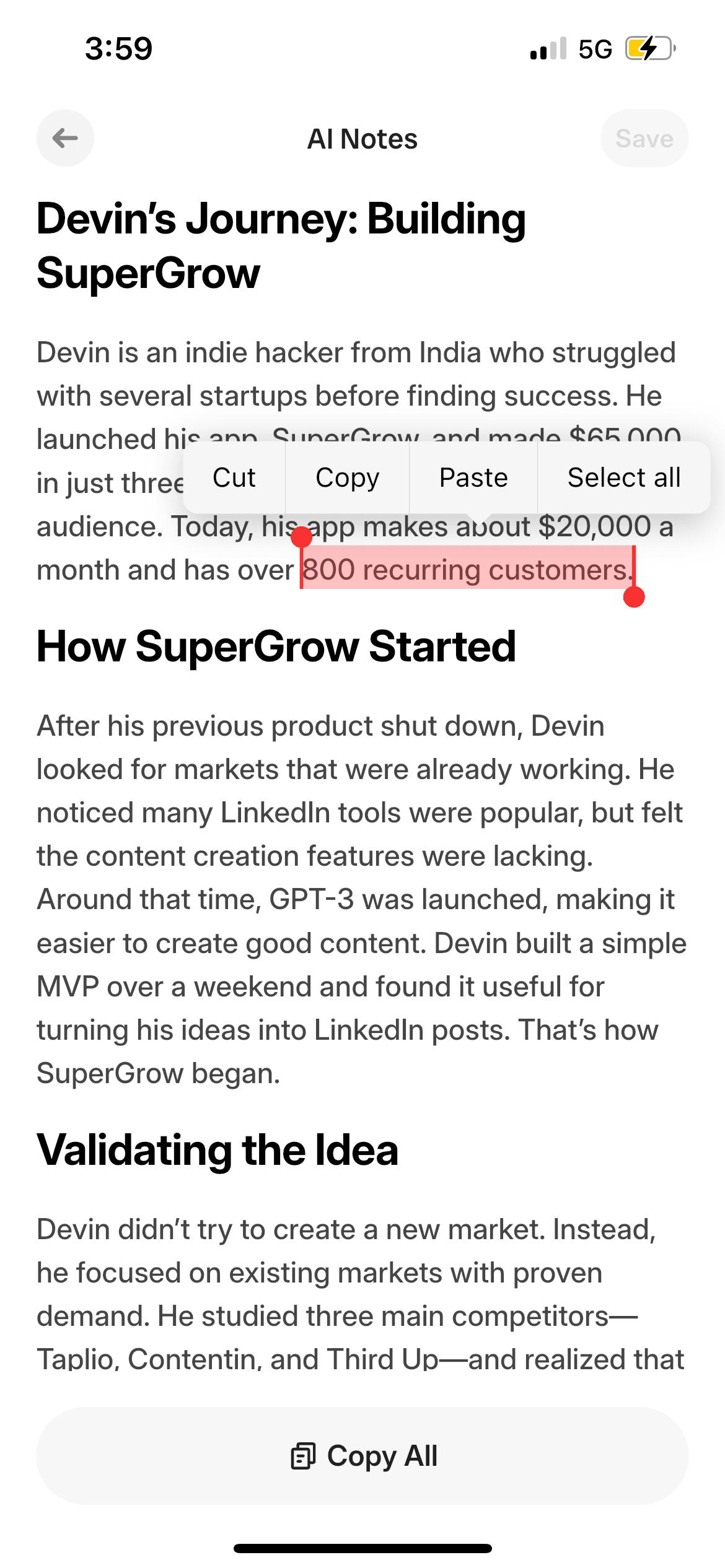
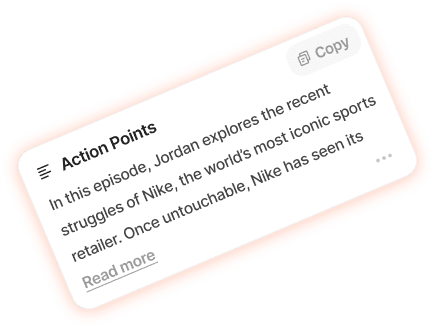
AI-generated summaries highlight key ideas, action points, and takeaways in seconds.

Custom Templates
Customize templates based on your needs to get the same notes in different formats.


AI Writing Assistant
Draft blogs, emails, briefs or meeting agendas directly from your conversations or documents.


100+ Prompt Options
Choose from 100+ output prompts or add your own ChatGPT prompts.


Simple Summary
Academic Essay
Meeting Summary

Action Plan

Key Takeaways
Chat with Your Notes / Ask Anything
Chat with your notes for instant answers. Ask AI for enhanced, context-specific responses within your documents.

Storytelling significantly impacts Ryan's design work in several ways:
• Making Ideas Feel Real: Ryan believes making ideas feel real is core to being a designer. Effective storytelling suspends disbelief and lets people genuinely respond to the concept.
• Effective Communication: Storytelling conveys design ideas compellingly — focusing on "that end expression that makes you go, wait, is this real?"
• Engagement & Interaction: Creating stories around experiments allows people to step into the idea and experience it firsthand.
• Influencing Decisions: Ryan uses storytelling through prototypes to test ideas, convince leadership, and gather feedback.
• Internal Visibility: Sharing ideas through short videos lets him go "viral internally," making an impact without lengthy meetings.
-via Audionotes.app
How does storytelling impact Ryan's design work
How to Connect Audionotes
with Whatsapp
Log in to Audionotes
- Open Audionotes Web and log in to your account.
- From the left sidebar, go to Integrations.
- Click Connect on the Whatsapp integration card.
Step 1: Enter Your Phone Number
Paste your mobile number linked to whatsapp to receive audionotes
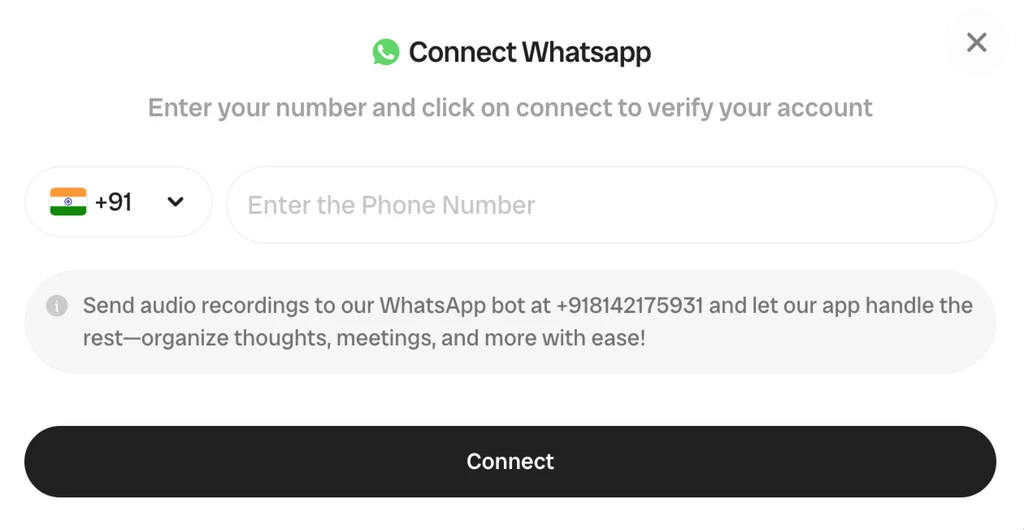
Step 2: Connect and Finish Setup
Click Connect. You will be redirected to whatsapp chat window to get notes on the whatsapp chat.
Make voice messages easier to use
Once your WhatsApp number is connected, these guides show how to transcribe, summarize, and reuse audio notes without replaying them.
Loved by 200K+ Happy Users

Makes life SO much easier. They've really improved the interface to make life easier and they listen to their users to make the product better. Recording my random thoughts and organizes them so I can be productive. Love this.
 Paul Colaianni
AudioNotes is truly a game-changer! As a marketing consultant, I often find myself brainstorming ideas alone, and this app has become my go-to companion. It effortlessly captures and organizes my thoughts, ensuring that not a single idea, whether good or bad, slips away!
 Alexandre
Really excited with AudioNotes! I can shower, miss a thought and would like how we can also transcribe the audios of some conferences that I have stored on my phone… Very satisfied with the support of AudioNotes that quickly resolved.
 Damian Larrañaga
The AudioNotes.app team is very responsive and customer service is top notch!! The ability to summarize voice notes so elegantly has made my workflow even more efficient than I could have ever hoped. This is an amazing tool for journaling as well.
 Cydney
AudioNotes has become an essential part of my creative process. It is just so quick and easy to ramble into my phone and then get a version of my ideas that is clear and usable immediately.
 Adam Davidson
Audio Notes revolutionizes note-taking and content creation, making it a game-changer for professionals, students, content creators, and anyone looking to boost their productivity. Keep up the work! I hope to see more exciting features.
 Andy Lim
Makes life SO much easier. They've really improved the interface to make life easier and they listen to their users to make the product better. Recording my random thoughts and organizes them so I can be productive. Love this.
Paul ColaianniAudioNotes is truly a game-changer! As a marketing consultant, I often find myself brainstorming ideas alone, and this app has become my go-to companion. It effortlessly captures and organizes my thoughts, ensuring that not a single idea, whether good or bad, slips away!
AlexandreReally excited with AudioNotes! I can shower, miss a thought and would like how we can also transcribe the audios of some conferences that I have stored on my phone… Very satisfied with the support of AudioNotes that quickly resolved.
Damian LarrañagaThe AudioNotes.app team is very responsive and customer service is top notch!! The ability to summarize voice notes so elegantly has made my workflow even more efficient than I could have ever hoped. This is an amazing tool for journaling as well.
CydneyAudioNotes has become an essential part of my creative process. It is just so quick and easy to ramble into my phone and then get a version of my ideas that is clear and usable immediately.
Adam DavidsonAudio Notes revolutionizes note-taking and content creation, making it a game-changer for professionals, students, content creators, and anyone looking to boost their productivity. Keep up the work! I hope to see more exciting features.
Andy LimPlans & Pricing
Start free, upgrade when you need more. One Pro plan, everything included — no hidden fees.
What's Included
- Unlimited Voice Notes (1 min/note)
- Unlimited Text Notes
- Transcripts & Summaries
- 99+ Languages
- Search & Organize Notes
- iPhone, Android, Web & Mac (beta)

Everything you need to capture, organize, and act on your ideas — unlimited.
Get StartedWhat's Included
- Unlimited Voice Notes
- Unlimited File Uploads
- Notes from Images
- Notes from YouTube Videos
- Chat with Notes
- Unlimited Transcripts & Summaries
- Unlimited AI Generations
- Custom Prompts
- Notion, Zapier & Webhooks
For teams of 5+ who need dedicated support, custom integrations, and volume pricing.
Contact UsWhat's Included
- Everything in Pro
- Centralized Billing
- Priority Support
Recording size and file size limits may apply owing to device limitations and fair usage policy.
Comparing ways to handle voice messages?
See how Audionotes compares with transcription-first alternatives for turning audio into usable text.
Frequently Asked Questions
Learn how to journal your thoughts
Explore blogs, guides, tips, and real use cases on AI note-taking, productivity, and getting more value from every note with Audionotes.
![Transcribe WhatsApp Audio Notes: Step-by-Step [2026]](/_next/image?url=%2Fblog%2Fcovers%2Feffortlessly-transcribe-and-summarize-whatsapp-audio-notes-a-step-by-step-guide.png&w=3840&q=75&dpl=dpl_G7TtNEzYJY1wADRLFHtw9nyD4qiK)
Transcribe WhatsApp Audio Notes: Step-by-Step [2026]
WhatsApp voice notes have become a staple for quick and easy communication. However, there are times when you need these audio gems in a more accessible format.
![How to Transcribe WhatsApp Voice Notes [2026]](/_next/image?url=%2Fblog%2Fcovers%2Ffrom-voice-to-text-transcribing-whatsapp-voice-notes-made-easy.png&w=3840&q=75&dpl=dpl_G7TtNEzYJY1wADRLFHtw9nyD4qiK)
How to Transcribe WhatsApp Voice Notes [2026]
Voice note transcription is an emerging solution for people who prefer or require written communication over audio messages. Transcription technology converts spoken words into readable text.


Save time and stay organised with Audionotes
Without Audionotes


With Audionotes


Get the Audionotes app today
For mobile
Scan the QR code below

Still not sure thatAudionotes.app isright for you?
Let ChatGPT, Claude, or Perplexity help you to choose.
Click a button and see what your favourite AI says about Audionotes.app.


