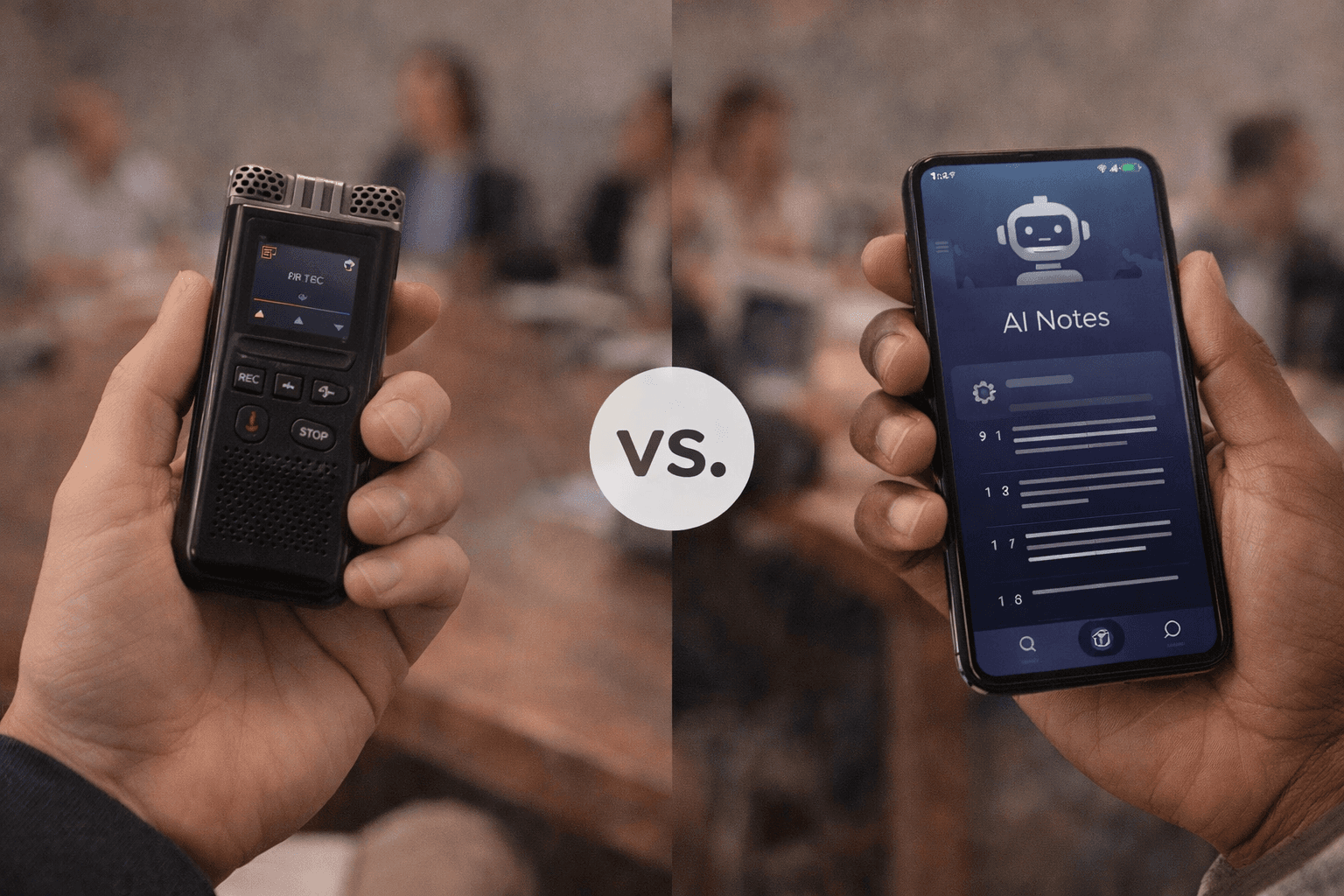
Voice Recorder vs AI Note Taker: Which Is Better?
Voice recorder vs AI note taker - which do you actually need? Compare features, use cases & results. Upgrade to AI with Audionotes.
Key Takeaways
-
AI note takers go beyond simple mobile voice recording. They can transcribe, summarize, and organize conversations automatically.
-
Voice recorders capture raw audio, while AI-powered tools like Audionotes turn that audio into actionable, searchable notes.
-
For meetings, interviews, and team collaboration, AI note takers save hours by generating instant summaries and highlights.
-
Voice recorders still shine in offline environments or when you need high-quality sound files for editing.
-
Choosing Audionotes gives you the best of both worlds. You can effortlessly record, smartly transcribe, and ensure top-grade security for your data!
Post-pandemic, the time professionals spend in meetings has tripled, making effective note-taking second nature for many professionals.
Traditionally, people relied on mobile voice recorders to capture audio and review it later. But today, AI note takers are redefining how you capture, understand, and share information. They can turn simple recordings into structured, searchable notes within seconds!
So, what exactly sets these two apart? Let’s break it down in simple terms and help you decide which tool best fits your workflow.
What is a Mobile Voice Recorder?
A mobile voice recorder is a digital tool that allows you to record and save audio directly using your phone. It’s great for recording conversations and capturing lectures, client meetings, or interviews in real time. You can store them as raw audio files (like MP3 or WAV) for later listening or manual transcription.
While these are handy, they’re designed for audio capture only. They can’t summarize or organize the recordings into notes, leaving you to spend extra time doing it manually.
Pros of a Mobile Voice Recorder
-
Simple to use: Just hit record, and you’re set.
-
Offline access: Works without internet connectivity.
-
High-quality audio: Ideal for musicians, journalists, or anyone needing uncompressed sound.
-
Reliable backup: Ideal for keeping a raw record of important discussions.
Cons of a Mobile Voice Recorder
-
Manual effort required: You need to replay and type out notes yourself if you want to organize them efficiently.
-
No summaries or action items: It will not analyze or organize the recorded notes for you.
-
Hard to search: Most mobile recorders do not have timestamps, so you’ll spend time scrubbing through recordings to find key points.
-
Limited collaboration: Sharing long files isn’t ideal for team-based workflows.
What is an AI Note Taker?
An AI note-taker app goes a step beyond recording. It not only captures audio but also transcribes, summarizes, and organizes your conversations into structured notes - everything without you having to put any manual effort!
These tools use natural language processing (NLP) and machine learning to understand context, highlight key points, and even extract action items, helping you focus on the discussion instead of typing.
For professionals, this means less manual work, faster follow-ups, and smarter documentation.
Key Benefits of an AI Voice Recorder & Note Taker App:
-
Automatic transcription: Turn voice into text instantly.
-
Smart summaries: Get concise takeaways from long discussions.
-
Multilingual support: Tools like Audionotes support 30+ languages.
-
Searchable, organized notes: Quickly scan through your content library and find specific information anytime without hassle.
-
Team collaboration: Share notes, insights, or next steps securely.
Also Read: Best AI Note-Taking Tools for Meetings
Mobile Voice Recorder vs. AI Note Taker: Key Differences
Here’s a quick comparison to help you visualize how the two tools differ:
Features
Mobile Voice Recorder
AI Note Taker
Core Function
Captures raw audio.
Converts speech to text, generates summaries, and highlights action items.
Ease of Use
Simple and offline-friendly.
Requires internet setup but automates your note-taking process.
Output
Produces raw audio files.
Generates structured notes, transcripts, and summaries.
Natural Language Processing (NLP)
Not supported.
Fully supported for contextual understanding.
Multilingual Support
Limited or none.
Supports multiple languages for transcription and translation.
Collaboration
Manual sharing of files.
Instant sharing and syncing across platforms.
Productivity Level
Recording only.
Records and organizes for you.
While both tools record conversations, an AI note taker helps you turn recordings into meaningful insights, saving hours of manual work.
When to Use a Mobile Voice Recorder
It’s not like a voice recorder is of no use anymore. There are still times when it does the job perfectly. You should opt for it when:
-
You’re working in areas with poor or no internet connectivity.
-
You want high-quality, uncompressed recordings for editing or post-production. This is mainly for creative projects like podcasts and audiobooks.
-
You prefer manual control over how and where recordings are stored.
-
You need to save information quickly.
-
Speaking is more convenient than writing.
-
You’re capturing music, sound samples, or lengthy interviews without needing summaries.
-
You require offline documentation for compliance or privacy purposes.
In short, if your main goal is pure recording quality and you don’t need summaries or collaboration, a mobile voice recorder is a practical choice.
When to Use an AI Note Taker
An AI note-taker app comes in use when your priority is organization and efficiency. Here’s when an app like this will help you:
-
You want automatic transcription and summaries from meetings or interviews.
-
You need to save time instead of replaying long recordings manually.
-
You work in teams and must share structured notes instantly.
-
You prefer searchable, organized data instead of sifting through hours of audio.
-
You want AI-powered insights, like keyword tagging, task extraction, and even sentiment detection.
Pro Tip: If your day involves multiple meetings, brainstorming sessions, or client calls, an AI voice recorder note taker is your ultimate productivity companion.
Business professionals and teams increasingly rely on AI voice recorders and note-taker apps for one simple reason: time saved means productivity gained.
Here’s how these apps help in real-world scenarios:
-
During meetings: Record and let AI transcribe and summarize discussions in real time.
-
Post-meeting: Review key insights or action items instead of hours of playback.
-
Project management: Share summaries or decisions with your team right away.
-
Documentation: Store and organize everything in one secure, searchable place.
Mobile Voice Recorder vs AI Note Taker: Final Verdict
The choice depends on your purpose:
-
If you simply need to capture sound, go with a mobile voice recording app.
-
If you want to capture, transcribe, summarize, and organize your notes effortlessly, an AI note taker should be your ideal pick.
And if you choose an AI note-taker app, Audionotes can be your perfect partner!
Make Every Word Count With Audionotes
Whether you’re in a meeting, interview, or brainstorming session, the right tool can make all the difference. While mobile voice recorders are great for simple audio capture, Audionotes transforms those recordings into structured, searchable insights, saving you time, improving accuracy, and boosting team productivity.
With features like automatic transcription, AI summaries, multilingual support, and end-to-end encryption, Audionotes helps professionals focus on what truly matters. You can even chat with your notes by asking questions like “What were the next steps from the last client meeting?” to get instant answers. That’s something no traditional recorder can offer!
Make your notes smarter, faster, and safer.
Frequently Asked Questions
-
What’s the difference between a mobile voice recorder and an AI note taker?
A mobile voice recorder simply captures raw audio for later playback. While an AI note taker records, transcribes, and summarizes conversations, turning your meetings or lectures into clear, searchable notes automatically.
-
Is an AI note-taker app better for meetings?
Yes, AI note taker apps are ideal for meetings because they automatically generate transcripts, summaries, and action items, which can save you hours of manual work.
-
Can AI note takers replace traditional voice recorders?
For most professionals, yes. While mobile voice recorders are great for pure audio capture, AI note takers combine recording, organization, and summarization, making them a more complete productivity tool.
-
Are AI note takers secure for legal or client-sensitive conversations?
Absolutely. Audionotes uses end-to-end encryption and enterprise-grade data protection to keep every recording private and compliant. Your notes stay secure and accessible only to you (and your authorized team).
-
Can AI note takers work offline?
While the transcription and summarization features will need an internet connection, you can still capture recordings and manage them within Audionotes, ensuring nothing is lost even if you’re temporarily offline.
![Voice Notes vs Text Notes: Which Is Better? [2026]](/blog/covers/voice-notes-vs-text-notes.png)
![Best Medical Dictation Software in 2025 [Top 7]](/blog/covers/best-medical-dictation-software.png)