Free Lecture Recording
to Text Converter
Upload a recorded class or seminar and read it back as a transcript with a short summary on top. No account needed for your first file.
Drop your file here or click to browse
MP3, M4A, WAV, OGG, WebM, MP4, MOV or AVI. Up to 15 minutes and 100 MB.
Choose fileOnly the audio track is processed. Your file, transcript and summary are private and deleted with the result after 24 hours.
- Private processing
- Up to 15 minutes
- Deleted after 24 hours
By continuing you agree to our Terms of Service and Privacy Policy.

Turn a lecture recording into notes
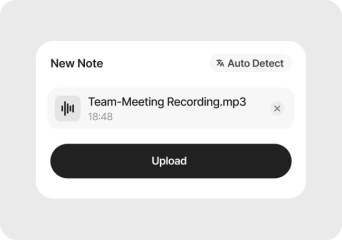
Pick the part of the lecture you need
The free tool takes 15 minutes per file. Upload the section the professor spent on the topic you are revising, or trim the recording first.
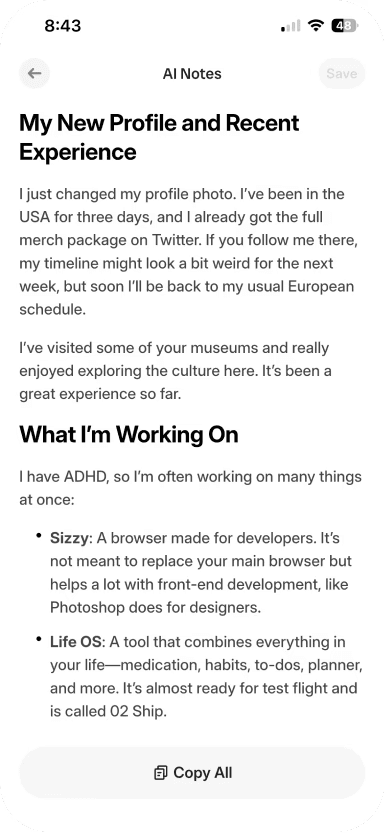
Let it transcribe
Accents, technical terms and the odd question from the back row all end up in the transcript. Longer clips take a little longer to process.
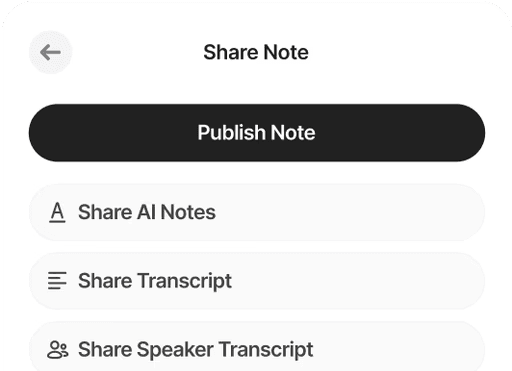
Study from the summary
Read the summary for the outline, then search the transcript for the exact wording of a definition or formula.
Less rewinding, more revising
Transcription is effortless with Audionotes. Whether you're generating subtitles, creating SEO-optimized content, or capturing insights from meetings, our model delivers high-accuracy results in 99+ languages.
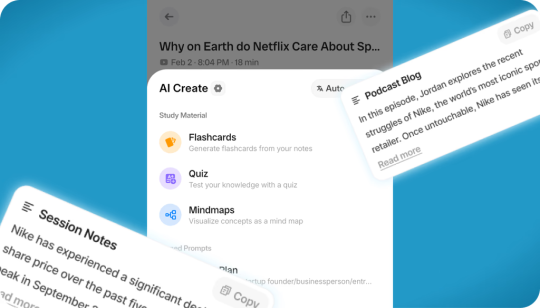
More Than Just Transcription
Don't waste time sifting through long transcripts. Get AI-generated summaries that highlight the key ideas, action points, and takeaways in seconds.
More Than Just Transcription
Don't waste time sifting through long transcripts. Get AI-generated summaries that highlight the key ideas, action points, and takeaways in seconds.
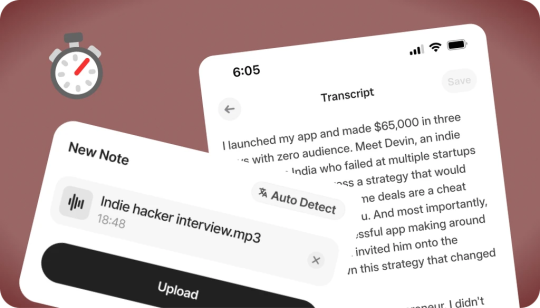
Start on Your Phone, Finish on Your Laptop
Notes sync across the Audionotes apps, so a lecture you record on your phone is ready to read and edit on your laptop or in the web app.
Start on Your Phone, Finish on Your Laptop
Notes sync across the Audionotes apps, so a lecture you record on your phone is ready to read and edit on your laptop or in the web app.
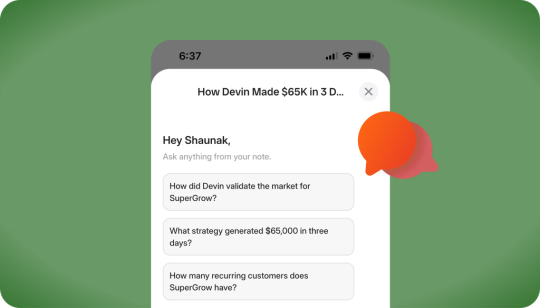
Chat with Your Transcript
Go beyond static text. Ask questions, clarify points, or extract key insights directly from your transcript, just like chatting with a colleague.
Chat with Your Transcript
Go beyond static text. Ask questions, clarify points, or extract key insights directly from your transcript, just like chatting with a colleague.
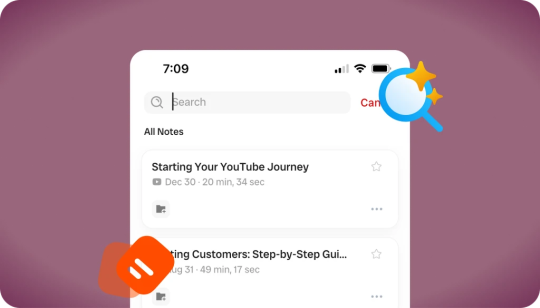
Searchable Transcripts
Never lose track of important details again. Every transcript is fully searchable, so you can jump to the exact word, phrase, or section you need.
Searchable Transcripts
Never lose track of important details again. Every transcript is fully searchable, so you can jump to the exact word, phrase, or section you need.
Why a 15-minute clip still helps with a 90-minute lecture
Most lectures run 50 to 90 minutes, longer than the free tool accepts. The useful trick is to split the recording by topic rather than by time: the 12 minutes on a proof you missed, or the stretch before the exam hints. Phone voice memo apps export M4A, which uploads as is. If you record every class, the Audionotes app records offline, handles full-length lectures, and can turn the transcript into flashcards or a quiz with AI Create.
Evaluating alternatives? Compare Audionotes to other AI note-takers →
Getting a clean lecture recording
Sit near the front
Distance matters more than the microphone. A phone in the third row beats an expensive recorder at the back of a hall.
Note the time of key moments
When the lecturer says "this will be on the exam", jot the minute down. Those are the clips worth uploading first.
Keep slides and transcript together
Lecturers often say "as you can see here". The transcript makes far more sense read next to the slide deck.
Check names and formulas
Proper nouns and spoken equations are the most common errors. Fix them while the lecture is still fresh.
Loved by 200K+ Happy Users

Makes life SO much easier. They've really improved the interface to make life easier and they listen to their users to make the product better. Recording my random thoughts and organizes them so I can be productive. Love this.
 Paul Colaianni
AudioNotes is truly a game-changer! As a marketing consultant, I often find myself brainstorming ideas alone, and this app has become my go-to companion. It effortlessly captures and organizes my thoughts, ensuring that not a single idea, whether good or bad, slips away!
 Alexandre
Really excited with AudioNotes! I can shower, miss a thought and would like how we can also transcribe the audios of some conferences that I have stored on my phone… Very satisfied with the support of AudioNotes that quickly resolved.
 Damian Larrañaga
The AudioNotes.app team is very responsive and customer service is top notch!! The ability to summarize voice notes so elegantly has made my workflow even more efficient than I could have ever hoped. This is an amazing tool for journaling as well.
 Cydney
AudioNotes has become an essential part of my creative process. It is just so quick and easy to ramble into my phone and then get a version of my ideas that is clear and usable immediately.
 Adam Davidson
Audio Notes revolutionizes note-taking and content creation, making it a game-changer for professionals, students, content creators, and anyone looking to boost their productivity. Keep up the work! I hope to see more exciting features.
 Andy Lim
I am a big fan of Audionotes. I am really your ambassador, at least in my space here in Poland. Big hug for the whole team!
Makes life SO much easier. They've really improved the interface to make life easier and they listen to their users to make the product better. Recording my random thoughts and organizes them so I can be productive. Love this.
Paul ColaianniAudioNotes is truly a game-changer! As a marketing consultant, I often find myself brainstorming ideas alone, and this app has become my go-to companion. It effortlessly captures and organizes my thoughts, ensuring that not a single idea, whether good or bad, slips away!
AlexandreReally excited with AudioNotes! I can shower, miss a thought and would like how we can also transcribe the audios of some conferences that I have stored on my phone… Very satisfied with the support of AudioNotes that quickly resolved.
Damian LarrañagaThe AudioNotes.app team is very responsive and customer service is top notch!! The ability to summarize voice notes so elegantly has made my workflow even more efficient than I could have ever hoped. This is an amazing tool for journaling as well.
CydneyAudioNotes has become an essential part of my creative process. It is just so quick and easy to ramble into my phone and then get a version of my ideas that is clear and usable immediately.
Adam DavidsonAudio Notes revolutionizes note-taking and content creation, making it a game-changer for professionals, students, content creators, and anyone looking to boost their productivity. Keep up the work! I hope to see more exciting features.
Andy LimI am a big fan of Audionotes. I am really your ambassador, at least in my space here in Poland. Big hug for the whole team!
Plans & Pricing
Your first note is completely free. No hidden fees.
What's Included
- Unlimited Voice Notes (1 min/note)
- Unlimited Text Notes
- Transcripts & Summaries
- 99+ Languages
- Search & Organize Notes
- iPhone, Android, Web, Chrome & Mac (beta)

Everything you need to capture, organize, and act on your ideas. Unlimited.
Get StartedWhat's Included
- Unlimited Voice Notes
- Unlimited File Uploads
- Notes from Images
- Notes from YouTube Videos
- Chat with Notes
- Unlimited Transcripts & Summaries
- Unlimited AI Generations
- Custom Prompts
- Notion, Zapier & Webhooks
For teams of 5+ who need dedicated support, custom integrations, and volume pricing.
Contact UsWhat's Included
- Everything in Pro
- Centralized Billing
- Priority Support
Recording size and file size limits may apply owing to device limitations and fair usage policy.
Learn How to Take Smarter Notes
Explore blogs, guides, tips, and real use cases on AI transcription, productivity, and getting more value from every recording with Audionotes.

Best Note-Taking Apps for iPhone in 2026 [Ranked]
If you're searching for the best notes app for iPhone, you're not alone. With so many apps available, finding one that balances speed, organization, cloud sync, and smart AI features can be tricky.
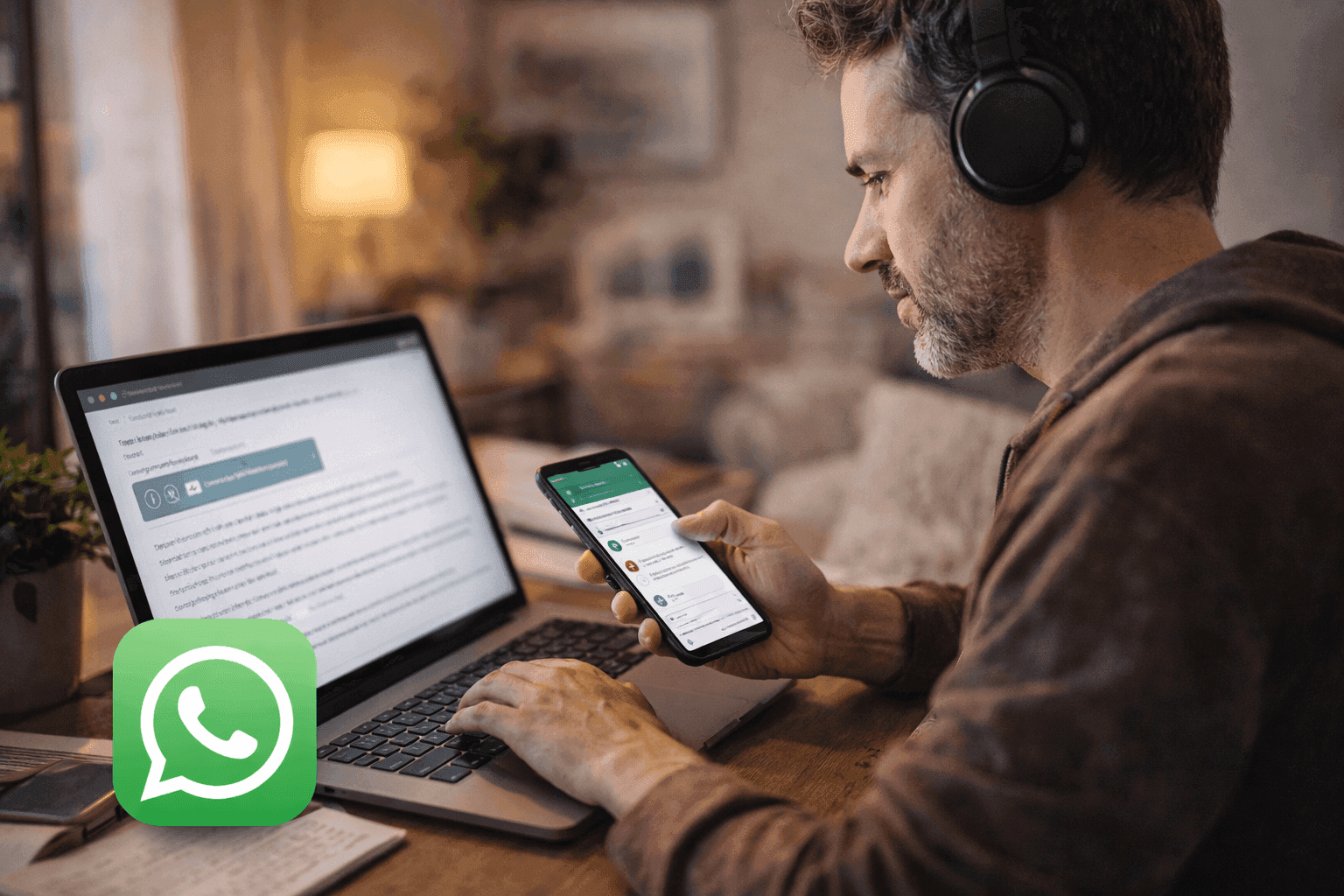
How to Transcribe WhatsApp Voice Notes
Why reading a voice note beats replaying it, what WhatsApp's own transcription can and cannot do yet, and which apps fill the gap.
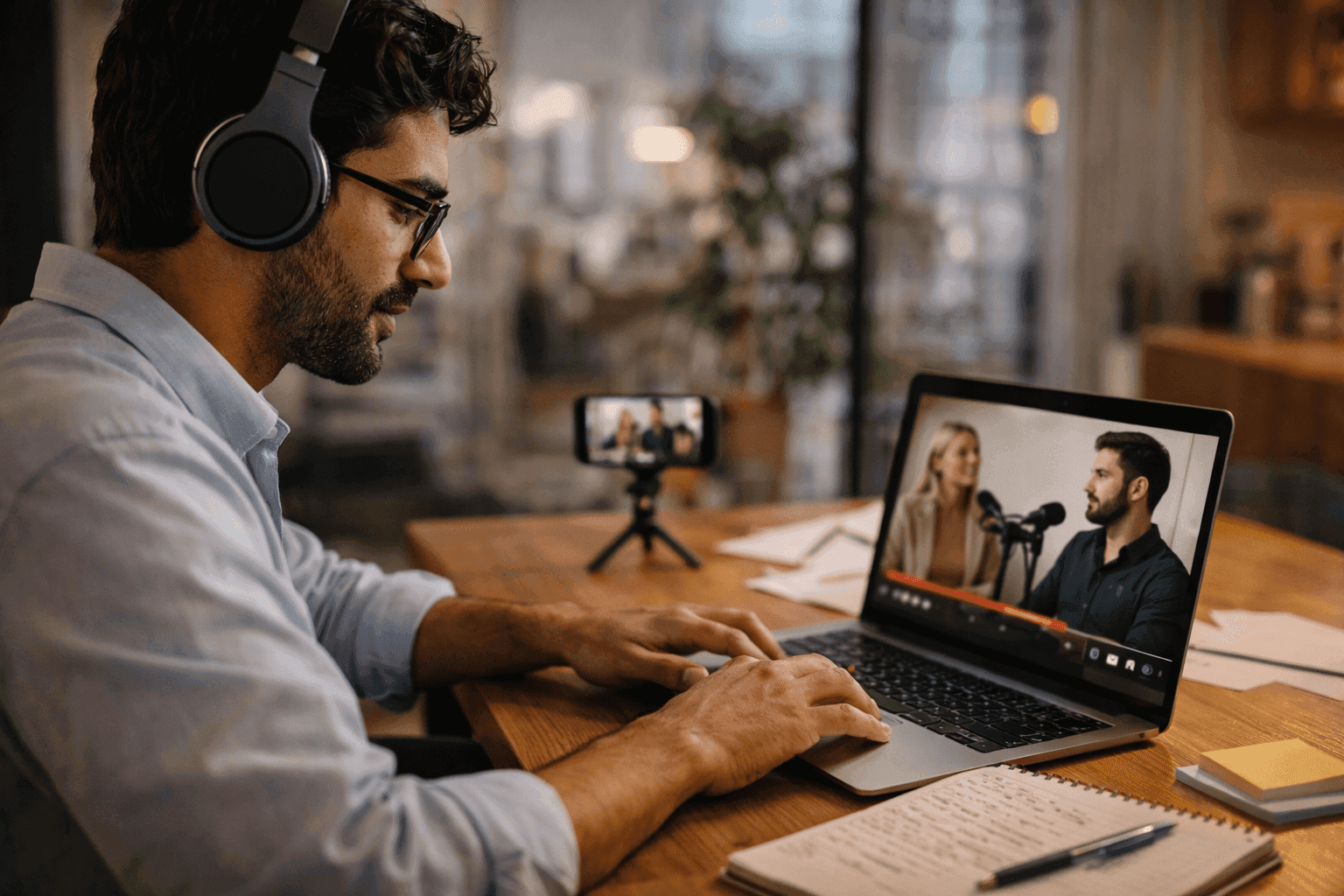
How to Transcribe an Interview
Type it yourself, hire a transcription service or use an automated tool. How each method works and which one fits your interview.

Best Free Note-Taking Apps for iPad in 2026 [Top 6]
Below, we've rounded up the list of best note-taking apps for iPad, covering options features & price for students, professionals, creatives, and anyone who wants a smarter, more effortless way to take notes.

Note-Taking vs Note-Making: Key Differences [2026]
Note-taking focuses on recording ideas as they happen, while note-making transforms those ideas into personal understanding. Each plays a vital role in learning, one for speed and accuracy, the other for analysis and reflection.
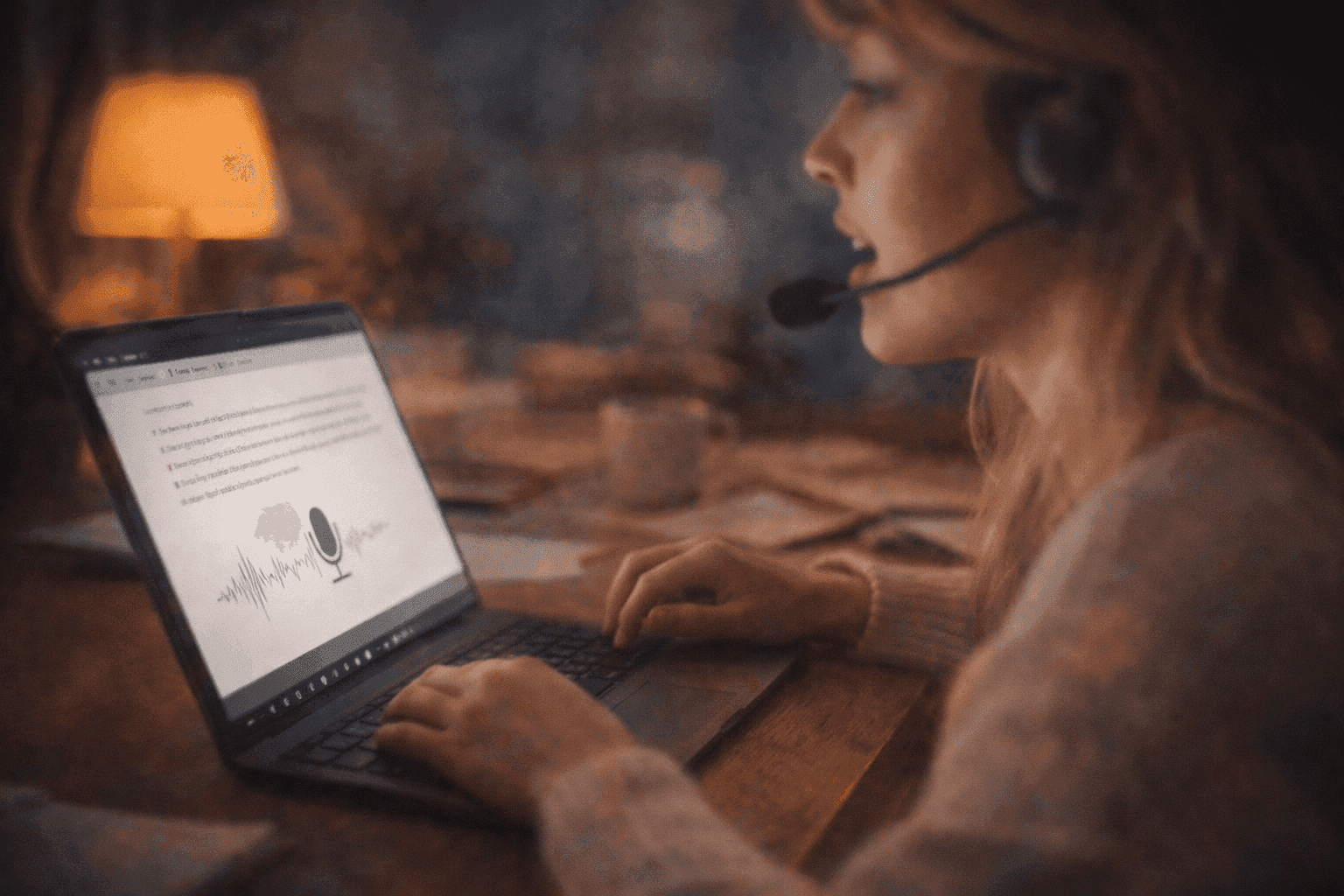
Best Dictation Software in 2026
With speech recognition accuracy improving and AI-powered models reducing error rates, dictation software is now reliable enough for everyday work. After testing leading tools, we've shortlisted the best dictation software options to help you choose the right one for your workflow.
Best Note-Taking Apps for iPhone in 2026 [Ranked]
If you're searching for the best notes app for iPhone, you're not alone. With so many apps available, finding one that balances speed, organization, cloud sync, and smart AI features can be tricky.
How to Transcribe WhatsApp Voice Notes
Why reading a voice note beats replaying it, what WhatsApp's own transcription can and cannot do yet, and which apps fill the gap.
How to Transcribe an Interview
Type it yourself, hire a transcription service or use an automated tool. How each method works and which one fits your interview.
Best Free Note-Taking Apps for iPad in 2026 [Top 6]
Below, we've rounded up the list of best note-taking apps for iPad, covering options features & price for students, professionals, creatives, and anyone who wants a smarter, more effortless way to take notes.
Note-Taking vs Note-Making: Key Differences [2026]
Note-taking focuses on recording ideas as they happen, while note-making transforms those ideas into personal understanding. Each plays a vital role in learning, one for speed and accuracy, the other for analysis and reflection.
Best Dictation Software in 2026
With speech recognition accuracy improving and AI-powered models reducing error rates, dictation software is now reliable enough for everyday work. After testing leading tools, we've shortlisted the best dictation software options to help you choose the right one for your workflow.
Frequently Asked Questions
Related free pages
Free pages for the same kind of recording, or for the people who make it.

Save time and stay organised with Audionotes
Without Audionotes


With Audionotes


Get the Audionotes app today
For mobile
Scan the QR code below

Still not sure thatAudionotes.app isright for you?
Let ChatGPT, Claude, or Perplexity help you to choose.
Click a button and see what your favourite AI says about Audionotes.app.


