Audio Journaling App for Thoughts That Move Faster Than Your Pen
Capture brain dumps, late-night worries, and passing ideas by talking. Audionotes transcribes and organises them into entries you can read, tag, and come back to when you are ready to reflect.
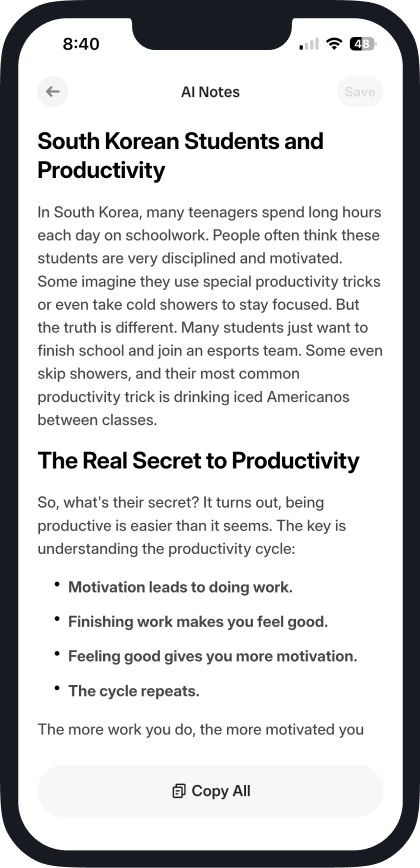
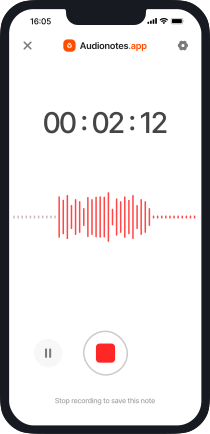
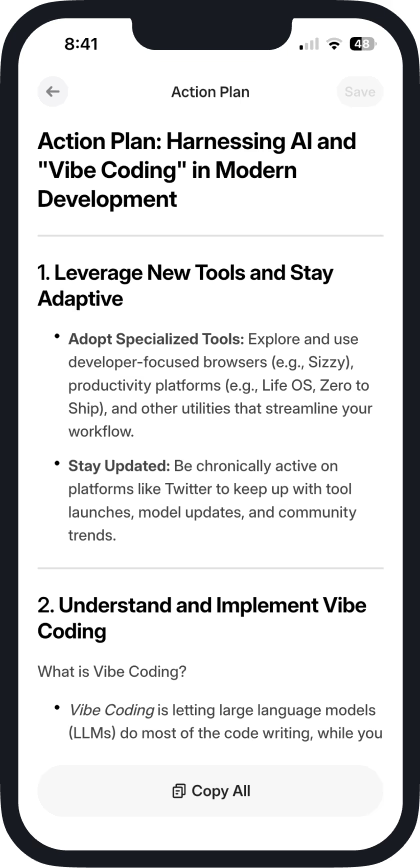

How Audionotes Audio Journal App Works
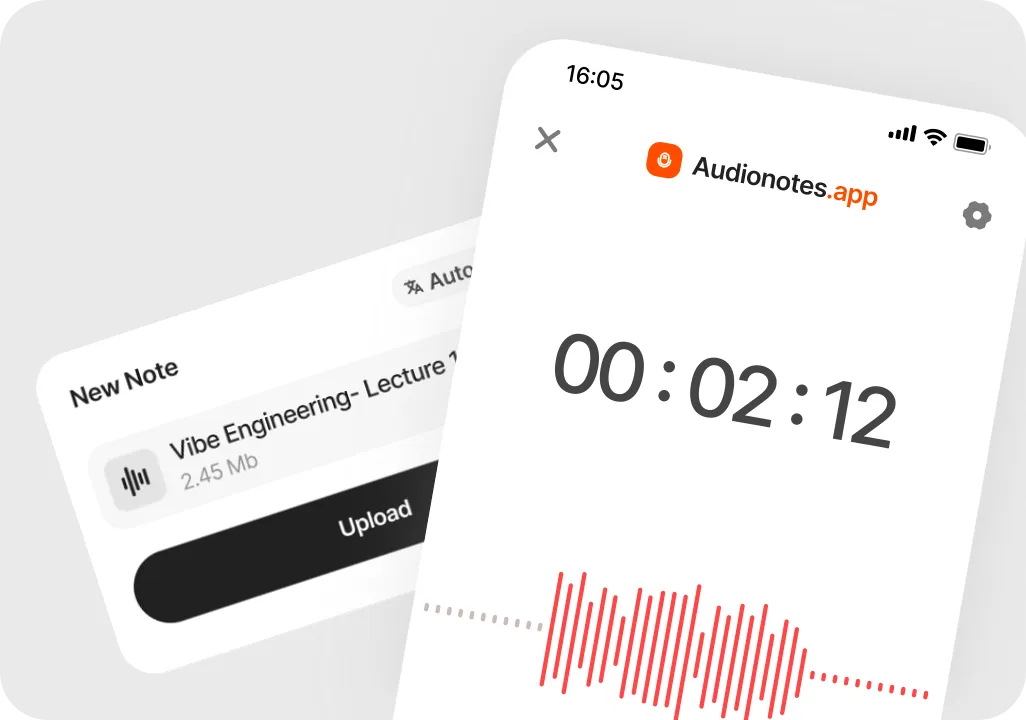
Talk through your day instead of staring at a blank page
Open Audionotes and press record. Brain dump what happened, how you feel, what you are worried about, or what you are grateful for. No format, no filter, no perfect wording needed.

Let AI turn your audio into written journal notes
Audionotes transcribes your voice and turns it into clean text you can read. You can keep it as is or ask for a gentle summary or key points if you want something shorter to revisit.
Revisit, search, and notice patterns over time
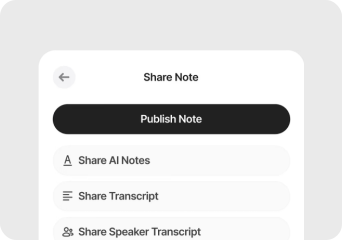
All your entries live in one place. You can search by words or themes, skim old days, and start to see patterns in moods, triggers, or wins without digging through messy notebooks or lost voice memos.
How Audionotes Helps With Voice Journaling
| Journaling Challenge | Audionotes Feature | Benefit |
|---|---|---|
| Hard to stay consistent | Quick voice journaling | Journal daily with zero friction |
| Typing feels slow or tiring | Voice-to-text transcription | Capture more honest, raw thoughts |
| Thoughts feel scattered | AI summaries + structuring | Clear, organized journal entries |
| Don't know what to write | Guided journaling prompts | Unlock deeper self-reflection |
| Journals get messy | Auto-tagging + folders | Everything stays organized |
| Difficult to revisit old entries | Search + topic extraction | Find insights instantly |
How Audionotes Makes Audio Journaling Effortless
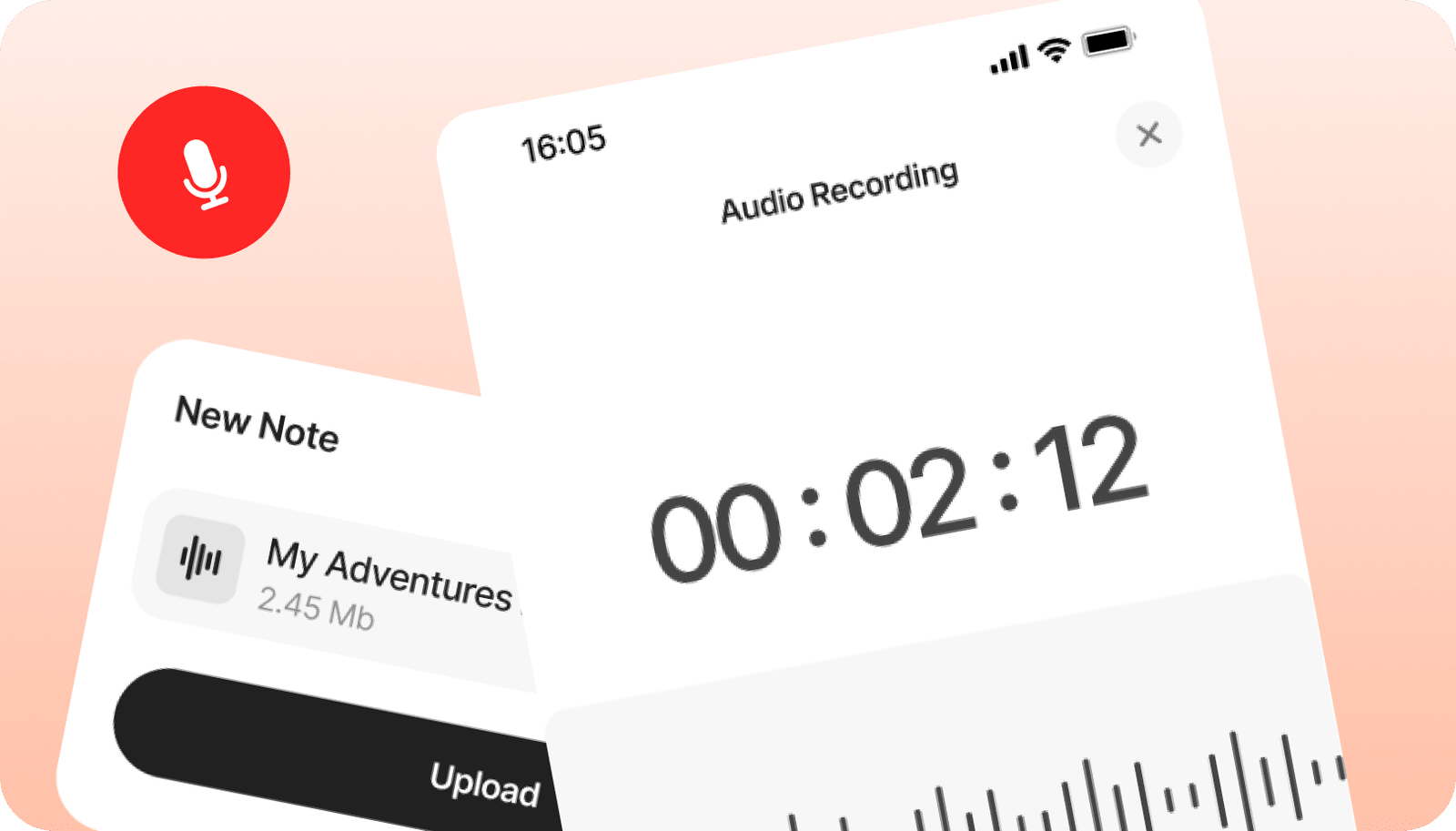
Journal by speaking
Effortless voice journaling. Just press record and talk, and Audionotes captures everything without you needing to type.
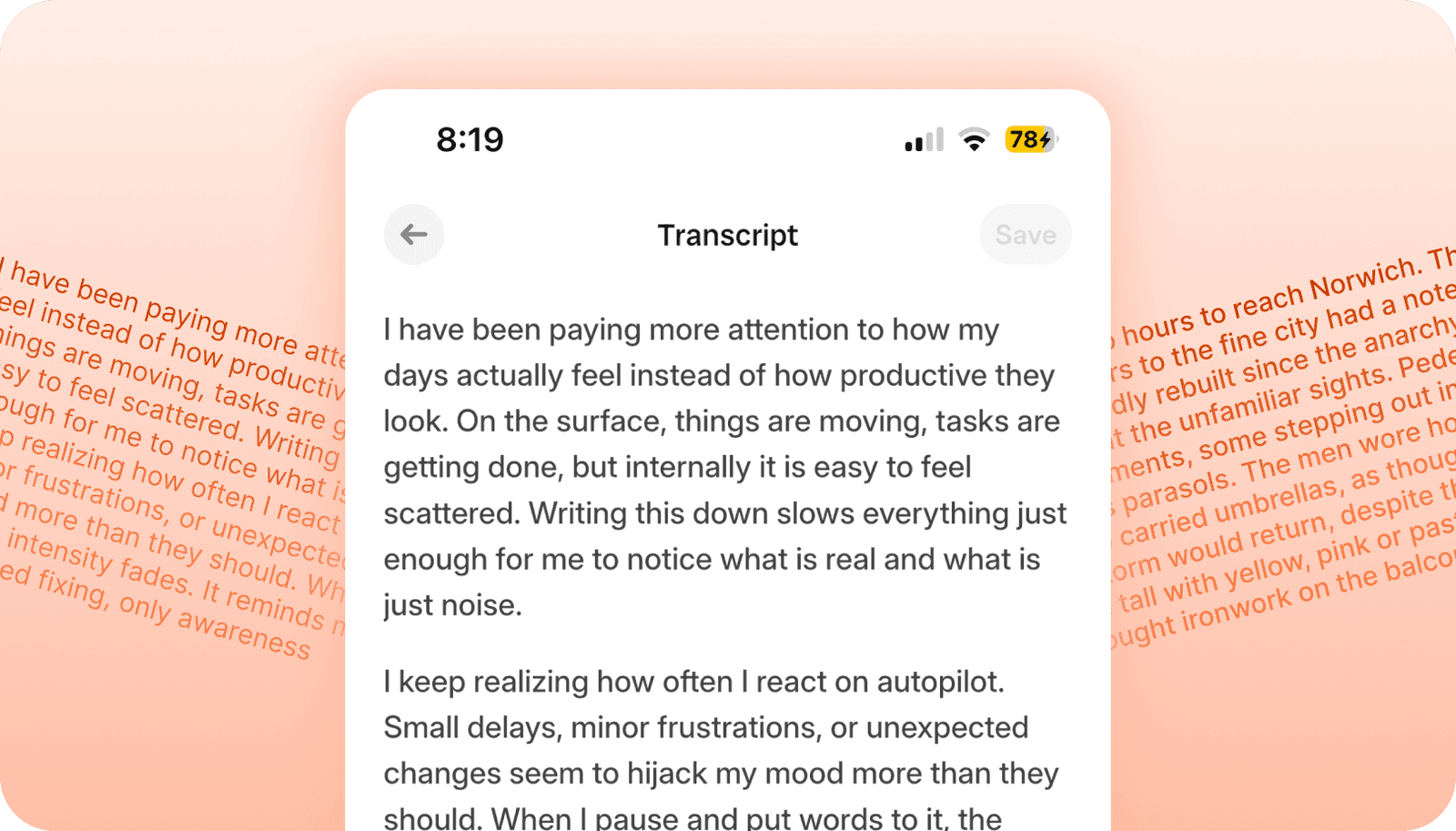
Turn voice into clean text
Voice to text with AI cleanup. Get accurate transcription that trims filler words and makes your entries easier to read and revisit.
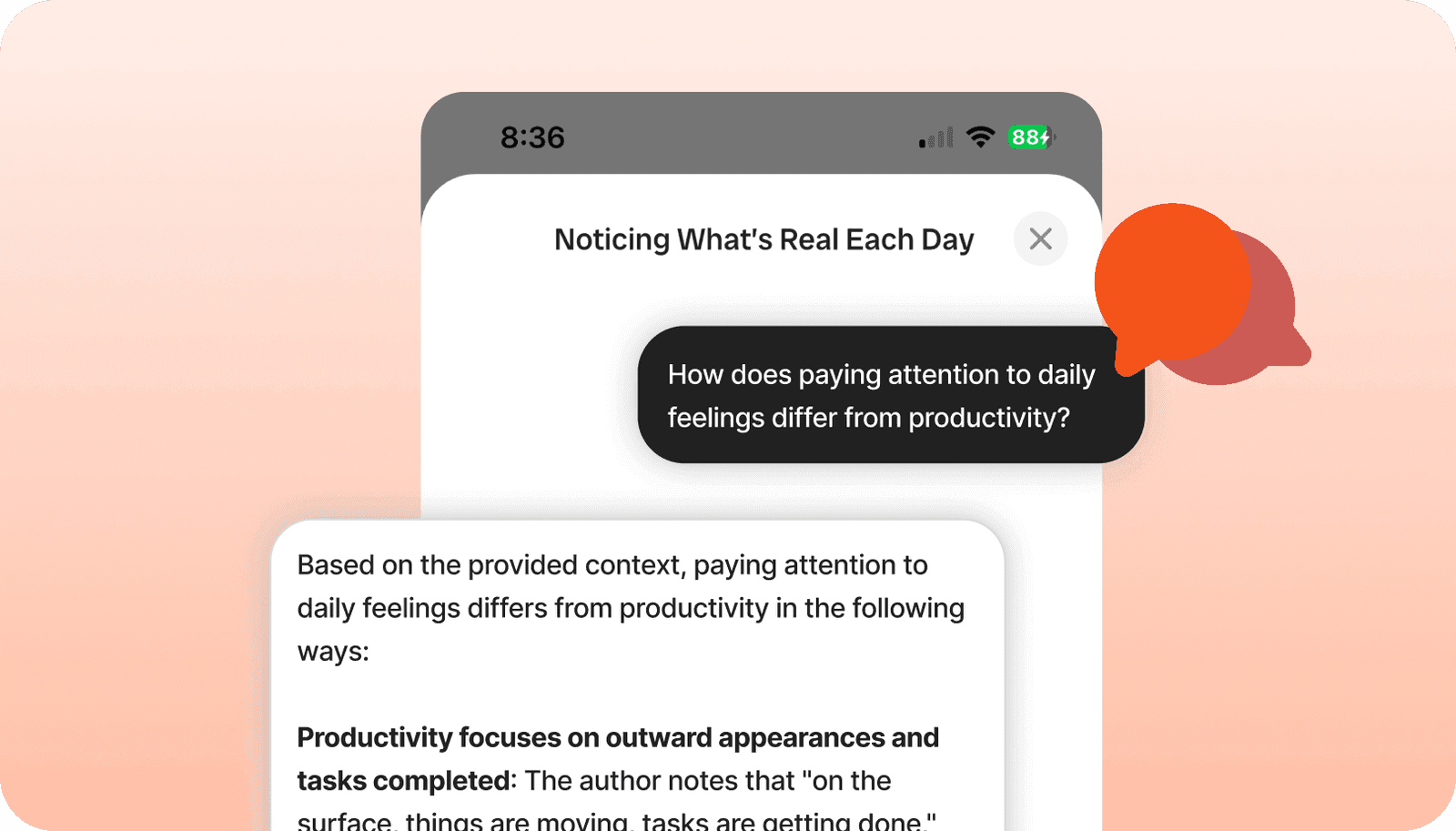
Reflect by chatting
Use Chat to ask your journal questions like "How has my mood changed this week", "Summarise my goals from all entries", or "Give me a positive affirmation based on my writing".
Keep your thoughts private
Privacy first journaling. Your recordings and entries stay encrypted and secure, so you can be fully honest without worrying where your words will end up.
How Audionotes Makes Audio Journaling Effortless
Mental wellness and self-care
Use Audionotes to check in with yourself, release what you are holding, and notice how you feel over time.
- Mood journaling
- Emotional reflections
- Stress release monologues
- Gratitude practice entries

Capture Every Thought, Reflect Without the Friction
Skip the blank page. Speak your mind and let Audionotes transcribe, summarize, and organize your reflections into structured journal entries you can revisit anytime.
Start Journaling ›Build a journaling habit you can keep
Use Audionotes as your voice journal app, then use these guides for audio journaling, ADHD-friendly reflection, and choosing the right journaling setup.
Loved by 200K+ Happy Users

Makes life SO much easier. They've really improved the interface to make life easier and they listen to their users to make the product better. Recording my random thoughts and organizes them so I can be productive. Love this.
 Paul Colaianni
AudioNotes is truly a game-changer! As a marketing consultant, I often find myself brainstorming ideas alone, and this app has become my go-to companion. It effortlessly captures and organizes my thoughts, ensuring that not a single idea, whether good or bad, slips away!
 Alexandre
Really excited with AudioNotes! I can shower, miss a thought and would like how we can also transcribe the audios of some conferences that I have stored on my phone… Very satisfied with the support of AudioNotes that quickly resolved.
 Damian Larrañaga
The AudioNotes.app team is very responsive and customer service is top notch!! The ability to summarize voice notes so elegantly has made my workflow even more efficient than I could have ever hoped. This is an amazing tool for journaling as well.
 Cydney
AudioNotes has become an essential part of my creative process. It is just so quick and easy to ramble into my phone and then get a version of my ideas that is clear and usable immediately.
 Adam Davidson
Audio Notes revolutionizes note-taking and content creation, making it a game-changer for professionals, students, content creators, and anyone looking to boost their productivity. Keep up the work! I hope to see more exciting features.
 Andy Lim
Makes life SO much easier. They've really improved the interface to make life easier and they listen to their users to make the product better. Recording my random thoughts and organizes them so I can be productive. Love this.
Paul ColaianniAudioNotes is truly a game-changer! As a marketing consultant, I often find myself brainstorming ideas alone, and this app has become my go-to companion. It effortlessly captures and organizes my thoughts, ensuring that not a single idea, whether good or bad, slips away!
AlexandreReally excited with AudioNotes! I can shower, miss a thought and would like how we can also transcribe the audios of some conferences that I have stored on my phone… Very satisfied with the support of AudioNotes that quickly resolved.
Damian LarrañagaThe AudioNotes.app team is very responsive and customer service is top notch!! The ability to summarize voice notes so elegantly has made my workflow even more efficient than I could have ever hoped. This is an amazing tool for journaling as well.
CydneyAudioNotes has become an essential part of my creative process. It is just so quick and easy to ramble into my phone and then get a version of my ideas that is clear and usable immediately.
Adam DavidsonAudio Notes revolutionizes note-taking and content creation, making it a game-changer for professionals, students, content creators, and anyone looking to boost their productivity. Keep up the work! I hope to see more exciting features.
Andy LimPlans & Pricing
Your first note is completely free. No hidden fees.
What's Included
- Unlimited Voice Notes (1 min/note)
- Unlimited Text Notes
- Transcripts & Summaries
- 99+ Languages
- Search & Organize Notes
- iPhone, Android, Web, Chrome & Mac (beta)

Everything you need to capture, organize, and act on your ideas. Unlimited.
Get StartedWhat's Included
- Unlimited Voice Notes
- Unlimited File Uploads
- Notes from Images
- Notes from YouTube Videos
- Chat with Notes
- Unlimited Transcripts & Summaries
- Unlimited AI Generations
- Custom Prompts
- Notion, Zapier & Webhooks
For teams of 5+ who need dedicated support, custom integrations, and volume pricing.
Contact UsWhat's Included
- Everything in Pro
- Centralized Billing
- Priority Support
Recording size and file size limits may apply owing to device limitations and fair usage policy.
Comparing voice journal setups?
See how Audionotes compares with recording-first and writing-first alternatives for daily reflection.
Learn how to journal your thoughts
Explore blogs, guides, tips, and real use cases on AI note-taking, productivity, and getting more value from every note with Audionotes.
![Best Note-Taking Apps for Writers in 2026 [Top 10]](/_next/image?url=%2Fblog%2Fcovers%2Fbest-note-taking-apps-writing.png&w=3840&q=75&dpl=dpl_7A9ZodSZ16Xm5CwYB2Q2iHBcg4b2)
Best Note-Taking Apps for Writers in 2026 [Top 10]
As a writer, the tools you use can have a significant impact. Imagine using a few taps to organize a complex research project or record a brilliant story idea while commuting in the morning.
![10 Best Journaling Apps in 2026 [Free & Paid]](/_next/image?url=%2Fblog%2Fcovers%2Fbest-journaling-apps.png&w=3840&q=75&dpl=dpl_7A9ZodSZ16Xm5CwYB2Q2iHBcg4b2)
10 Best Journaling Apps in 2026 [Free & Paid]
Journaling has long been recognized as a powerful tool for self-reflection, personal growth, and mental well-being. In our digital age, journaling apps have made it easier than ever to maintain a consistent journaling practice.
![Journaling for ADHD: Benefits & How to Start [2026]](/_next/image?url=%2Fblog%2Fcovers%2Fjournaling-for-adhd.png&w=3840&q=75&dpl=dpl_7A9ZodSZ16Xm5CwYB2Q2iHBcg4b2)
Journaling for ADHD: Benefits & How to Start [2026]
Journaling can be a powerful tool for people with ADHD, offering a simple and grounded way to process thoughts, manage emotions, and stay focused throughout the day.
Best Note-Taking Apps for Writers in 2026 [Top 10]
As a writer, the tools you use can have a significant impact. Imagine using a few taps to organize a complex research project or record a brilliant story idea while commuting in the morning.
10 Best Journaling Apps in 2026 [Free & Paid]
Journaling has long been recognized as a powerful tool for self-reflection, personal growth, and mental well-being. In our digital age, journaling apps have made it easier than ever to maintain a consistent journaling practice.
Journaling for ADHD: Benefits & How to Start [2026]
Journaling can be a powerful tool for people with ADHD, offering a simple and grounded way to process thoughts, manage emotions, and stay focused throughout the day.
Frequently Asked Questions
Save time and stay organised with Audionotes
Without Audionotes


With Audionotes


Explore other ways to use Audionotes
Many users start with one workflow and discover others.
Browse a related use case below.
Get the Audionotes app today
For mobile
Scan the QR code below

Still not sure thatAudionotes.app isright for you?
Let ChatGPT, Claude, or Perplexity help you to choose.
Click a button and see what your favourite AI says about Audionotes.app.


