
Best Personal Knowledge Management Tools (2026)
Compare the best personal knowledge management tools in 2026. Capture, organize & retrieve your knowledge with AI. Try Audionotes for PKM.
You know that feeling when you remember saving something useful but have no idea where it went? A note in your phone, a tab in your browser, a screenshot buried in your gallery. Over time, information piles up but stays disconnected. That is exactly why PKM tools are blowing up right now. They do not just store notes, they help you connect ideas, retrieve knowledge faster, and actually use what you learn. If your ideas usually start as spoken thoughts, a voice notes app can also become part of your personal knowledge system by turning rough recordings into searchable notes. In this blog, we are taking a closer look at the 9 best PKM tools for 2026. Without waiting further, let’s get started.
What Is Personal Knowledge Management (PKM) System?
A Personal Knowledge Management system is simply a way to manage everything you learn and collect in one place. It helps you store notes, ideas, links, and insights so they are easy to find later. Instead of letting information stay scattered, a PKM system organises it in a structured way. This makes it easier to connect thoughts, remember information, and use what you know when you need it. Many students, professionals, and creators use PKM tools to stay organised and think more clearly.
Why PKM Tools Matter?
Here’s why PKM tools matter:
-
Improved Productivity and Focus
When everything is organised in one place, you waste less time searching through folders, chats, or emails. You know exactly where your notes are. That means more time doing actual work and less time trying to remember where you saved something.
-
Enhanced Creativity and Thinking
PKM tools make it easier to connect old ideas with new ones. When you revisit past notes, you often see patterns or insights you missed earlier. This process supports deeper thinking and helps generate fresh perspectives.
-
Better Decision Making
With a well-maintained knowledge system, you have access to past learnings, research, and experiences. This historical record supports more informed decisions since you are not relying only on present memory.
-
Reduced Mental Overload
You do not have to keep everything in your head. Once ideas are stored safely in your system, your mind feels lighter. This reduces stress and allows clearer thinking.
-
Frictionless Capture
Good PKM tools make it easy to capture thoughts the moment they arise. Whether it is a quick note, voice idea, or saved article, nothing valuable gets lost. This ensures even small insights are preserved for future use.
Best Personal Knowledge Management Tools for 2026
App / Tool
Main Features
Best For
Pricing
Platforms
Audionotes
AI transcription, summaries, chat with notes, mind maps
Meetings, lectures, creators
Free plan + Pro from $29.99/mo
Android, iOS, Web
Bidirectional links, graph view, plugins
Writers, researchers
Free personal use + Sync $4/mo, Publish $8/mo
Windows, macOS, Linux, Mobile
Docs, databases, AI, collaboration
Teams, startups, students
Free + Paid from $10/seat/mo
Web, Desktop, Mobile
Whiteboards, card notes, PDF annotation
Visual learners, researchers
Paid from $8.99/mo (7-day trial)
Web, Desktop, Mobile
Outliner, AI agents, voice capture
Knowledge workers
Free + Paid from $10/mo
Web, Desktop, Mobile
Infinite canvas, AI tagging, clipper
Designers, creatives
Paid from $11.99/mo
macOS, Windows, Chrome
Outliner, graph, flashcards
Students, academics
Free + Sync $5/mo
Desktop, Mobile
Encrypted notes, object system
Privacy users, small teams
Free + Paid from $99/yr
Desktop, Mobile
Notebook layout, handwriting, OCR
Students, Microsoft users
Free + Microsoft 365 from $6.99/mo
Web, Desktop, Mobile
-
Audionotes
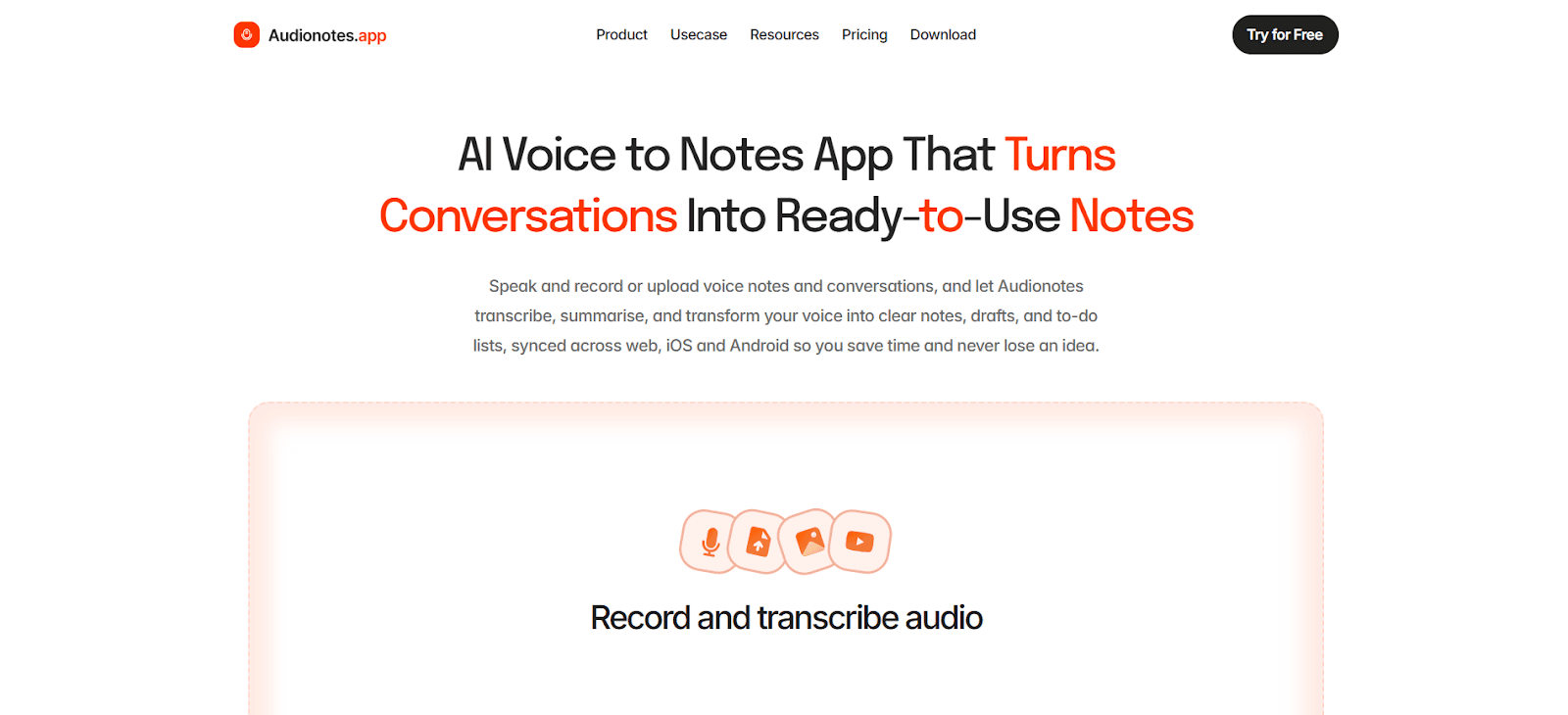
Audionotes is built for people who prefer speaking over typing. Instead of writing long notes manually, you can record your voice, upload files, or even paste YouTube links, and the app converts everything into structured notes. It automatically transcribes, summarizes, and organizes information, which saves a lot of time. This is especially useful during meetings, lectures, or brainstorming sessions where writing everything down is not practical. For reflective workflows, it can also work as an audio journaling app for capturing ideas before they disappear.
Another feature that stands out is its multilingual support. With transcription available in 80+ languages and speaker recognition, it works well for global teams and multi speaker discussions. The AI writing assistant can also turn conversations into blogs, emails, or agendas, making it more than just a note taking app. It becomes a full knowledge capture system.
Key Features:
-
Transcription and translation in 80+ languages with speaker recognition
-
Smart summaries, templates, and 100+ output prompts for different note formats
-
Chat with your notes so you can ask questions and find answers fast
-
Mind maps for visual organisation
-
Integrations with Notion, Zapier, and WhatsApp Bot
-
Folders, tags, bookmarks, filters, and quick search
-
Export and sharing options, including Slack and public pages
Supported Platforms:
Android, iOS, Web, Chrome Extension (coming soon)
Best For:
-
Professionals who want automated meeting minutes
-
Students recording lectures and converting them into study notes
-
Content creators who talk ideas out loud first
-
Multilingual users who need transcription in different languages
Pricing:
-
Free: Limited features with basic recording and transcription
-
Pro: $29.99/month or $129.99/year
-
-
Obsidian
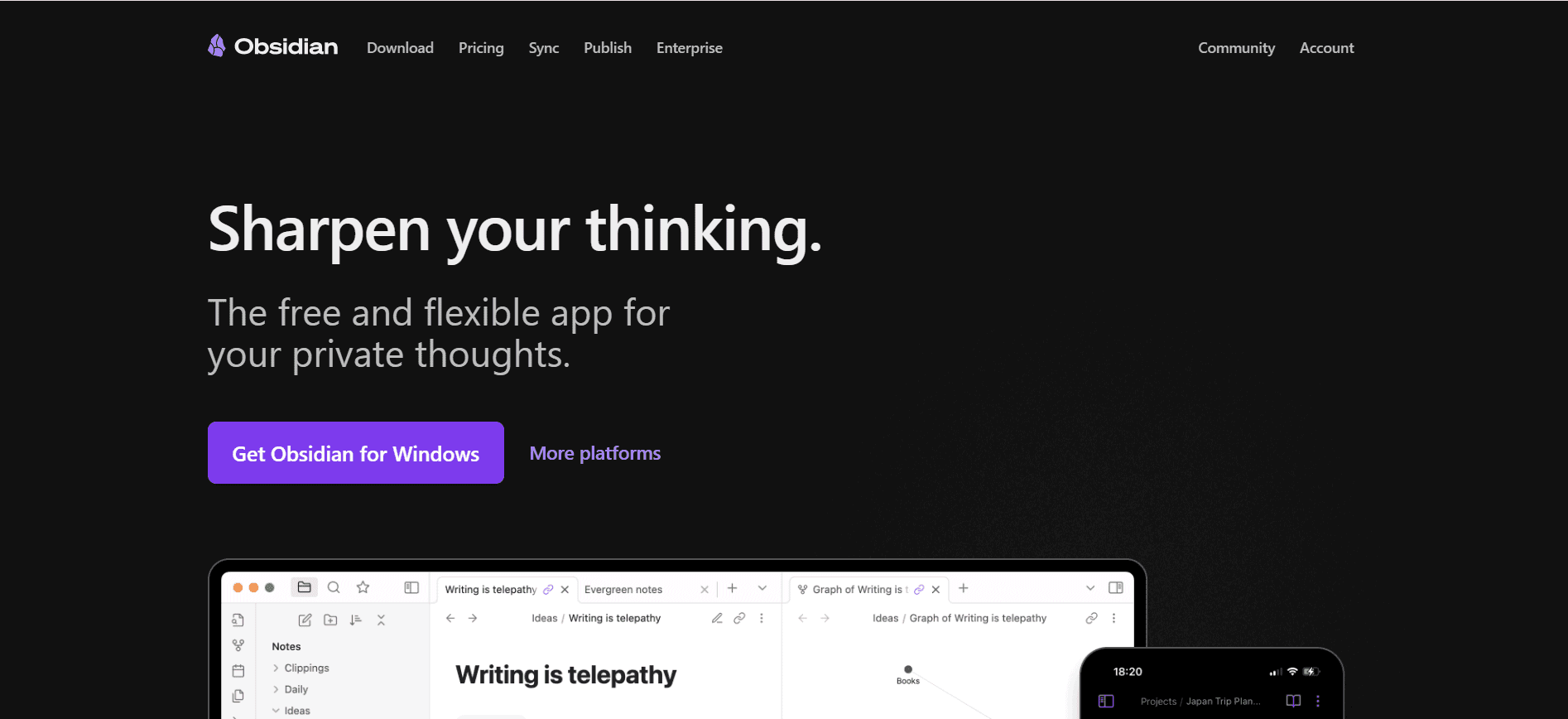
Obsidian works like a personal knowledge vault stored directly on your device. All notes are saved as Markdown files, which means you fully own your data. What makes it powerful is its linking system. You can connect notes to each other, creating a web of ideas instead of isolated documents. Over time, this builds a knowledge graph that shows how your thinking evolves.
It is highly customizable with thousands of plugins and themes. You can turn it into a research hub, writing workspace, journal, or project tracker. Since it works offline and stores data locally, it is also a great choice for privacy focused users who want full control over their information.
Key Features:
-
Bidirectional links and graph view for connected thinking
-
9,000+ community plugins and a big theme library
-
Canvas for visual brainstorming and mapping ideas
-
Bases for database-style views like tables, cards, and lists
-
Built-in web viewer inside the app
-
Tags, properties, templates, daily notes, and core plugins
-
Optional Sync and Publish services
-
Local-first storage with portable Markdown files
Supported Platforms:
Windows, macOS, Linux, Android, iOS
Best For:
-
People who want full control over notes and workflows
-
Writers, researchers, and students building a second brain
-
Users who like Markdown and custom setups
-
Anyone who wants a privacy-first system
Pricing:
-
Personal use: Free
-
Sync: $4/month (billed annually)
-
Publish: $8/month per site (billed annually)
-
Catalyst: $25 one-time
-
Commercial license: $50/user/year
-
-
Notion
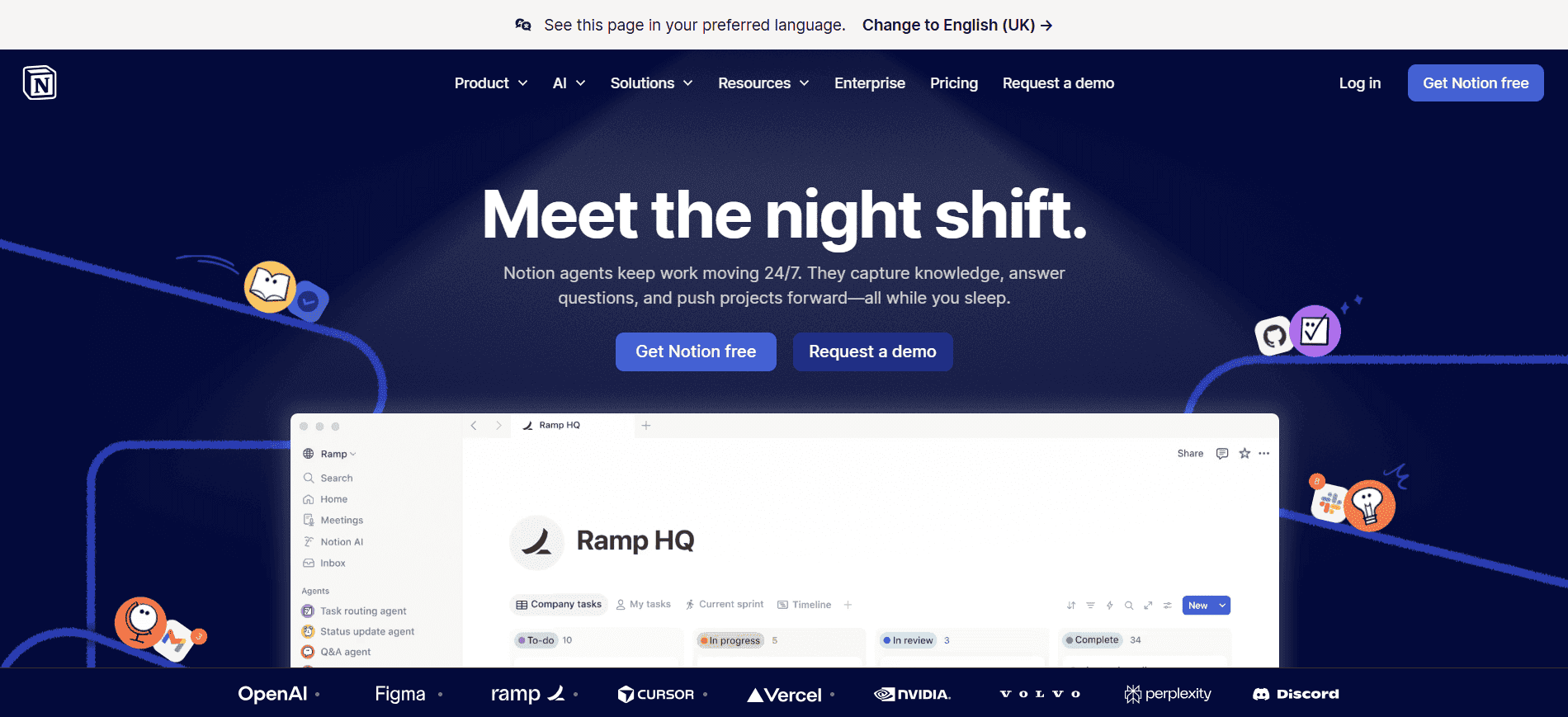
Notion is an all in one workspace where notes, tasks, databases, and documents live together. Everything is built using blocks, which you can move and arrange freely. This flexibility makes it useful for personal knowledge management as well as team collaboration.
You can create wikis, dashboards, reading lists, or even full company knowledge bases. With the addition of Notion AI, users can generate summaries, meeting notes, and research content directly inside their workspace. Its collaboration features also make it ideal for teams that want shared knowledge accessible in one place.
Key Features:
-
Block-based editor with databases and custom properties
-
Notion AI for writing, summarising, meeting notes, and task help
-
Notion Calendar and Notion Mail with Gmail integration
-
Forms and publishable sites with custom domains
-
Charts for database visualisation
-
Teamspaces, permissions, and guest access for collaboration
-
Integrations with Slack, Drive, GitHub, Asana, Zapier, and more
-
Automations, API, webhooks, and enterprise security options
Supported Platforms:
Web, Windows, macOS, Android, iOS
Best For:
-
Teams building shared docs, wikis, and trackers
-
Individuals who want everything in one app
-
Startups that need scalable internal documentation
-
Students, especially with the education plan
Pricing:
-
Free: Unlimited pages for individuals, limited collaborative blocks, 5MB uploads
-
Plus: $10/seat/month
-
Business: $20/seat/month
-
Enterprise: Contact sales
-
Notion AI is limited on Free and Plus, and more fully available on Business and Enterprise.
-
-
Heptabase
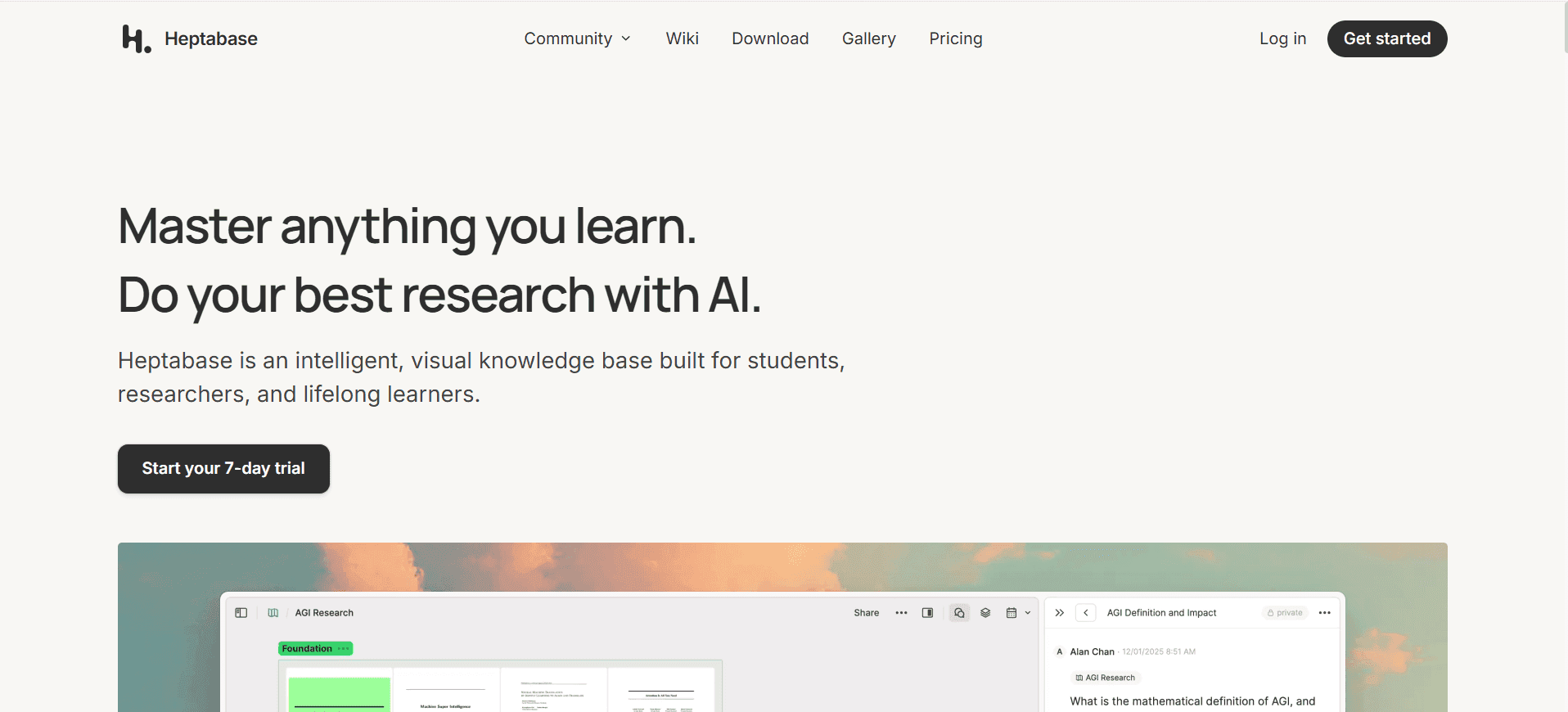
Heptabase is built for people who learn by seeing ideas laid out visually. It combines whiteboards with a card-based note system, so you can place concepts on a canvas and connect them like a mind map. This is great when you are studying complex topics or doing deep research.
One feature people love is that the same card can show up on multiple whiteboards without being copied, so you can organise knowledge in different contexts. Heptabase also supports PDF annotation and has AI chat that can reference your knowledge base, which makes it useful for heavy reading and research workflows.
Key Features:
-
Infinite whiteboards with card-based organisation
-
Cards can appear on multiple boards without duplication
-
Editor with bidirectional links and searchable card library
-
PDF annotation with OCR parsing for text and visuals
-
AI chat that can use your full knowledge base as context
-
Tag database with nested tags, daily journals, and tasks
-
Web clipper and built-in web tab
-
Collaboration and public sharing links
-
Integrations like Readwise, and Zotero integration in progress
Supported Platforms:
Web, Windows, macOS, Linux, Android, iOS/iPadOS
Best For:
-
Students and researchers working with interconnected topics
-
Visual thinkers who prefer canvas-style learning
-
People who read and annotate lots of PDFs
-
Anyone building a long-term learning system
Pricing:
-
Pro: $8.99/month (billed yearly)
-
Premium: $17.99/month (billed yearly)
-
Free trial: 7 days
-
-
Tana
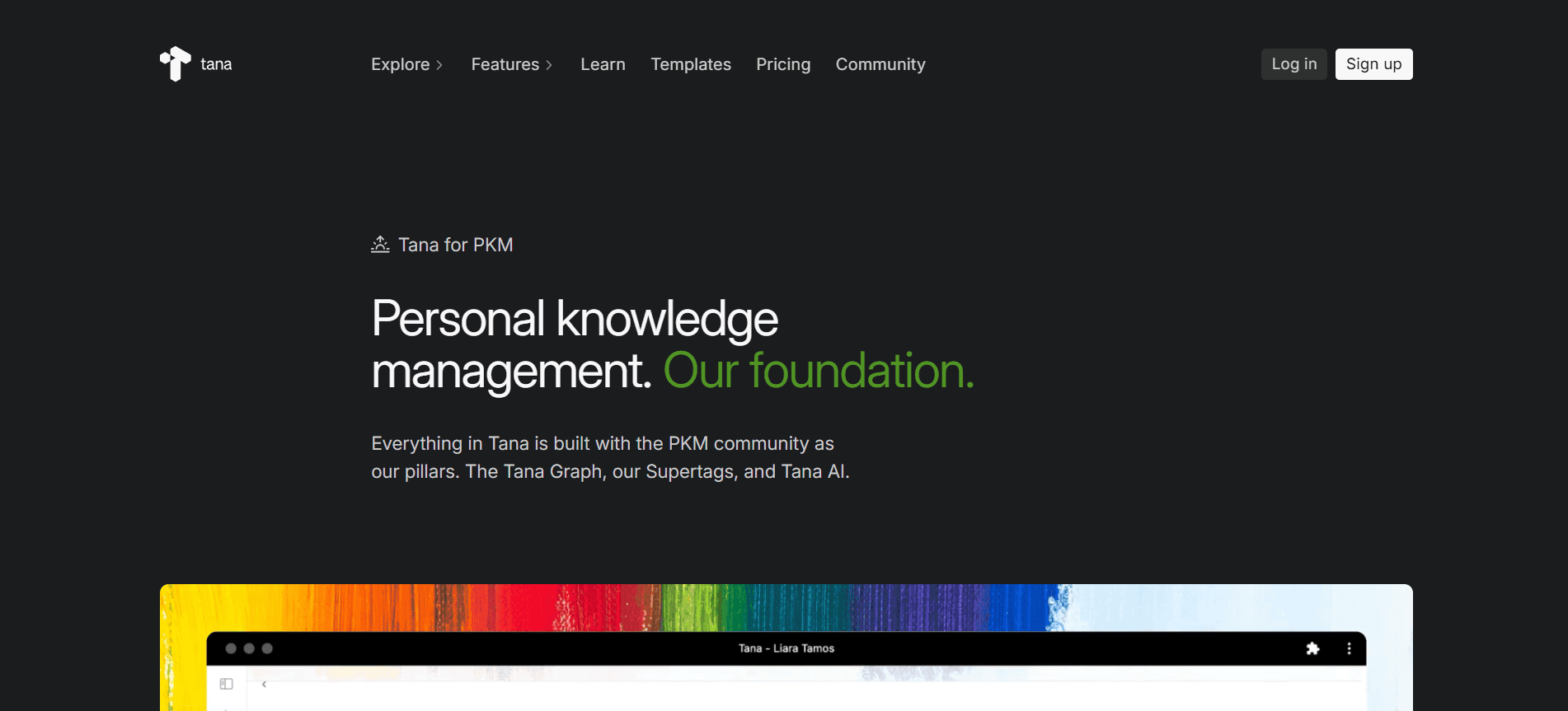
Tana blends outlining, databases, and AI into one system. Every piece of information is treated as a node that can be tagged, linked, and reused anywhere. This removes the gap between notes and structured data. You do not need separate tools for documentation and tracking.
Its AI features go deeper than most tools. It can transcribe meetings, summarize discussions, and even run custom AI commands using your notes as context. This makes it a strong choice for knowledge workers managing large volumes of information daily.
Key Features:
-
Outliner editor with supertags for structured notes
-
Live searches that show filtered results anywhere in the workspace
-
AI chat and custom AI agents using your notes as context
-
Voice transcription on desktop and mobile voice memo transcription
-
Meeting agent for prep, transcription, and summaries
-
Google Calendar sync, Readwise integration, and Input API
-
Daily Notes that can act like a dashboard
-
MCP support for connecting external AI tools to workspace data
-
Built-in creative tools like image generation and infographic creation
Supported Platforms:
Windows, macOS, Android, iOS, Web
Best For:
-
Knowledge workers managing meetings, tasks, and notes together
-
People who love outliners but want database-like structure
-
Teams that want AI plus automation inside one workspace
-
Second brain setups and GTD-style workflows
Pricing:
-
Free: 500 AI credits/month
-
Plus: $10/month or $8/month billed annually
-
Pro: $18/month or $14/month billed annually
-
Student and NGO discounts available.
-
-
Kosmik
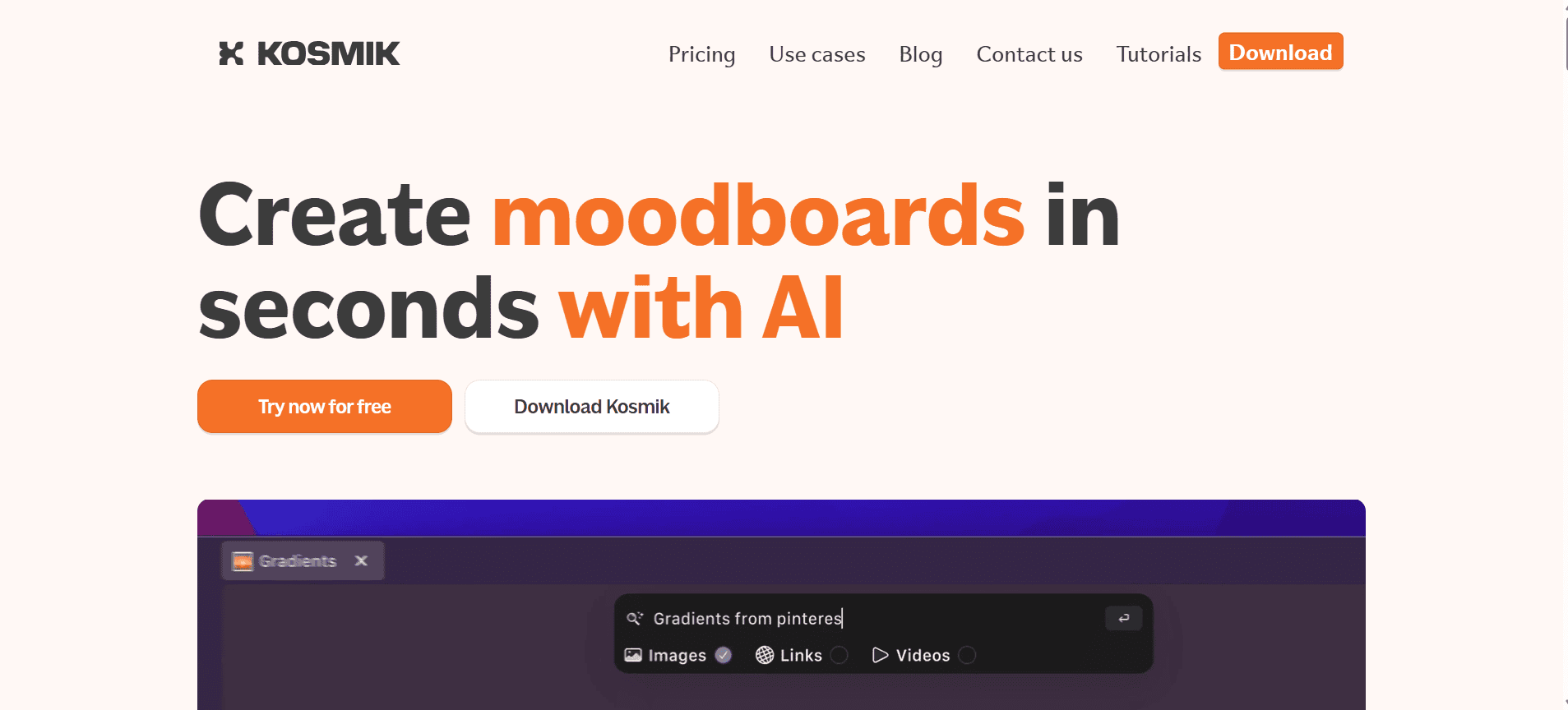
Kosmik is designed for visual thinkers who like organizing ideas spatially. It gives you an infinite canvas where you can drop notes, images, PDFs, videos, and web links. Everything sits on one board that you can zoom in and out of, almost like a digital desk.
It also includes a built-in browser, so you can capture research without switching tabs. AI tagging helps categorize content automatically, making search easier later. This makes Kosmik ideal for mood boards, research mapping, and creative inspiration libraries.
Key Features:
-
Infinite zoomable canvas for visual organisation
-
Built-in browser for capturing web content inside the app
-
AI auto-tagging and semantic search by object, subject, colour, or text
-
Video playback on canvas with key frame capture
-
PDF reader with annotation and section extraction
-
Collaboration with shared and public boards
-
Chrome web clipper for quick saves
-
Publish boards to the web
Supported Platforms:
macOS, Windows, Chrome Extension
Best For:
-
Designers and creatives building moodboards
-
Researchers collecting content across formats
-
People who want a visual command centre for work
-
Anyone who dislikes folder-style organisation
Pricing:
-
Free trial: 1 week
-
Pro: $11.99/month billed yearly or $14.99/month billed monthly
-
Ambassador: $16.99/month billed yearly or $20.99/month billed monthly
-
Enterprise: Contact sales
-
Student discounts may be available.
-
-
Logseq
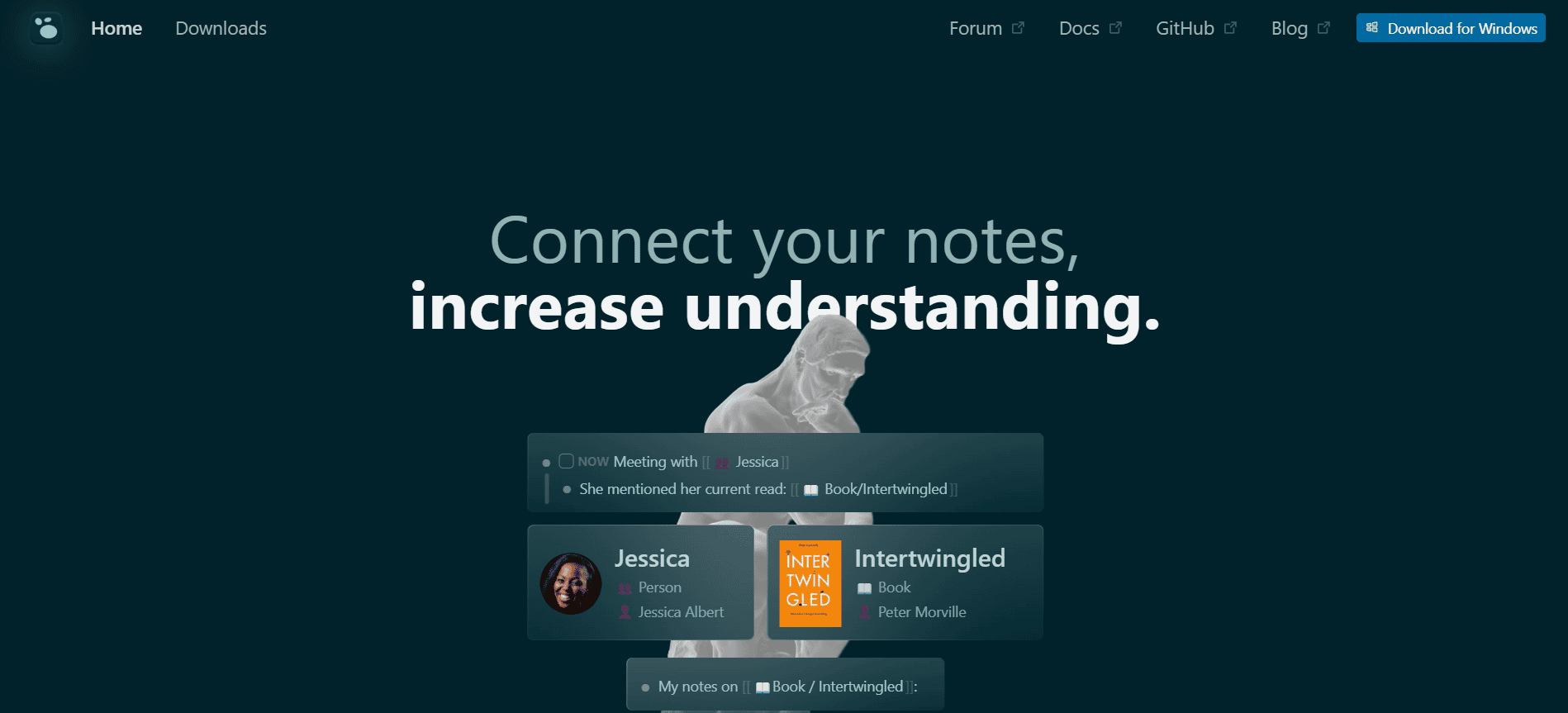
Logseq is a free, open-source, local-first tool that stores your data as Markdown or Org-mode files. It works as a block-based outliner, meaning every idea is a block you can link, reference, and reuse. It also offers a graph view, whiteboards, flashcards for spaced repetition, and advanced querying for pulling out information from your notes. For researchers, the PDF annotation and Zotero integration are a big plus. If you want something powerful but still want control and portability, Logseq is a solid pick.
Key Features:
-
Block-based outliner with bidirectional links
-
Graph view for visual connections
-
Whiteboards for spatial thinking and diagrams
-
Flashcards for spaced repetition learning
-
Advanced queries for filtering and retrieving notes
-
PDF annotation and Zotero integration
-
Daily journal pages for tracking tasks and ideas
-
Plugins and themes for desktop
-
Ongoing work on a database version for performance and collaboration
Supported Platforms:
Windows, macOS, Linux, iOS, Android
Best For:
-
Researchers who need Zotero plus PDFs in the same workflow
-
Users who prefer outlines over page documents
-
Privacy-conscious people who want local-first tools
-
Students combining notes with flashcards
Pricing:
-
Free: Local features
-
Sync (Backer): $5/month or $60/year
-
Sponsor: $15/month
-
-
Anytype
Anytype focuses heavily on privacy and data ownership. All information is stored locally with end to end encryption and peer to peer syncing. This means your knowledge base is fully under your control, not stored on centralized servers.
It works using objects instead of pages. You can create notes, tasks, or projects and connect them through relationships. Over time, this builds a structured knowledge graph without needing technical skills. It is a strong alternative for users who like Notion’s flexibility but want more privacy.
Key Features:
-
End-to-end encryption with peer-to-peer syncing
-
Object types and relations for structured organisation
-
Dashboards, docs, project tracking, and graphs
-
Shared spaces with editor and viewer roles
-
Web publishing options
-
Open-source codebase
-
Templates and community setups
-
Works offline with local-first architecture
Supported Platforms:
Windows, macOS, Linux, iOS, Android
Best For:
-
Privacy-focused users who want strong encryption
-
People who want a Notion-style system but more private
-
Non-technical users who still want structured knowledge
-
Small teams that need secure shared spaces
Pricing:
-
Explorer (Free): 1 GB sync and backup, limited shared spaces and editors
-
Builder: $99/year
-
Co-Creator: $299 for 3 years
-
Student discounts are available. Some contributors may qualify for subsidised plans.
-
-
Microsoft OneNote
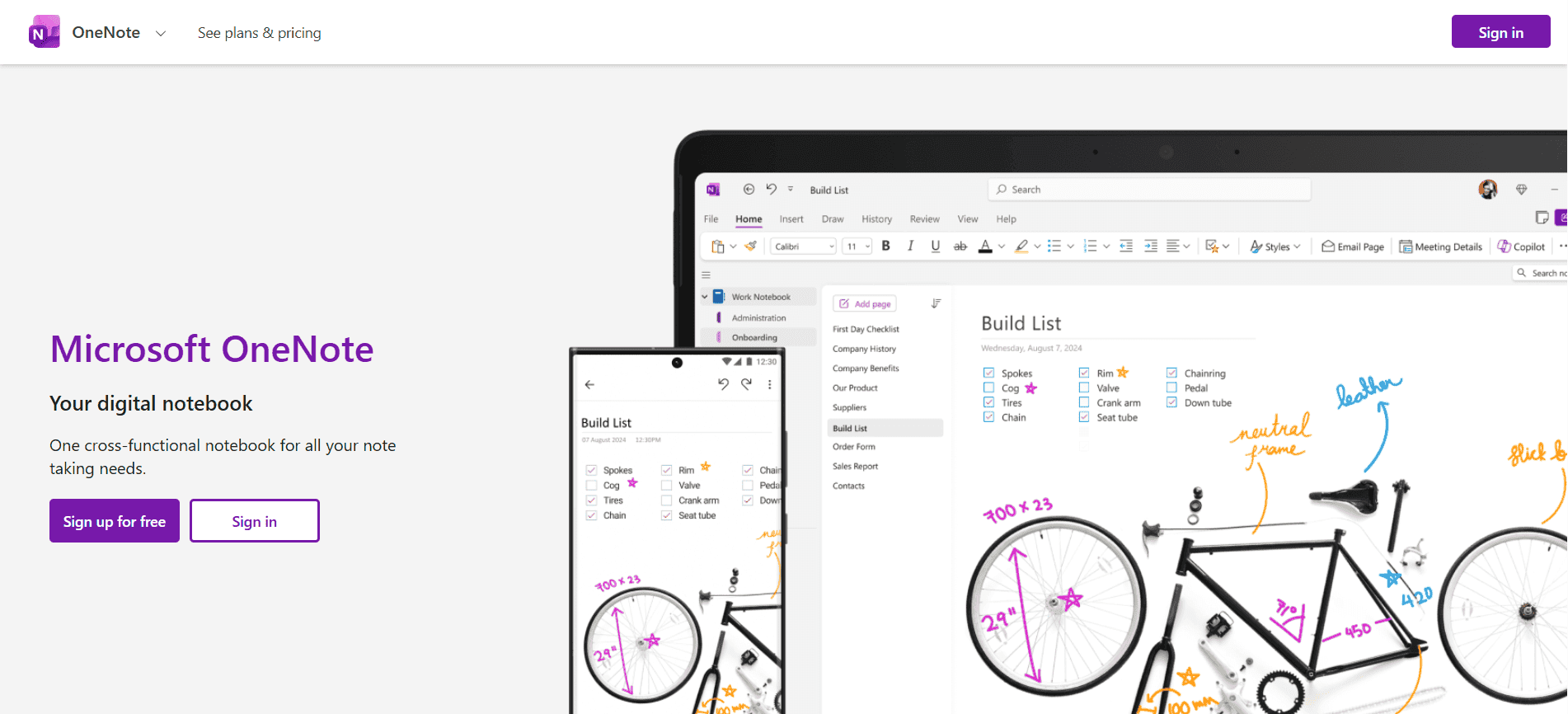
OneNote is one of the most familiar digital notebooks available. It follows a notebook, section, and page structure similar to physical binders. You can type notes, insert images, record audio, or draw directly on pages.
Its strength lies in Microsoft 365 integration. Meeting notes sync with Teams, documents connect with Word and Excel, and everything stores on OneDrive. For students and professionals already using Microsoft tools, OneNote becomes a seamless knowledge hub that fits into daily workflows.
Key Features:
-
Freeform canvas for text, images, drawings, audio, and attachments
-
Notebook and section structure for organised storage
-
Strong inking tools for handwritten notes
-
Copilot AI features for summarising and writing support (Microsoft 365)
-
OCR for searching text inside images and handwritten notes
-
Web clipper for saving online content
-
Collaboration and sharing inside Microsoft 365
-
Useful extras like dark mode and print-to-OneNote
Supported Platforms:
Windows, macOS, Android, iOS, Web
Best For:
-
Users already using Microsoft 365
-
Tablet users who prefer handwritten notes
-
Teams using Microsoft Teams for meetings
-
Anyone who wants a reliable, free note app
Pricing:
-
Free: Standalone app
-
Microsoft 365 Personal: $6.99/month or $69.99/year
-
Microsoft 365 Family: $9.99/month or $99.99/year
-
Business Basic: $6/user/month
-
Business Standard: $12.50/user/month
-


How to Choose the Right Personal Knowledge Management App
-
Define Your Use Case
Start by figuring out why you need the app. Is it for quick notes, research, content planning, or long term idea storage? Different apps are built for different workflows, so clarity here saves time later.
-
Assess Data Control
Check where your data is stored and how secure it is. Look for backup options, export features, and privacy policies. You should always feel in control of your own information.
-
Evaluate Key Features
Focus only on features you will actually use. This could be tagging, search, note linking, or attachments. The best app is the one that fits your thinking style, not the one with the longest feature list.
-
Sustainability and Cost
Think long term. Review pricing, free plan limits, and how stable the company is. Since this is a tool you will use for years, it should be affordable and reliable.
Closing Thoughts
In the end, the best PKM tool is the one that fits naturally into your daily thinking and workflow, not the one with the longest feature list. Pick something you will actually use, build your system slowly, and you will see how much clearer and more organised your knowledge becomes over time.
Ready to organise your knowledge without the manual effort? Try Audionotes today and see how easily your ideas turn into structured notes you can actually use.
Frequently Asked Questions
-
Can PKM tools replace traditional note-taking apps?
Yes, in many cases they can. Most modern PKM tools go beyond basic notes and offer linking, graph views, task tracking, and structured templates, so depending on how you work, they can easily replace simple note apps.
-
Will PKM tools work offline?
Some do, some do not. Tools that store data locally usually support offline access, while cloud-based tools may need an internet connection for syncing. If offline use matters to you, always check this before choosing.
-
What’s the difference between local storage and cloud sync in PKM tools?
Local storage keeps your data directly on your device, which gives you more privacy and control. Cloud sync stores your data online so you can access it across devices and get automatic backups. A few apps offer both options.
-
What does PKMS stand for?
PKMS stands for Personal Knowledge Management Systems. It refers to the tools or frameworks used to manage and organise your knowledge.
-
Is PKMS different from PKM?
Yes. PKM is the practice of managing your personal knowledge, while PKMS refers to the actual tools or systems that help you do it.
-
What are examples of PKM systems?
Popular examples include Audionotes, Obsidian, Notion, Logseq, and Tana, among others.
![How to Download a YouTube Transcript [2026 Guide]](/blog/covers/how-to-download-transcript-of-a-youtube-video.png)
![Best AI Tools to Summarize YouTube Videos [2026]](/blog/covers/ai-tool-to-summarize-youtube-video.png)
![10 Best ADHD Apps for Adults in 2026 [Tested]](/blog/covers/best-adhd-apps-for-adults.png)