
Best AI Tools for Engineering Students (2026)
Discover the top AI tools for engineering students in 2026. Transcribe lectures, organize notes & boost productivity. Try Audionotes free →
Engineering today is not just about formulas and textbooks. You are expected to design, code, analyse data, and prepare clear reports. AI tools are now becoming part of everyday student life, helping you solve problems faster, write better code, organise research, and complete projects more efficiently. In this blog, we will look at the best AI tools for engineering students in 2026 and how they can make your academic journey a little easier.
Best AI Tools For Engineering Students
Category
App Name
Supported Platforms
Key Features
AI Tools for Note-Taking and Organization
Audionotes
Web, Android, iOS
Converts lectures into text, creates quick summaries, organizes notes by topics, lets you search keywords, highlights important points and action tasks
Web with integrations like Slack and Jira
Captures meeting notes automatically, tracks action items, helps with sprint planning, stores project discussions, supports team collaboration
AI Tools for Coding and Programming Help
Windows, macOS, Linux through IDE plugins
Works like an AI coding partner, suggests code in real time, explains logic, generates tests, supports multiple programming languages, offers student access plans
Windows, macOS, Linux via editor extensions
Provides AI code suggestions, includes chat inside the editor, supports many languages, helps speed up repetitive coding tasks
Windows, macOS, Linux through IDE integrations
Offers context-based code completion, understands full projects, keeps data privacy in focus, works across major development environments
AI Tools for Math and Problem Solving
Web, Android, iOS, Mac
Solves equations symbolically and numerically, shows stepwise answers, generates graphs, covers subjects like math, physics, and engineering
Web, Android, iOS
Solves problems from photos or handwriting, gives step explanations, supports multiple subjects, includes graphing and calculators
AI Tools for CAD, Design and Simulation
Autodesk
Windows, macOS through Autodesk software
Supports generative design, runs simulations, optimizes materials and weight, integrates with CAD workflows
Web
Converts text prompts into CAD models, creates editable 3D designs, includes inspection tools, built for AI-driven design workflows
AI Tools for Research and Technical Writing
Web, Browser extensions
Helps search research papers, explains complex sections, allows PDF annotations, generates summaries, supports citations
Web
Lets you upload papers, highlight text for explanations, rewrites in simple language, answers questions about research PDFs
AI Tools for Data Analysis and Machine Learning
Web, Excel add-in, Google Sheets add-on
Lets you query data in plain language, builds charts, cleans datasets, generates spreadsheet formulas
Windows, macOS, Linux, Web, Android, iOS
End-to-end ML framework, supports deep learning, uses GPU acceleration, deploys models to web and mobile, backed by large documentation
AI Tools for Exam Preparation and Concept Learning
Web, Android, iOS
Creates AI flashcards, supports adaptive study modes, offers practice tests, includes a large library of shared decks
Windows, macOS, Linux, Android, iOS
Uses spaced repetition, supports equations and media, syncs via AnkiWeb, has community-created study decks
AI Tools for Note-Taking & Organization
-
Audionotes
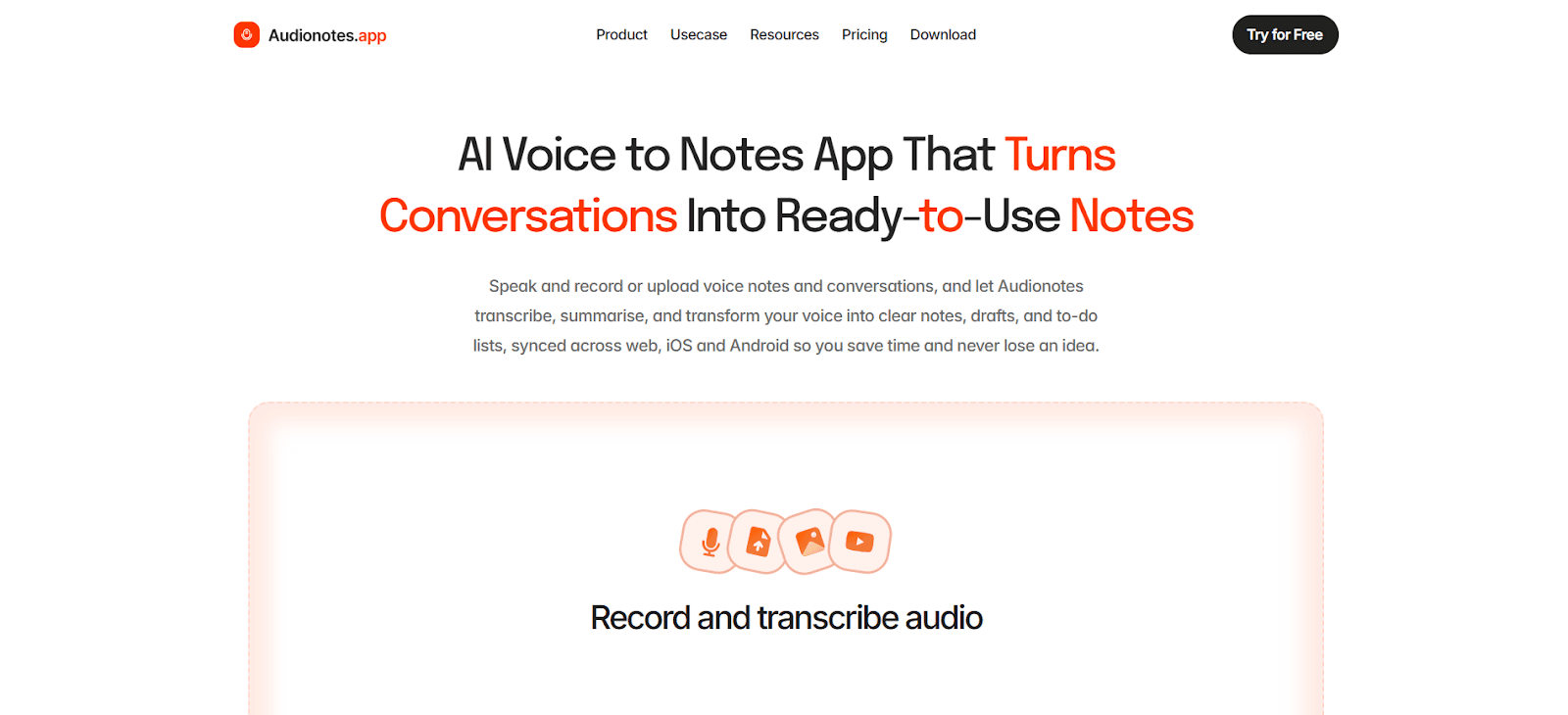
Audionotes is built for lecture audio to study notes workflows, letting you record lectures, labs, or project discussions and turn the audio into clean, structured notes. For engineering students, this is useful in fast classes where derivations move quickly, or when a lab instructor explains steps once and moves on. Instead of ending up with half notes and missed points, you get searchable text, summaries, and clear highlights you can revise from before exams. It works well when you want the output to feel like proper notes and not just a raw transcript.
Helpful features for engineering students
-
AI transcription of lectures, labs, and discussions into searchable text
-
Automatic summaries so you can revise a full lecture in minutes
-
Topic based folders for subjects, labs, and projects to keep things organised
-
Highlights for formulas, definitions, and action items for assignments
-
Record on phone and review later on your laptop
-
Search across old recordings during mid sem and final prep
-
-
Spinach AI
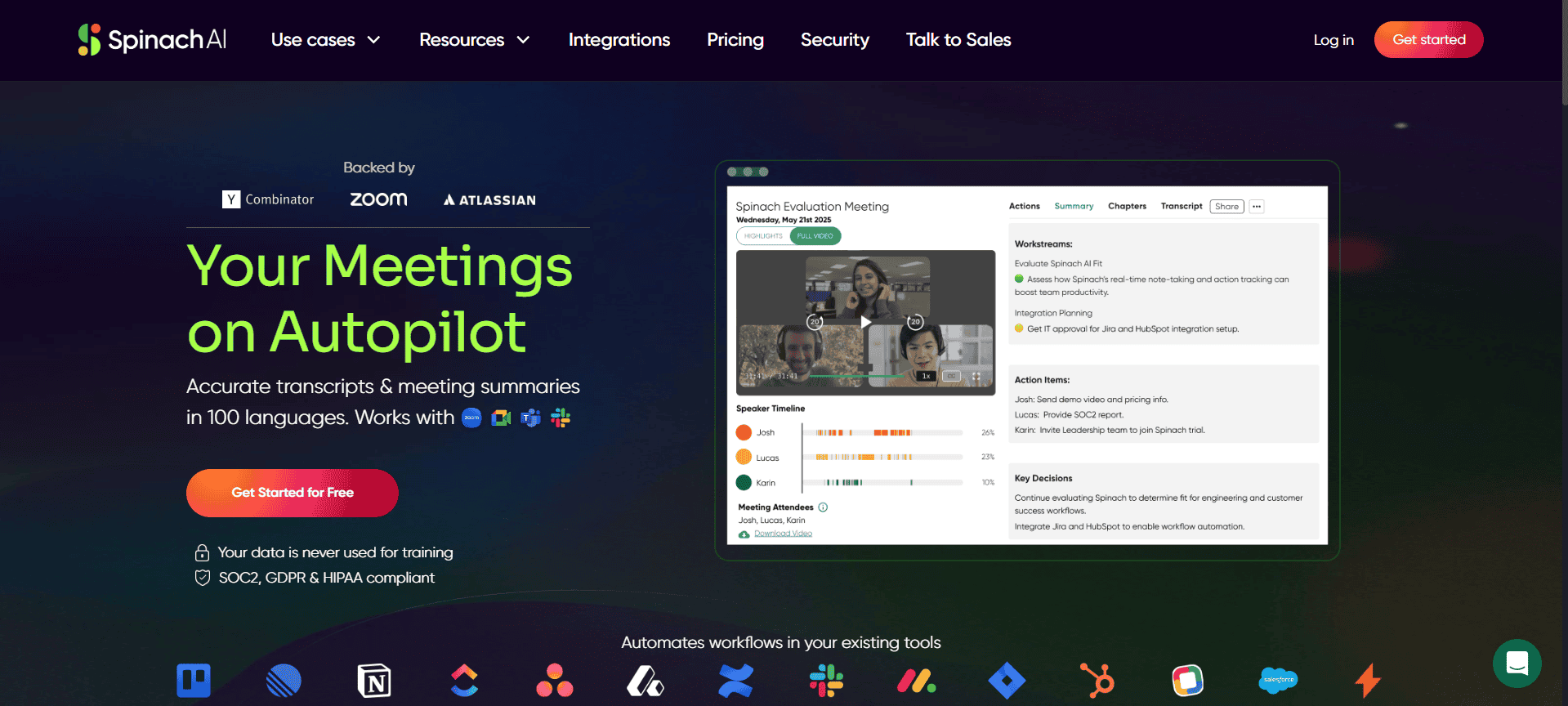
Spinach AI is an AI meeting assistant that captures project discussions and turns them into notes, decisions, and action items. Engineering students who do capstone projects or group assignments know how messy meetings can get. Someone forgets to write tasks down, decisions get changed later, and nobody remembers who agreed to what. Spinach AI helps by keeping a clean history of meetings and giving your team a shared record without extra effort. It fits best for teams that run standups, sprint planning, or regular check-ins.
Helpful features for engineering students
-
Automatic note-taking during project meetings and standups
-
Action item tracking so tasks do not get lost
-
Quick sprint-style summaries that help in project planning
-
Integrations with common team tools for updates and reminders
-
A timeline of decisions that helps during reviews and Viva prep
-
Reduces meeting admin so you can focus on building
-


AI Tools for Coding and Programming Assistance
-
GitHub Copilot
GitHub Copilot is like a coding partner inside your IDE. It suggests lines and blocks of code while you type, helps explain code, and can even support test writing and debugging. For engineering students, it is helpful when you are learning a new language, working on algorithms, or building project modules where a lot of time goes into repetitive code. It can speed up lab work and reduce the time you spend searching for syntax. It is especially useful when you are trying to move from theory to implementation quickly.
Helpful features for engineering students
-
Inline code completion for common patterns and full functions
-
Helps explain code and debug logic when you get stuck
-
Works across popular languages used in engineering courses
-
Can generate unit tests and documentation drafts
-
Runs inside major IDEs so you do not need a new workflow
-
Very student-friendly if you qualify for student access
-
-
Codeium
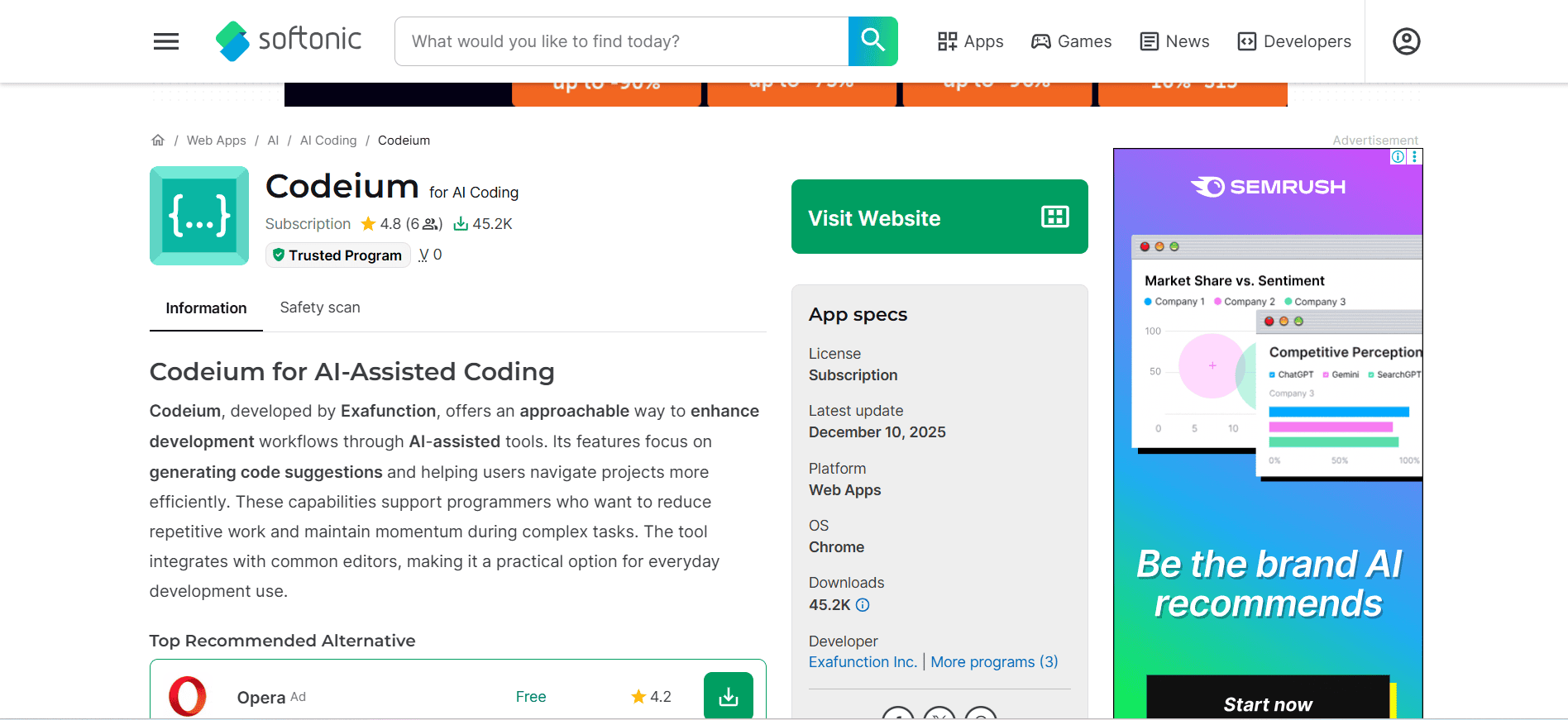
Codeium is an AI coding assistant that helps with autocomplete, code generation, and quick coding guidance inside your editor. Engineering students can use it for day-to-day lab assignments, small utilities, and experimenting with ideas without breaking focus to search online every few minutes. It is useful when you need speed and clarity, especially in semesters where you have multiple coding-heavy subjects. It also helps when you are working inside a bigger codebase and want faster navigation and suggestions.
Helpful features for engineering students
-
Predicts the next lines or full blocks of code as you type
-
Chat style help for how to implement small features or logic
-
Works with multiple IDEs so you can keep your setup
-
Helps with repetitive tasks like parsers, input handling, and boilerplate
-
Useful for quick trials of algorithms and patterns
-
A solid free tier for semester-long use
-
-
Tabnine
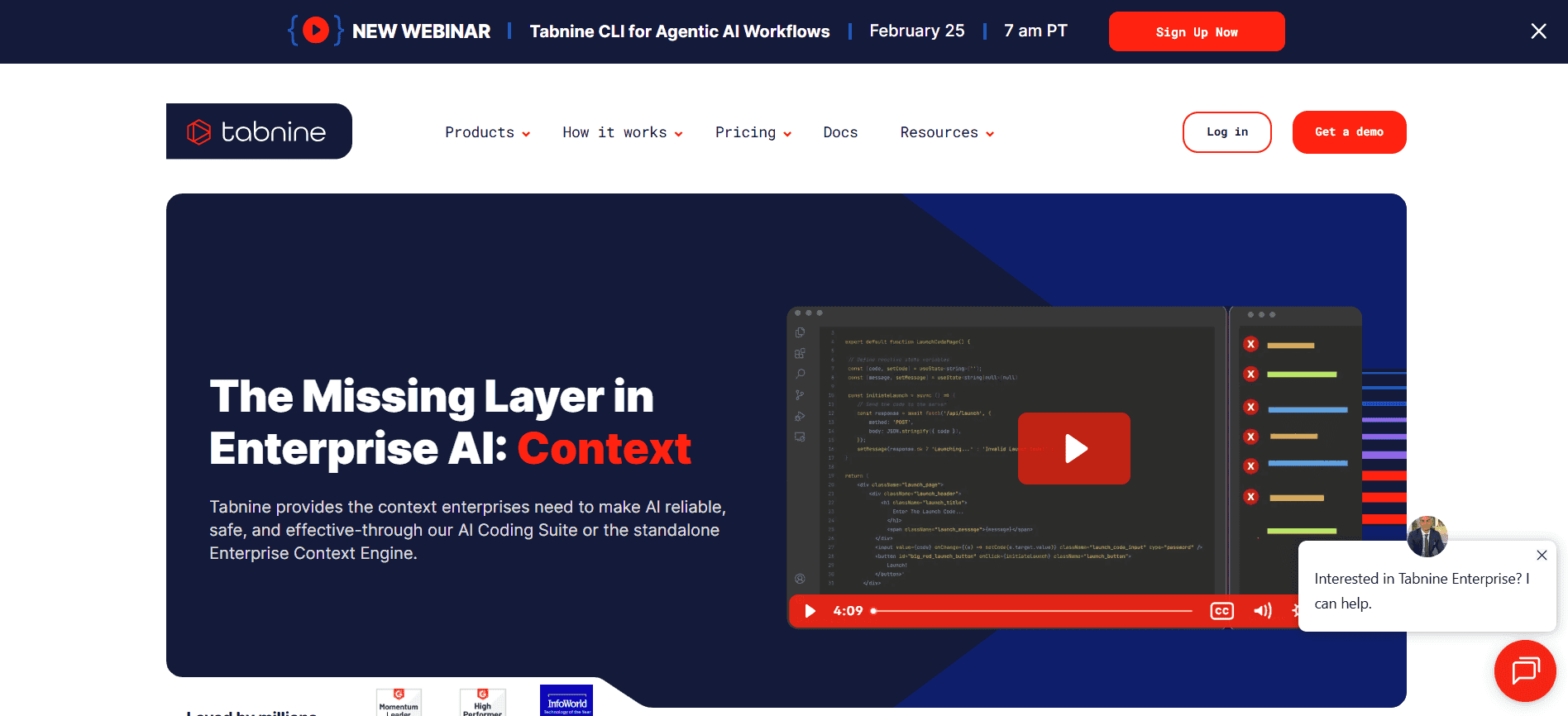
Tabnine focuses more on context aware suggestions that match your project style. It is a good fit when you are working on bigger projects like robotics code, team software projects, or open source contributions where consistency matters. Instead of random suggestions, it tries to align with how your project is written. If you are working in teams, that consistency can reduce bugs and messy merges. It is also often chosen by people who care about privacy focused setups.
Helpful features for engineering students
-
Suggestions that match your project structure and coding style
-
Works well in larger and older codebases
-
Integrations with popular IDEs used in college
-
Options that suit privacy focused workflows
-
Helps you reuse patterns without digging through old files
-
Improves coding consistency in group projects
-


AI Tools for Math, Calculations, and Problem Solving
-
WolframAlpha
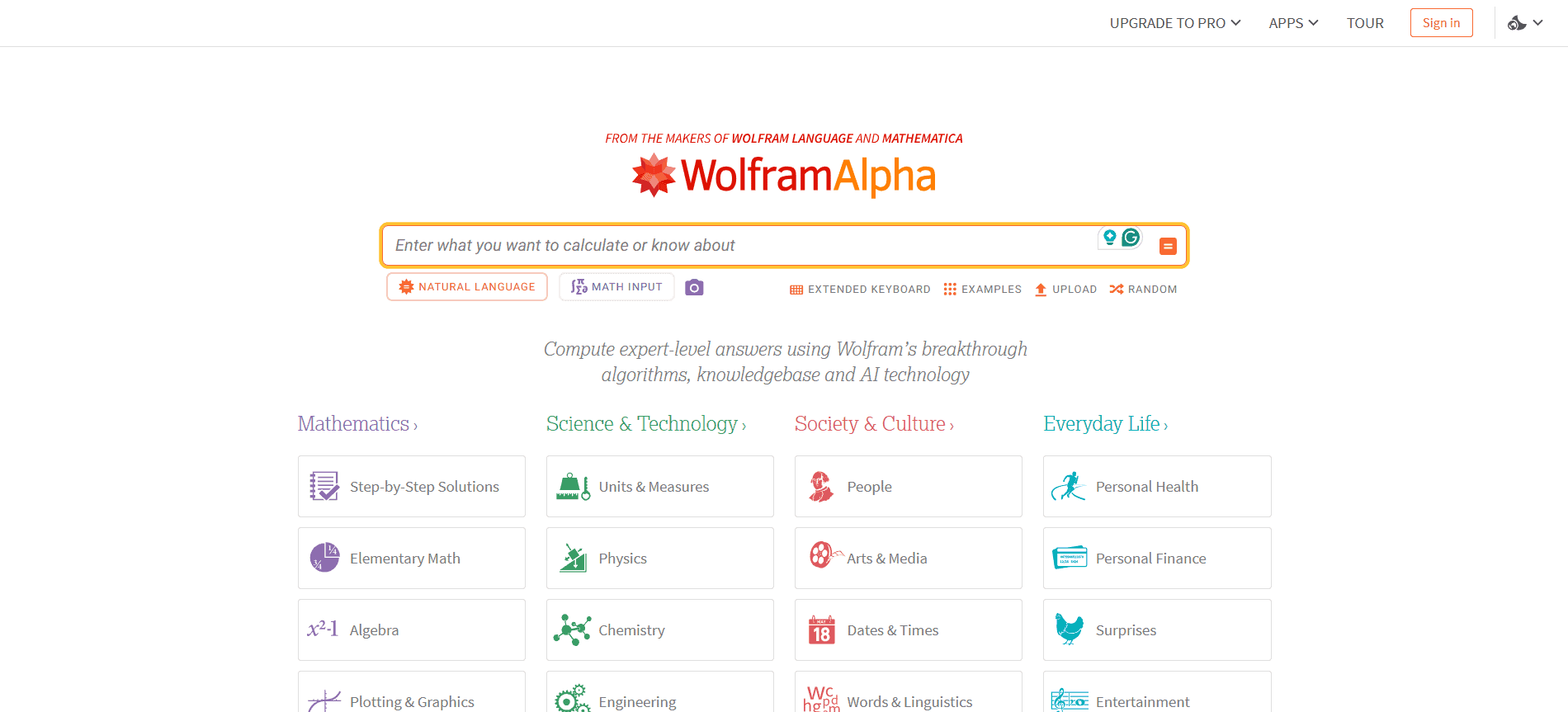
WolframAlpha is a computational tool that can solve math and engineering problems and often shows steps and plots. Engineering students can use it to verify answers, check intermediate steps, and explore alternative methods when self studying. It is useful for calculus, linear algebra, differential equations, statistics, and a lot of physics based calculations. It is also great when you want quick graphing and visual checks for signals or functions.
Helpful features for engineering students
-
Solves equations, integrals, derivatives, and differential equations
-
Useful for physics and common engineering math topics
-
Graphs and plots for functions and distributions
-
Mobile input options can help when you are away from laptop
-
Step based learning in paid mode for understanding steps
-
Works across devices so you can study anywhere
-
-
Mathos AI
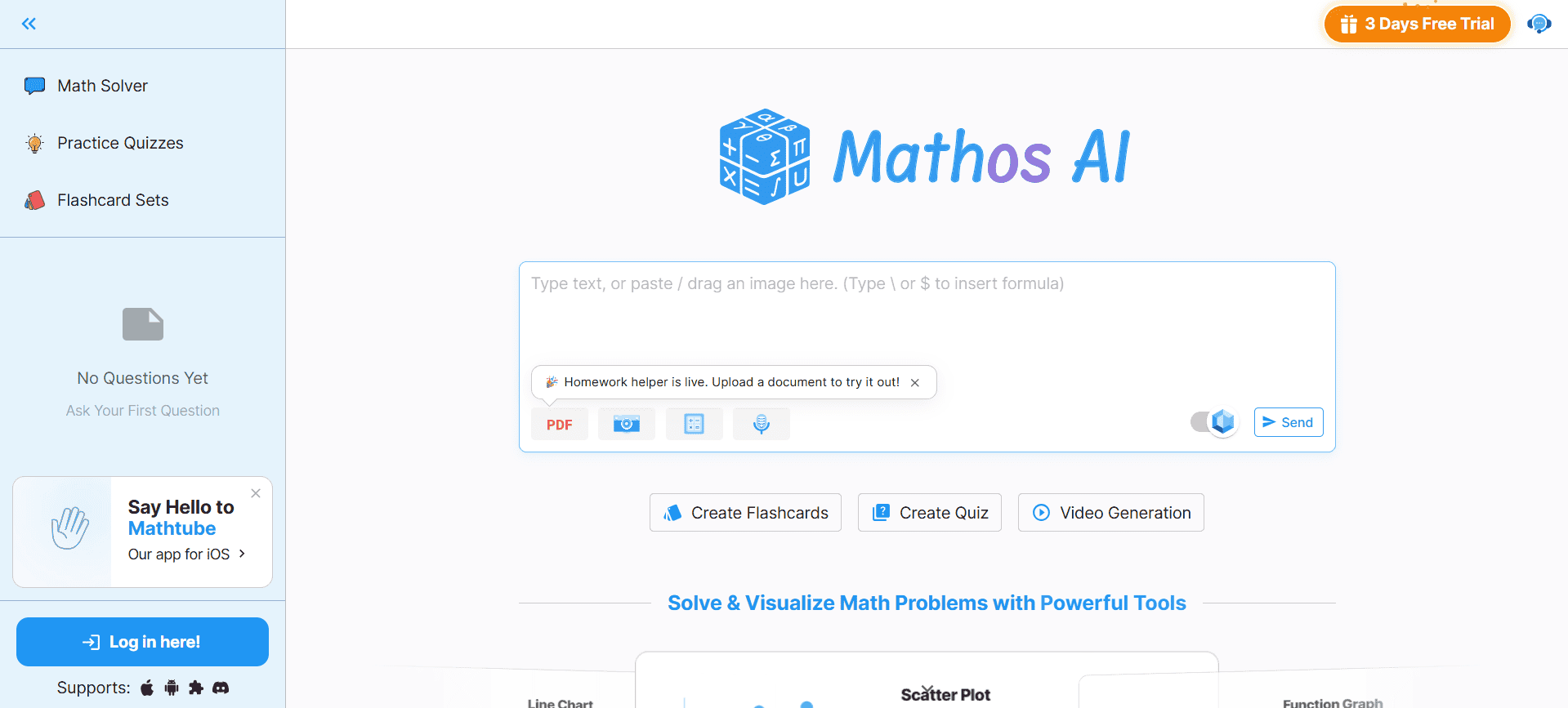
Mathos AI is positioned as a math solver plus tutor style tool. For engineering students, it can be useful when you want step by step explanations with visuals and not just the final answer. It can support typed questions, photo input, and sometimes interactive help for homework style problems. It fits students who want guided understanding, especially in topics like calculus, engineering math, and physics where small mistakes break the whole solution.
Helpful features for engineering students
-
Step by step explanations for complex problems
-
Covers math plus physics and stats style questions
-
Photo and handwriting input for textbook problems
-
Built in graphing and specialised calculators
-
Useful when practising and trying to understand patterns
-
Works across web and mobile for quick study sessions
-


AI Tools for CAD, Design, and Simulation
-
Autodesk Generative Design

Autodesk generative design tools help you explore design options based on constraints like loads, materials, and manufacturing methods. For engineering students, this is useful in design courses, FEA labs, and projects where you want lightweight but strong parts. Instead of starting from one idea, you get multiple variants you can compare and refine. It also helps you understand tradeoffs in design, like strength vs weight or material usage vs performance.
Helpful features for engineering students
-
Generates multiple design options from constraints and loads
-
Useful for robotics, automotive, aerospace, and product design parts
-
Works with CAD and simulation workflows for validation
-
Encourages exploration beyond obvious manual designs
-
Can support material optimisation and weight reduction goals
-
Fits well into industry style design assignments
-
-
Zoo

Zoo Zookeeper is a conversational CAD tool that creates editable 3D models from text prompts. For engineering students, it is useful in early stage concepting when you want to test ideas quickly. You can describe a bracket, enclosure, or mechanism and get a model you can refine. This is helpful when you need fast iterations before you commit to detailed modelling. It also reduces time spent on repetitive modelling steps so you can focus on design intent.
Helpful features for engineering students
-
Text to CAD generation for editable 3D models
-
Tools to inspect and refine geometry for practical use
-
Useful for quick iterations during design projects
-
Helps you explore multiple alternatives faster
-
Web based access makes it easy to use across devices
-
Lets you focus more on concept and function than repetitive modelling
-

AI Tools for Research and Technical Writing
-
SciSpace
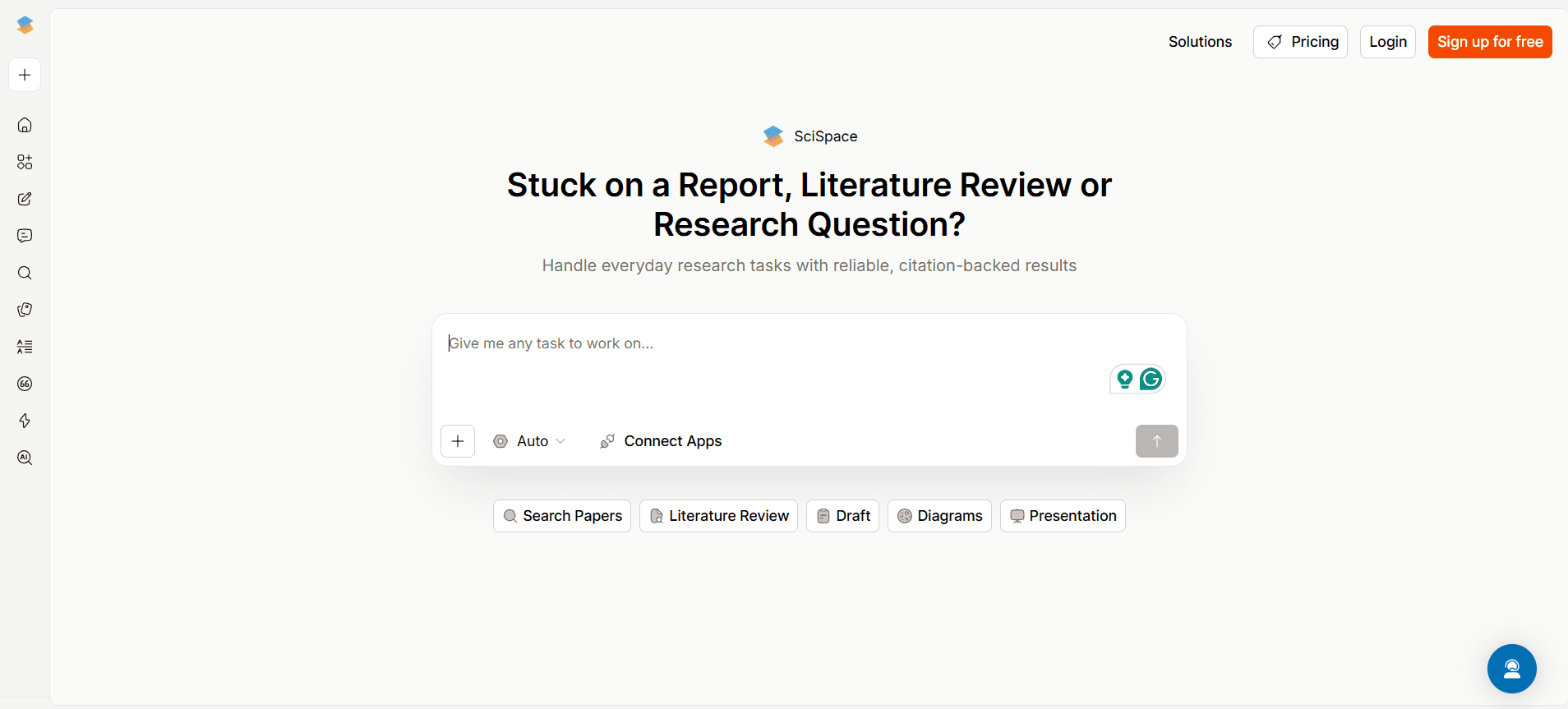
SciSpace is built for reading and understanding research papers faster. Engineering students can use it when working on literature reviews, final year projects, or even when they need to cite papers for lab reports. It helps you find relevant papers, break down complicated paragraphs, and organise notes and citations. This makes the research process feel less overwhelming, especially when papers are dense and full of technical language.
Helpful features for engineering students
-
Search and discovery for papers related to your topic
-
Explains complex sections in simpler language
-
PDF highlighting, annotations, and note taking in one place
-
Helps organise references while writing reports
-
Summaries that save time when scanning long papers
-
Works in a browser so it fits most devices
-
-
Explainpaper
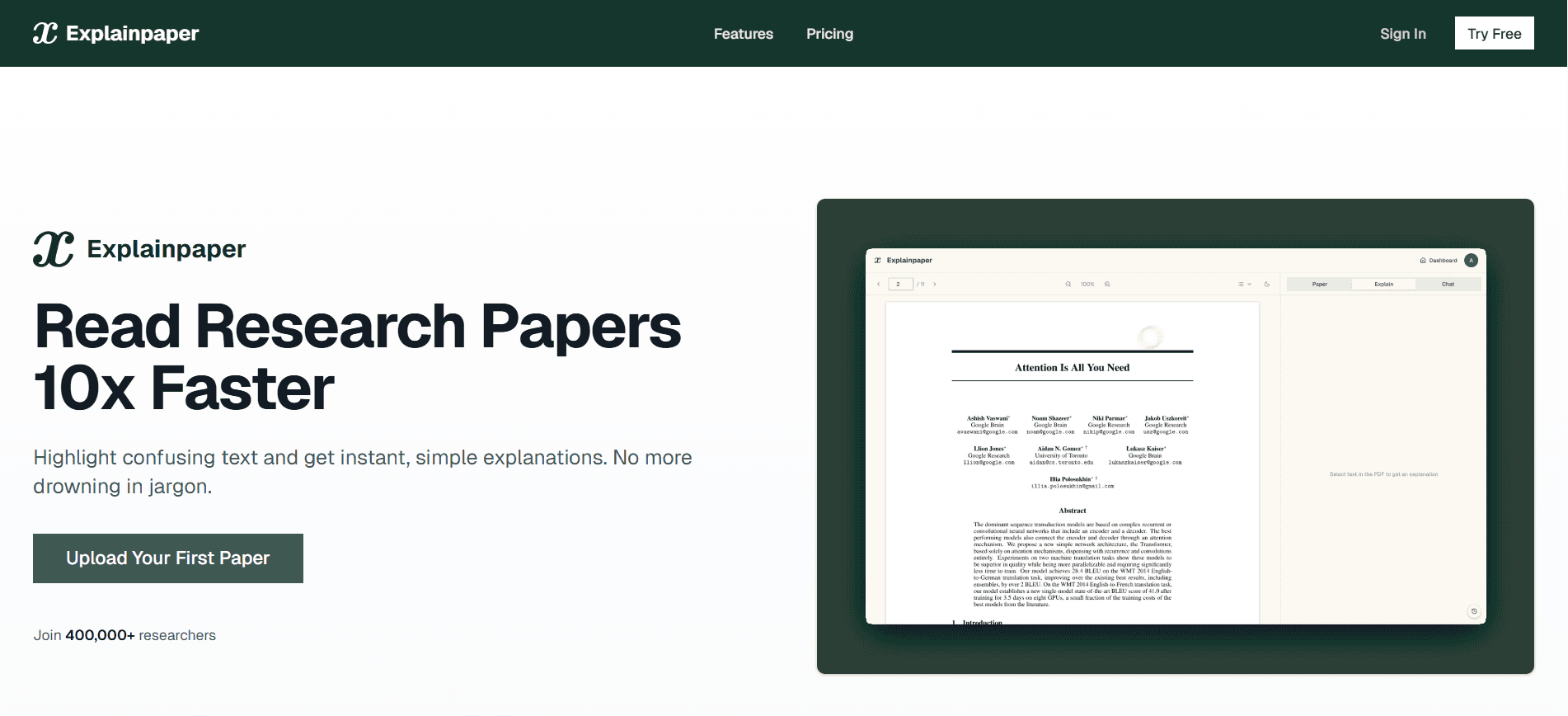
Explainpaper is a focused tool for understanding research papers. You upload a PDF, highlight a confusing part, and it explains it in plain language. For engineering students, this helps a lot when reading topics like machine learning, signal processing, control systems, or any paper with heavy math and jargon. It supports active reading because you are asking questions while reading instead of skipping confusing parts.
Helpful features for engineering students
-
Highlight any sentence and get an instant explanation
-
Breaks down technical jargon into simpler wording
-
Lets you ask follow up questions about methods and results
-
Great for dense research papers in advanced topics
-
Browser based so it works across operating systems
-
Encourages deeper understanding instead of surface skimming
-

AI Tools for Data Analysis and Machine Learning
-
Formula Bot

Formula Bot is an AI data analysis assistant that helps you work with data using natural language. Engineering students can use it for lab data analysis, plotting graphs, cleaning datasets, and doing quick statistics without writing much code. It is helpful when you want to move fast or when you are not fully confident in coding every analysis step. It also fits well when you work in spreadsheets for lab submissions and reports.
Helpful features for engineering students
-
Ask questions like correlation, trends, and comparisons in chat
-
Generates charts and tables from uploaded data
-
Helps clean data by filtering, formatting, and restructuring
-
Useful for survey data, logs, and experiment results
-
Works with spreadsheet style workflows for labs
-
Helpful for repeated experiments where reporting takes time
-
-
TensorFlow
TensorFlow is a machine learning framework used to build and train models. Engineering students can use it in ML courses, computer vision projects, signal processing work, and prediction tasks like failure detection or forecasting. It is powerful, but it also has beginner friendly paths through higher level APIs. The real advantage is that it supports the full pipeline from training to deployment, so it is useful for final year projects where you want a complete working system.
Helpful features for engineering students
-
Build and train models using high level APIs
-
Supports GPU acceleration for deep learning tasks
-
Tools for visualising training and tracking experiments
-
Options to run models in browser or lightweight devices
-
Useful for real projects like vision, NLP, and predictive analysis
-
Huge learning ecosystem with examples and tutorials
-


AI Tools for Exam Preparation and Concept Learning
-
Quizlet AI
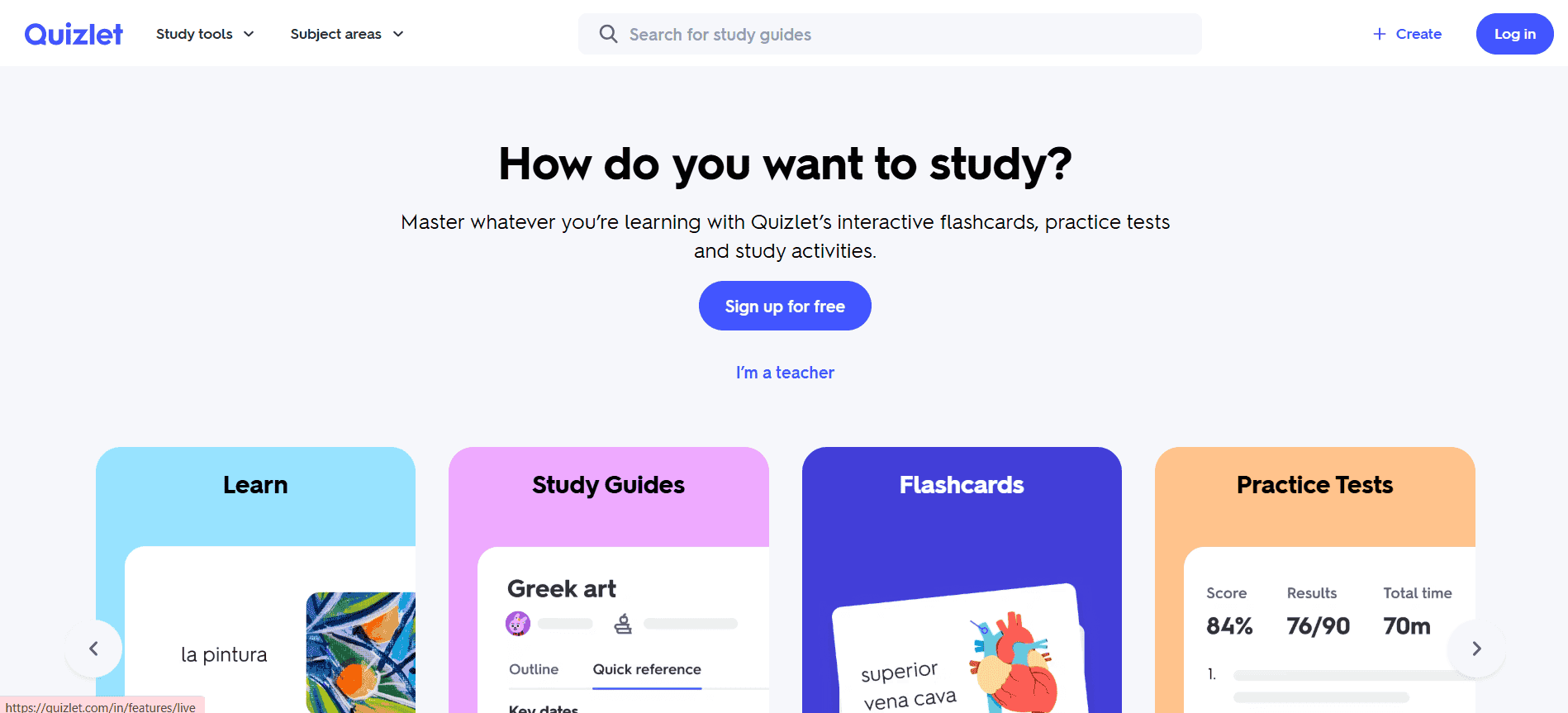
Quizlet is a study tool that helps you practise with flashcards and quizzes, with AI features that can generate study sets from your notes. Engineering students can use it for formulas, definitions, derivations steps, and short concept questions. It helps when you need repeated practice before exams and want a system that keeps reminding you of weak areas. It is also helpful when you want quick revision on your phone during travel or breaks.
Helpful features for engineering students
-
Turns notes into flashcards and practice questions
-
Practice modes that adapt to your weak topics
-
Helps retain formulas and definitions across the semester
-
Large library of existing decks for common subjects
-
Works on web and mobile for revision anywhere
-
Useful for quick drills before quizzes and mid sems
-
-
Anki
Anki is a spaced repetition flashcard system built for long term memory. Engineering students can use it to retain formulas, circuit laws, programming concepts, and even problem solving templates. The main idea is simple. You revise cards right before you are likely to forget them. Over a semester, this makes revision lighter and more predictable. It is especially useful for subjects where forgetting small rules causes big mistakes.
Helpful features for engineering students
-
Spaced repetition scheduling for long term retention
-
Supports equations, images, and technical content formats
-
Sync across devices so you can revise anytime
-
Handles huge decks, useful across multiple semesters
-
Many community decks for technical subjects
-
Helps build a daily revision habit without overwhelm
-

How Engineering Students Can Choose the Right AI Tools
Here are a few things engineering students should keep in mind before selecting AI tools.
-
Identify Your Core Need
Start by asking yourself what you actually need help with. Is it coding, design, simulations, math problems, or project research? When you are clear about your goal, choosing the right tool becomes much easier.
-
Match the Tool to Your Engineering Branch
Every branch has different requirements. A tool useful for computer science may not be helpful for civil or mechanical engineering. Pick tools that align with your subjects and lab work.
-
Check Accuracy and Depth
Engineering needs precise answers. Make sure the tool gives technically correct explanations, not just basic summaries. Cross-check important outputs before relying on them.
-
Look at Software Compatibility
If you already use coding platforms, CAD tools, or simulation software, choose AI tools that work well with them. Smooth integration saves time and effort.
-
Compare Cost and Value
Free tools are great, but sometimes paid tools offer deeper features. Think about whether the tool actually improves your learning before paying for it.
-
Focus on Learning, Not Just Speed
Avoid tools that simply give answers without explanation. The best AI tools help you understand the process so you can solve similar problems on your own.
-
Keep Data Security in Mind
Be careful when uploading projects or code. Always check privacy policies and avoid sharing sensitive information on untrusted platforms.
Closing Thoughts
AI tools can genuinely make engineering life easier, but they work best when you use them with your own thinking, not instead of it. Pick tools that match your branch and your daily workload, then use them to speed up notes, coding, research, and revision. Just keep cross-checking important outputs, especially for math, simulations, and code. Used the right way, these tools help you learn faster and finish projects with less stress.
Tired of replaying recordings just to find one formula or step? Try Audionotes and let AI organise everything into searchable notes for you.
Frequently Asked Questions (FAQs)
-
What are the benefits of using AI tools as an engineering student?
AI tools help you solve problems faster, reduce repetitive work like coding or report drafting, and organise research and notes better. They can also support revision in tough subjects like calculus and thermodynamics.
-
Are AI tools reliable for solving complex math problems?
They can handle many structured math problems, but accuracy depends on complexity. Always cross check important answers with manual calculations or trusted software.
![Best Free Note-Taking Apps for iPad in 2025 [Top 6]](/blog/covers/free-note-taking-apps-ipad.png)
![Best AI Tools for Students in 2026 [Ranked]](/blog/covers/ai-tools-for-students.png)