What Is Automated Transcription? Complete Guide
What is automated transcription? Learn how AI converts speech to text, its accuracy, and the best tools available in 2026. Try Audionotes free.
What is Automated Transcription?
Automated transcription is the process of converting spoken language from audio or video files into written text using artificial intelligence (AI) and speech recognition technology.
Instead of a person listening to a recording and typing everything manually, automated transcription software analyzes the audio, identifies words, and generates a text transcript within seconds or minutes.
How Automated Transcription Works (Step-by-Step)
Here’s a simple breakdown of how it works:
-
Input: You upload your audio or video file into the transcription tool. This could be anything from a lecture, podcast, meeting, or interview.
-
Analysis: The software uses AI and machine learning to scan the audio. It listens closely to identify words, sentence patterns, speaker changes, and sometimes even tone.
-
Conversion: Once the speech is recognized, the software starts converting it into written text using speech-to-text technology.
-
Output: You get a written transcript that you can edit, share, search, or use for subtitles, documentation, or notes.
It’s fast, it’s easy, and it’s becoming a go-to tool for content creators, students, businesses, and anyone who works with spoken content.
Learn more about 8 Best Voice to Text Apps for Fast & Accurate Transcription
What are The Key Benefits of Automated Transcription
-
Time and Cost Efficiency
Automated transcription saves you hours of manual work. Instead of typing out long recordings by hand or hiring someone else to do it, you can get a full transcript in minutes. It cuts down costs and frees up your time to focus on more important tasks.
-
Speed
The speed is one of the biggest advantages. As soon as your recording is ready, you can upload it and get the transcript almost instantly. Whether you’re in a meeting, recording a lecture, or interviewing someone, you don’t have to wait long to turn spoken words into text.
-
Accessibility
Transcripts make your content easier to access for everyone, especially people who are deaf or hard of hearing. It also helps non-native speakers understand your content better. Whether it’s a podcast, webinar, or classroom lecture, having a transcript on hand makes a big difference.
-
Productivity
When you have a written version of your conversation or meeting, you can quickly scan, search, or highlight parts without rewatching or relistening to the whole thing. This makes it easier to find quotes, summarize discussions, or share important points with your team.
-
Scalability across languages
If you’re working with a global audience, automated transcription tools often support multiple languages. You can transcribe conversations in one language and even translate them, which helps scale your content to reach more people without doing everything manually.
Automated vs Manual Transcription
Aspect
Human Transcription
Automated Transcription
Mode of Delivery
Transcriptions are created by professional transcribers who listen carefully and type the content manually.
Software or AI tools process the audio and generate the text instantly.
Accuracy
Very high accuracy, especially for difficult accents, background noise, or technical language. Errors are rare because humans can understand context.
Accuracy can vary. Works well with clear audio, but sometimes struggles with overlapping voices, heavy accents, or noisy backgrounds.
Turnaround Time
Slower, as it takes time for a human to listen and type. Delivery may take hours or even days, depending on the length of audio.
Much faster. Transcripts are generated within minutes, no matter the length of the recording.
Cost
More expensive because it requires professional effort and time.
Cheaper, often subscription-based or pay-per-use, making it budget-friendly.
Use of Technology
Relies more on human skill than advanced software. Technology is only used for formatting or reviewing.
Entirely dependent on AI and speech recognition algorithms. Quality improves with better software updates.
Consistency
Consistent results when handled by skilled professionals. Review processes often ensure quality.
Consistency depends on audio quality. Good recordings produce reliable results, poor ones lead to errors.
Privacy and Security
Safer for sensitive data if you work with trusted transcription professionals who follow confidentiality agreements.
Data security depends on the platform. Some tools may store or process files in the cloud, which could raise privacy concerns.
Turnaround Flexibility
Can take longer, but rush services are often available at a higher cost.
Always fast, making it useful when time is critical.
Editing and Proofreading
Usually comes reviewed and proofread, with fewer corrections needed.
Often requires manual checking and editing after the transcript is generated.
Best Suited For
Legal work, medical records, research interviews, or projects where accuracy is very important.
Quick notes, meeting summaries, podcasts, or lectures where speed matters more than perfect accuracy.
Top Use Cases for Automated Transcription
-
Business Communications
In fast-paced workplaces, it’s easy to miss something in meetings or conference calls. Automated transcription helps by capturing every word. You can go back, read through the main points, and share summaries or action items with the team. It keeps everyone on the same page.
-
Content Creation and Media
Whether you’re a podcaster, YouTuber, or journalist, transcripts help you repurpose content. You can turn interviews into blog posts, pull quotes for social media, or add subtitles to videos. It saves effort and makes your content more searchable and shareable.
-
Research and Academia
For researchers, students, and teachers, transcription is a game changer. You can record interviews, lectures, or focus group discussions and turn them into clean, searchable text. It makes analysis easier and lets you focus on the insights instead of typing everything out.
-
Legal and Healthcare
Accuracy matters a lot in legal and medical settings. Automated transcription helps record and document important details like court proceedings, patient notes, or consultations. It ensures nothing gets lost and helps professionals keep clear records for future use.
-
Customer Support and Training
If your team handles customer calls or gives live demos, having transcripts of those sessions can be very useful. You can use them to train new staff, improve support scripts, or even spot areas where your service can get better.
List of Best Tools for automated Transcription
Here are some of the top tools for automated transcription;
-
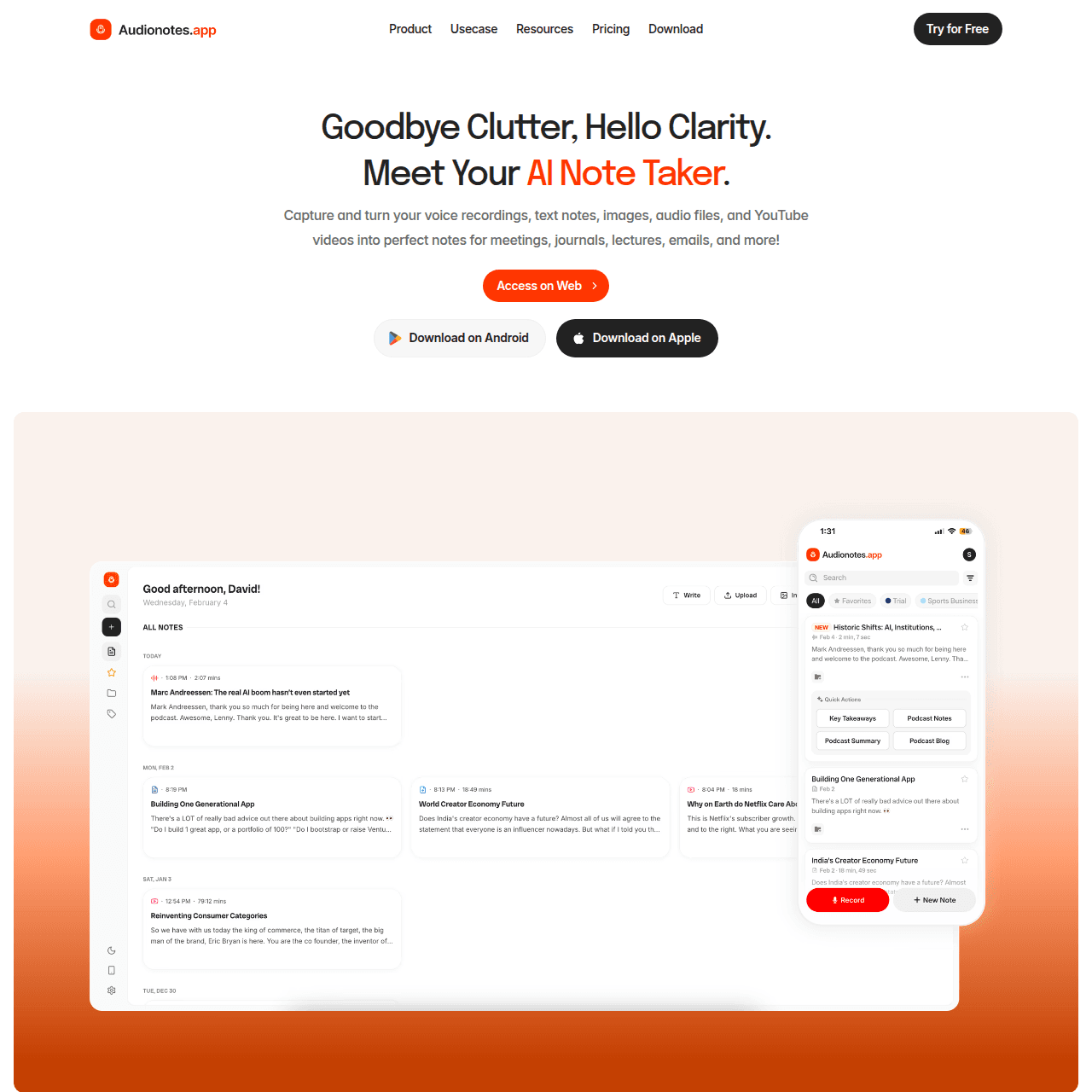
Audionotes – All-in-one AI transcription & note-taking tool A versatile platform that not only transcribes audio but also organizes ideas, generates summaries and action items, and lets you search or interact with your content across voice, video, and files , ideal for creators, students, and professionals alike.
-
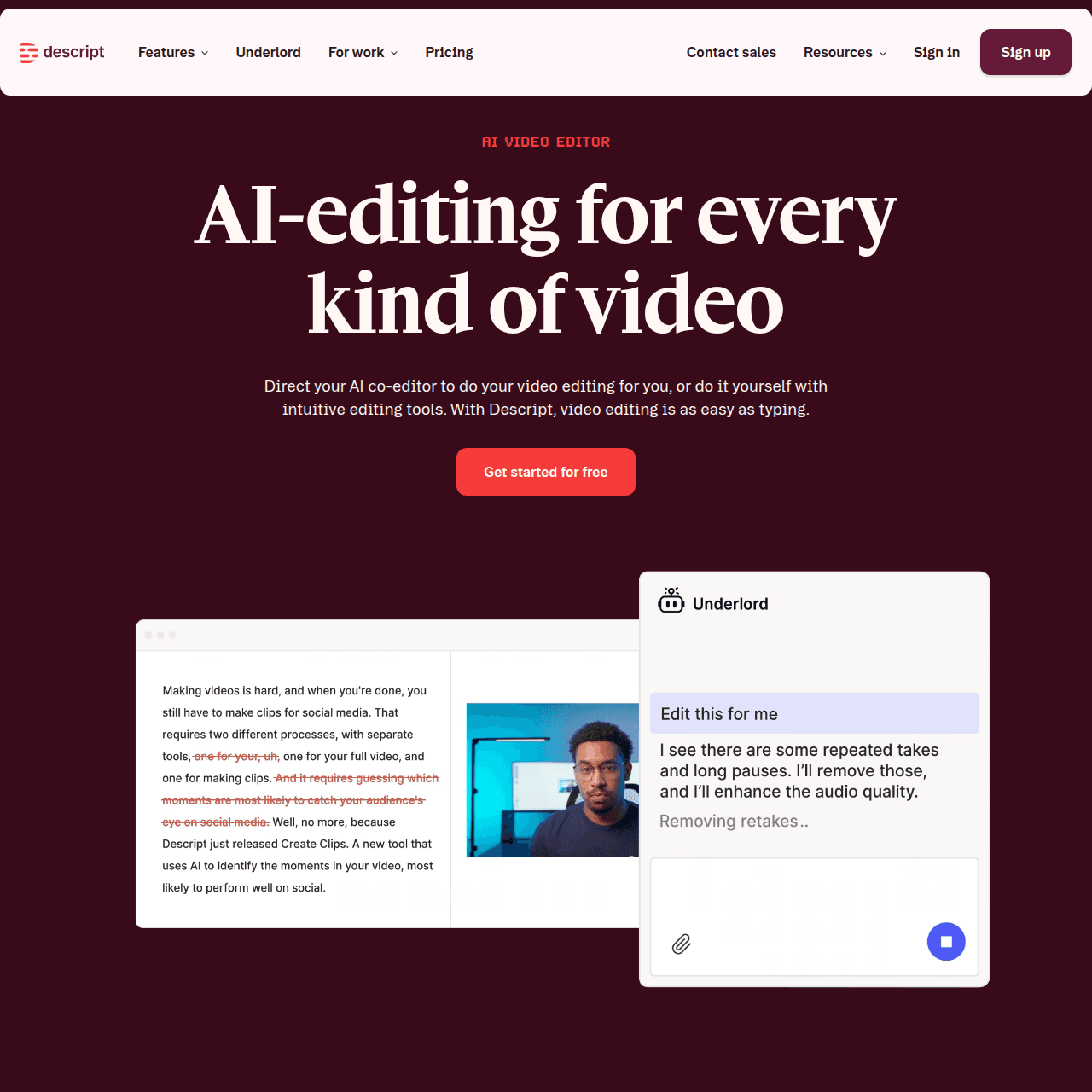
Descript – Transcription + Audio/Video Editing A powerful tool that combines accurate AI transcription with an intuitive editor, deleting text in the transcript also edits the corresponding audio or video. Great for podcasters, content creators, and marketers who want seamless editing workflows.
-
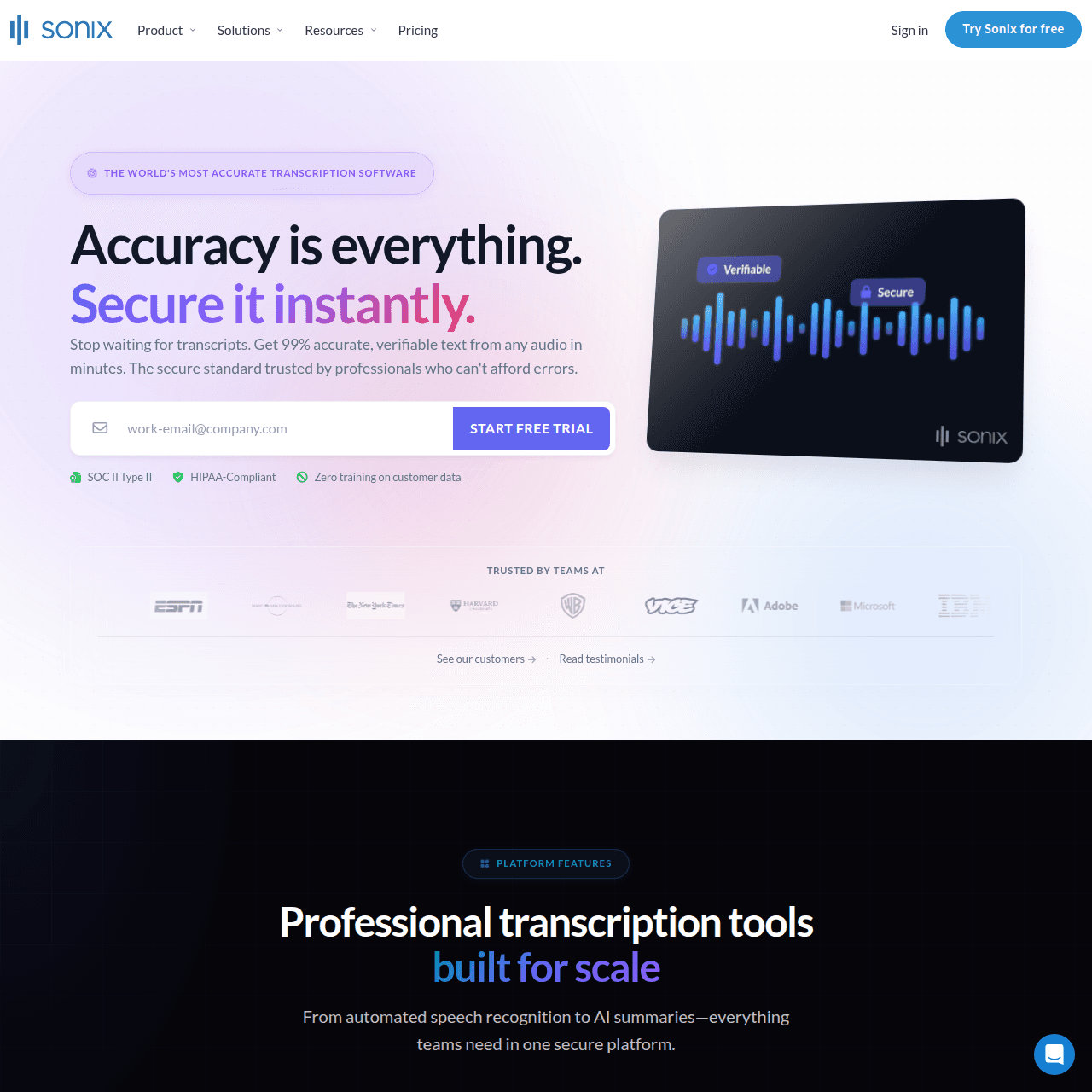
Sonix – Best for Multilingual Projects Known for highly accurate speech-to-text and support for more than 40 languages, Sonix includes features like timestamps, translation, and export options, making it a strong choice for global teams or international content workflows.
-
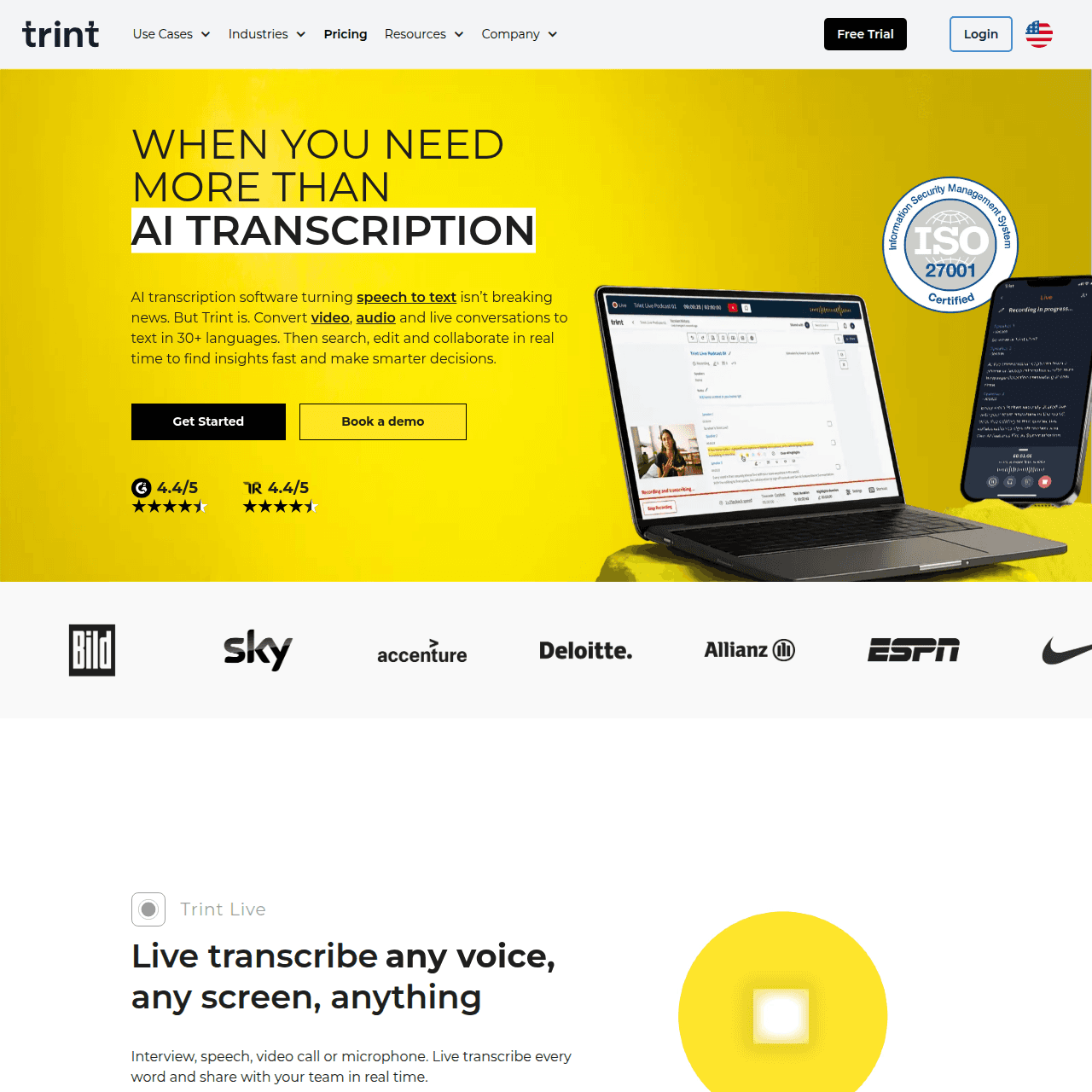
Trint – Collaboration-Focused Transcription Platform Offers real-time transcribing with multi-language support, editing tools, and team collaboration features. Useful for newsrooms, marketing teams, and any group that needs to work together on transcripts.
-
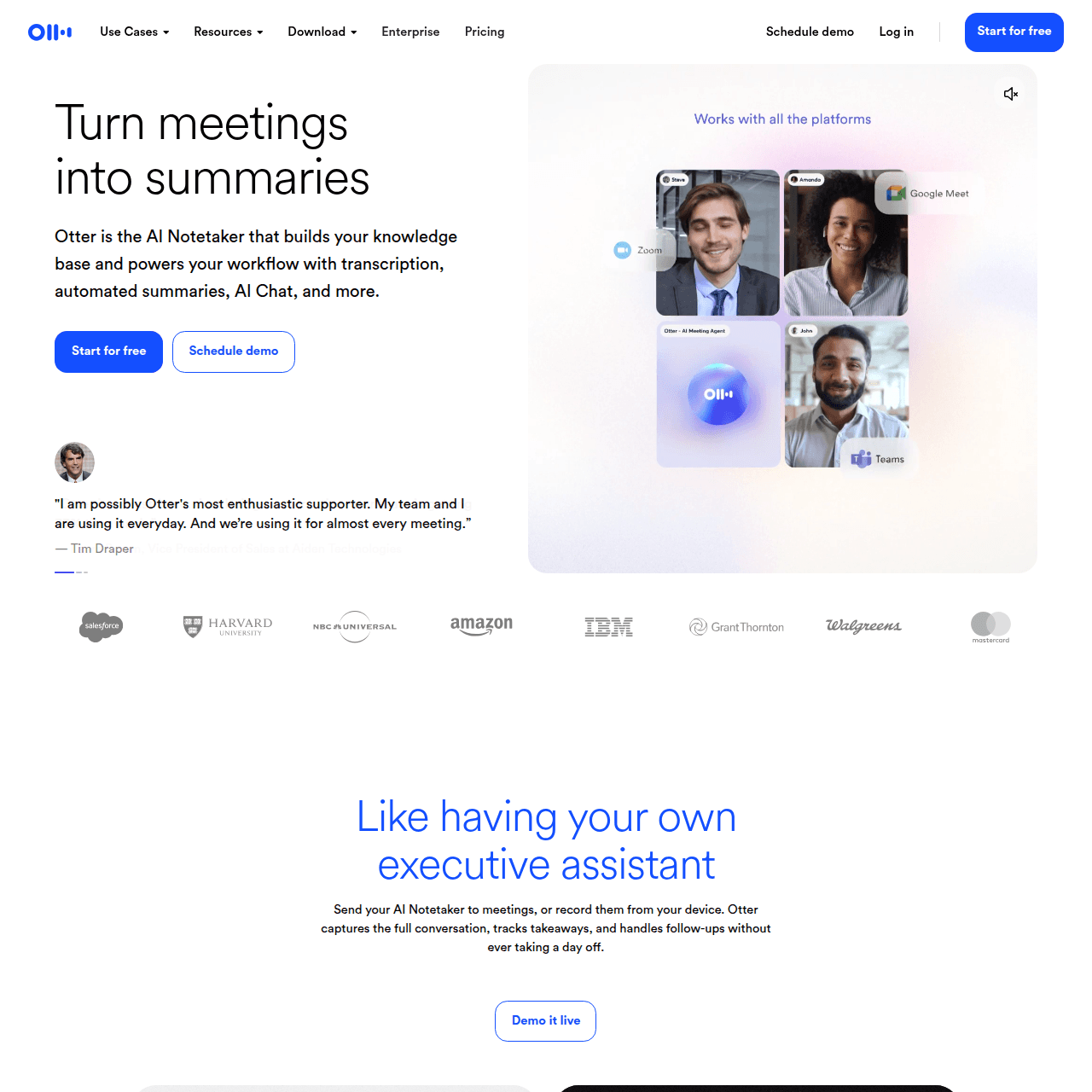
Otter.ai – Real-Time Transcription & Meeting Support A popular choice for transcribing meetings, lectures, and conversations in real time. Otter.ai also adds features like speaker detection, summaries, and searchable transcripts, especially handy for teams using Zoom or Google Meet.


Also Read: Otter AI Alternatives
Accuracy & Limitations of Automated Transcription
There’s something powerful about being able to turn spoken words into something you can scroll through, search, and actually use. Whether it’s a lecture, a meeting, or an idea captured on the go, it helps when your transcription tool doesn’t just spit out raw text but actually makes that information easier to understand, organize, and revisit.
Audionotes does exactly that. It’s designed to take audio, video, text, images, or even YouTube links and turn them into clean, structured notes that work across your workflow. But what really makes it stand out is the extra layer of features that help you make sense of your content, not just record it.
Here’s what Audionotes brings to the table:
-
Support for Over 30 Languages
Whether you’re working in English, Hindi, Spanish, or any other language, Audionotes can transcribe and even translate across more than 30 languages, making it a great fit for global users.
-
Lets You Chat With Your Notes
One of the most unique features is the ability to interact with your transcripts. You can ask questions about your notes using a built-in “chat with your notes” tool, making it easier to find specific parts or understand what was discussed without reading the entire text.
-
Built-in Smart Tools
You don’t have to copy-paste your transcript into another app to make flashcards or summaries. It does that for you. You can even ask it to create quizzes or outline the main ideas.
-
Handles Multiple Formats Smoothly
Whether it’s voice memos, typed notes, images, video files, or YouTube links, Audionotes processes it all. This flexibility makes it useful for students, professionals, content creators, and anyone who needs fast, multi-format transcription.
-
Simple but Smart Extras
It gives you timestamps, lets you edit the text, syncs everything across devices, and even connects with WhatsApp. These little things add up and make it easy to stay organized.
If you’re looking for transcription that actually helps you do more with your content, Audionotes is the tool to try.
Need a reliable audio-to-text transcription tool? Audionotes offers AI-driven transcription with multi-language support and easy editing. Explore Audionotes Audio-to-Text

![Best Medical Dictation Software in 2025 [Top 7]](/blog/covers/best-medical-dictation-software.png)
![How to Prepare a Meeting Agenda [Template + Tips]](/blog/covers/how-to-prepare-agenda-for-meeting.png)